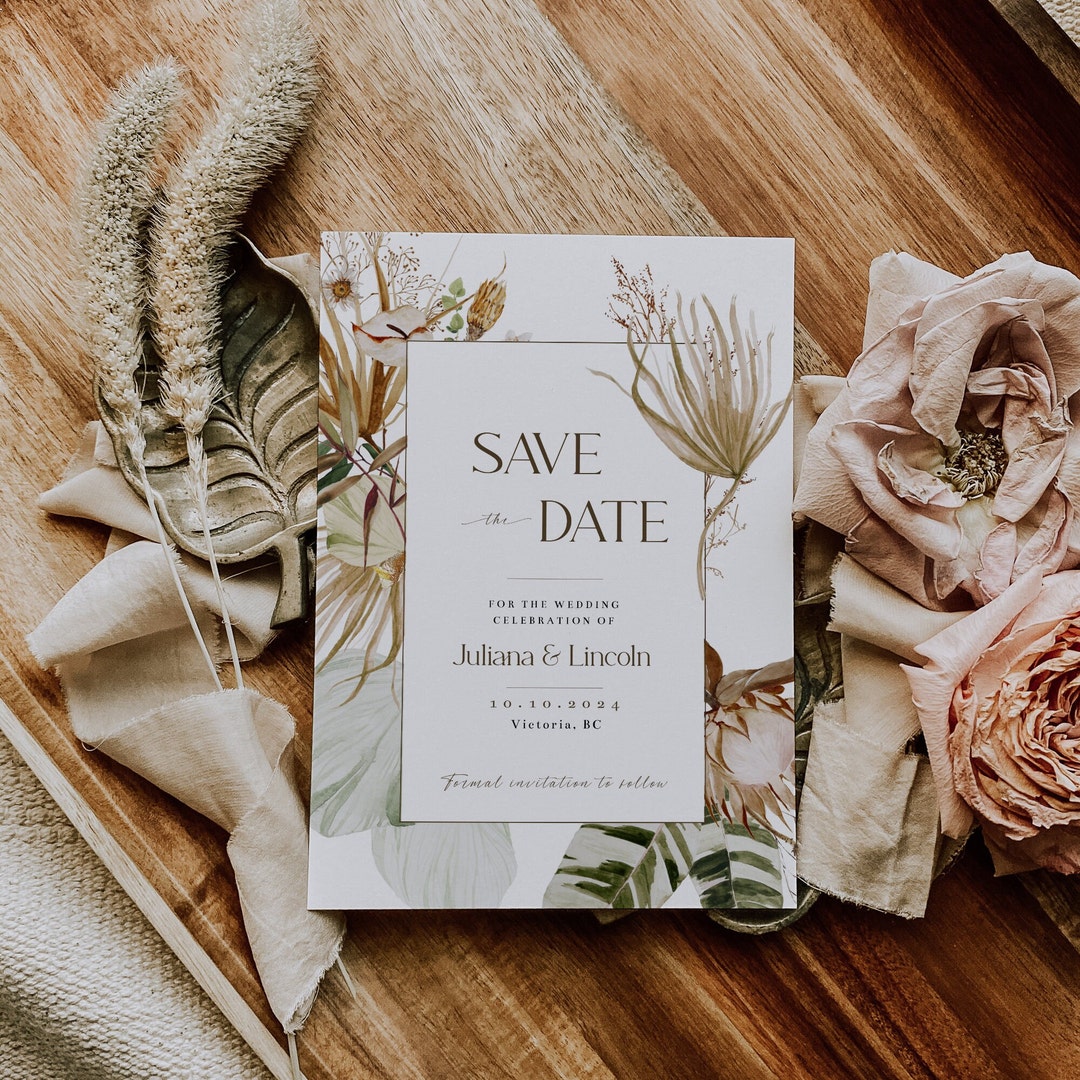
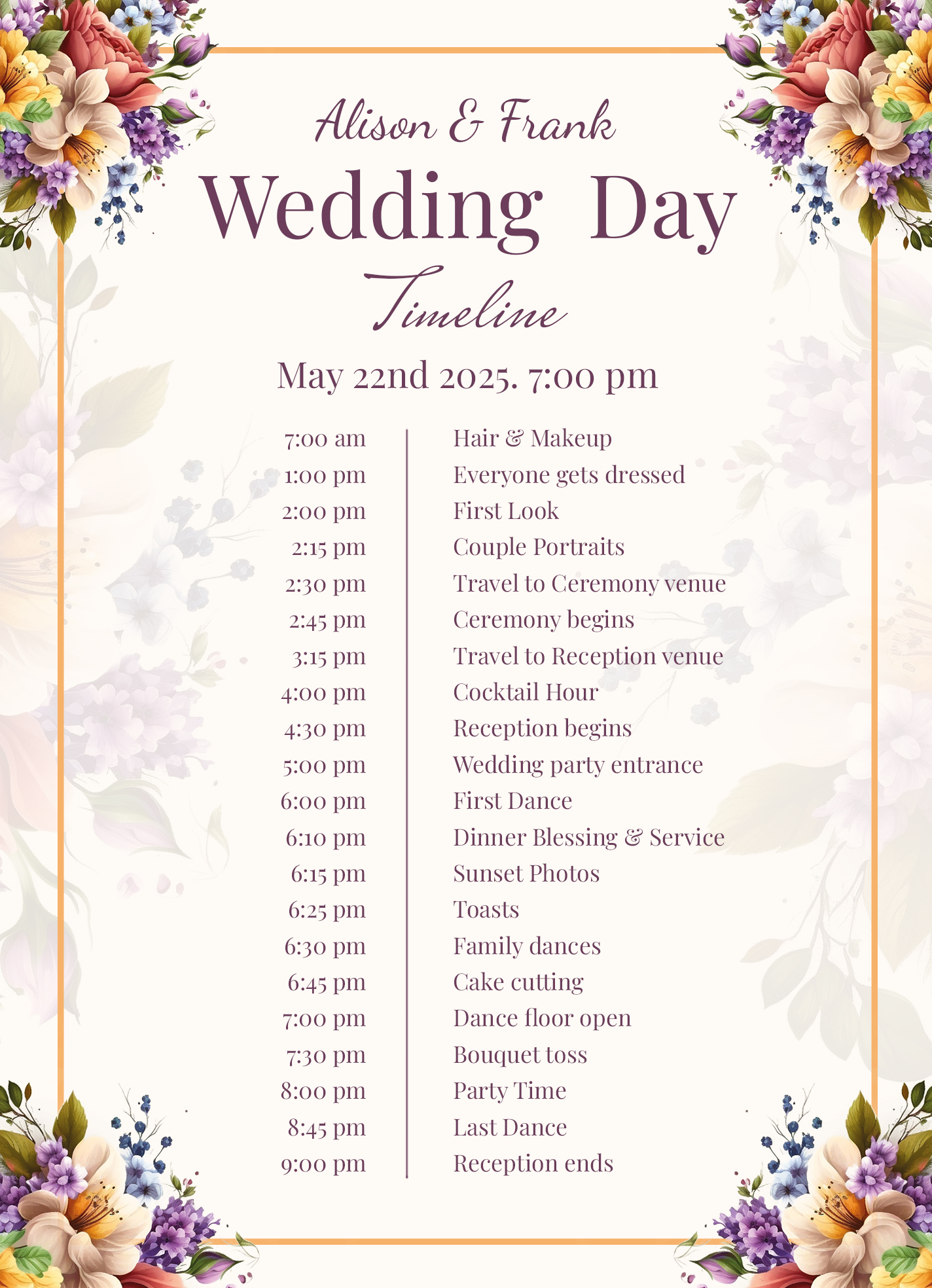
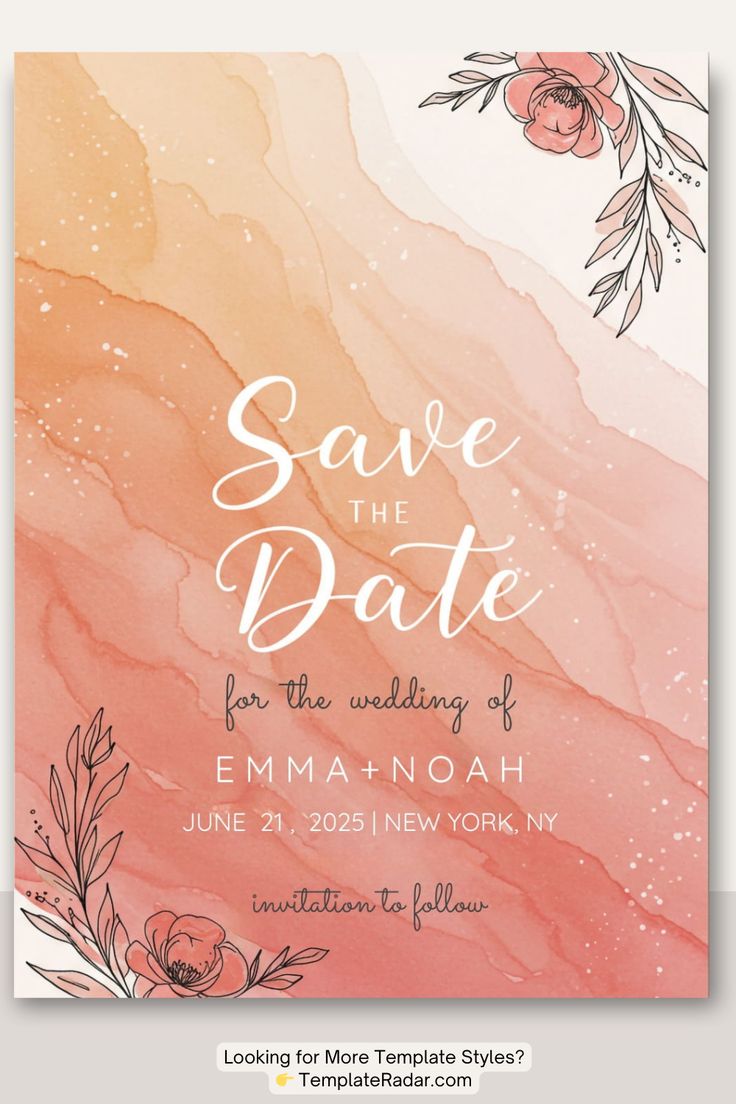
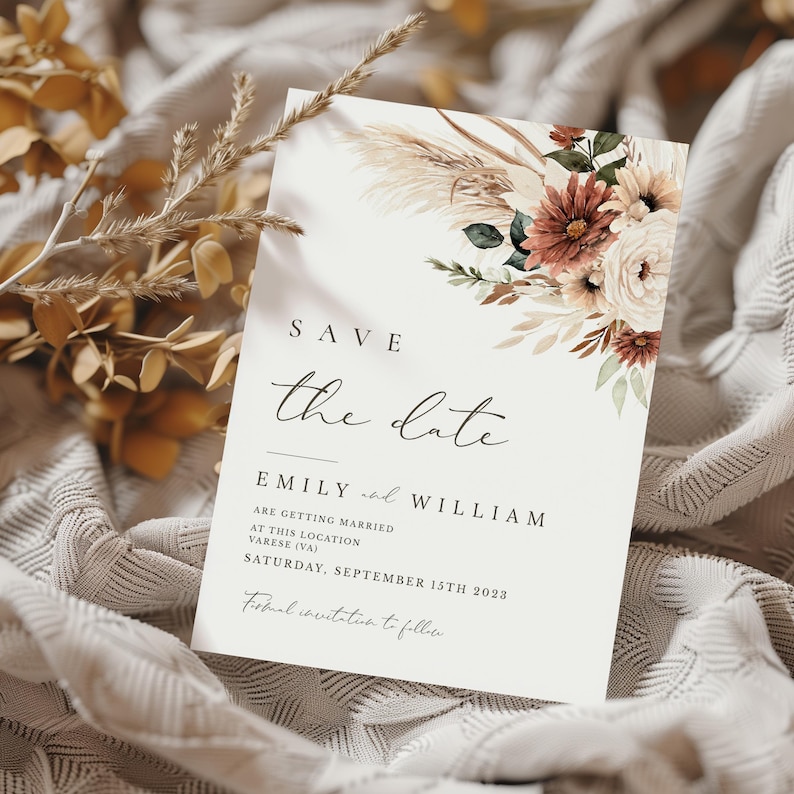
Planning a wedding can be both exciting and overwhelming, especially when it comes to keeping your guests informed. A Boho Wedding Save the Date Free Google Docs Template is a thoughtful approach to ensure your loved ones mark your special day well in advance. This template stands out because it’s not only visually appealing, but also user-friendly, allowing you to customize it easily to reflect your unique wedding style.
Understanding the Boho Aesthetic
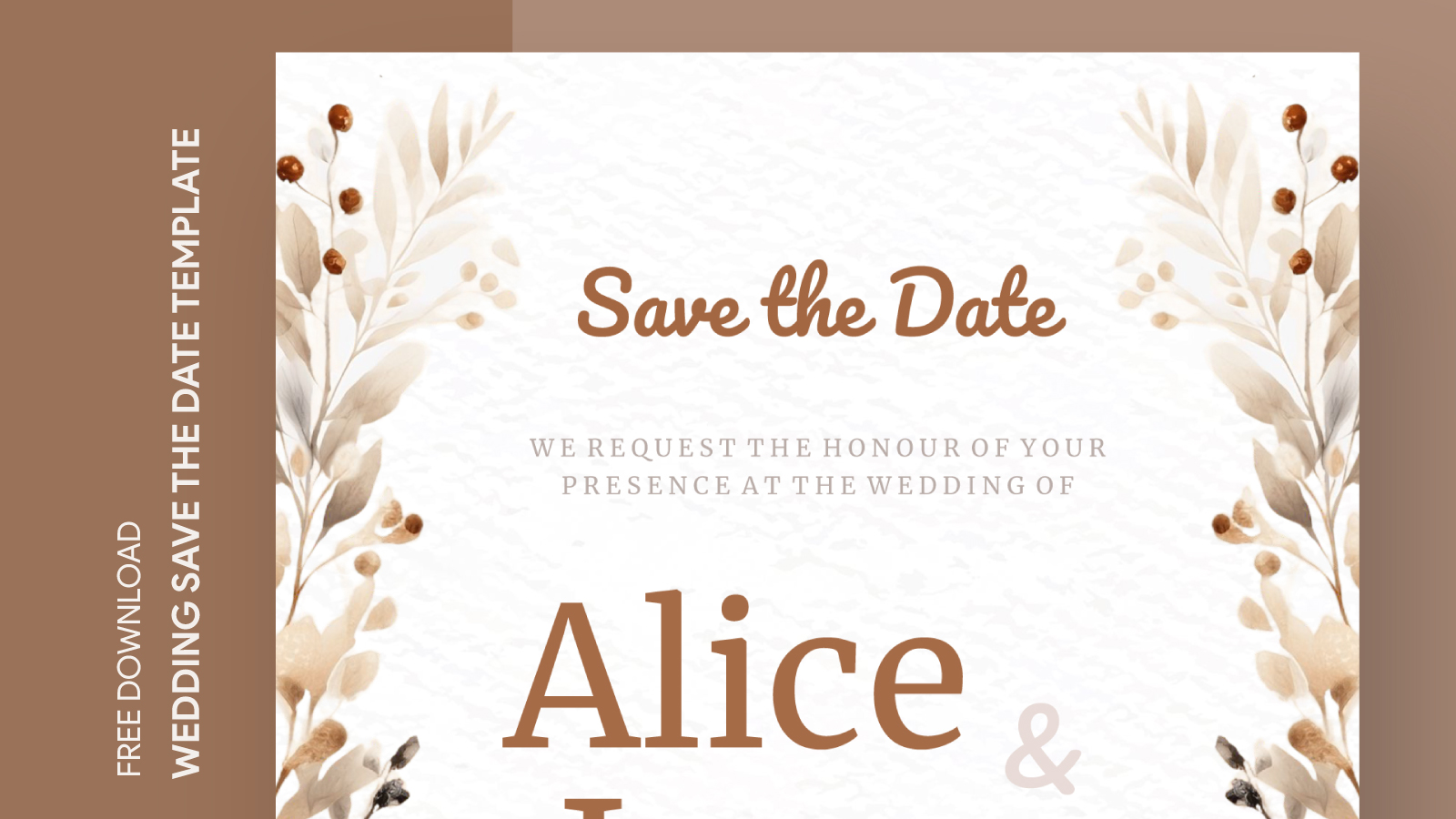
The Bohemian style is characterized by its free-spirited and eclectic nature. Think earthy colors, floral designs, and natural elements. When you incorporate these elements into your save the date, you set the tone for a relaxed, whimsical wedding atmosphere. The template is designed with these aesthetics in mind, offering a harmonious blend of colors and graphics that resonate with the Boho theme.
What’s Included in the Template?
The Boho Wedding Save the Date Free Google Docs Template includes several key features designed to make your life easier:
- Editable Text Fields: You can easily personalize the names, wedding date, and location. Just click on the text boxes to input your details.
- Beautiful Graphics: The template features floral designs and earthy color palettes that embody the Bohemian spirit.
- Print-Friendly Layout: It’s formatted for easy printing, ensuring that your save the dates look professional without any hassle.
- Flexible Design: You can modify colors and fonts to better match your wedding theme or personal preferences.
How to Use the Template
Using the Boho Wedding Save the Date Free Google Docs Template is straightforward, even for those who might not be tech-savvy. Here’s a step-by-step guide to help you get started:
- Access the Template: Click the link to open the Google Docs template. Make sure you’re logged into your Google account.
- Make a Copy: Go to ‘File’ and select ‘Make a copy’ to save it to your own Google Drive. This ensures you can edit it without affecting the original.
- Personalize Your Details: Click on the text fields to add your names, wedding date, and location. Be sure to use a clear font that’s easy to read.
- Adjust the Design: If you want to change colors or fonts, explore the formatting options in Google Docs. You can add personal touches to make it uniquely yours.
- Print or Share Digitally: Once you’re satisfied with the design, you can either print it or send it out as a digital save the date. For printing, it’s best to use a high-quality paper to enhance the final look.
Paper and Printing Choices
Choosing the right paper and printing method can elevate your save the date cards. Here are a couple of options to consider:
- Cardstock: For a sturdy feel, cardstock is a fantastic choice. It holds up well during mailing and gives a professional touch to your save the dates. A standard size of 5×7 inches is often ideal for such invitations.
- Matte vs. Glossy: Matte paper offers a more classic look and feels substantial, while glossy paper can enhance the colors and designs for a vibrant finish. Consider your wedding theme when making this choice.
When printing, make sure to adjust your printer settings for the best results. Portrait layout tends to work better for most home printers, but always do a test print first to ensure everything looks right.
Sending Out Your Save the Dates
Once your Boho Wedding Save the Date Free Google Docs Template is printed, it’s time to share it with your guests. Here are some practical tips for sending them out:
- Mailing: Use envelopes that match your save the date cards in style and color. Addressing them neatly is important; consider using calligraphy for a personal touch.
- Digital Options: If you’re opting for a digital send-out, convert the final document into a PDF to maintain formatting. You can email it or use online invitation platforms to reach your guests.
- Timing: Aim to send out your save the dates at least 6-8 months before your wedding. This gives your guests ample time to make arrangements, especially if they’re traveling from afar.
By using the Boho Wedding Save the Date Free Google Docs Template, you simplify the wedding planning process while still adding a personalized touch. The combination of creative design and practicality makes it an excellent choice for anyone looking to capture the essence of their wedding theme.
With this template, you’re equipped to create beautiful, memorable announcements that reflect your unique love story. Whether you choose to print them on cardstock or send them digitally, your guests are sure to appreciate the thoughtfulness behind your save the dates.
Boho Wedding Save the Date Free Google Docs Template Gallery