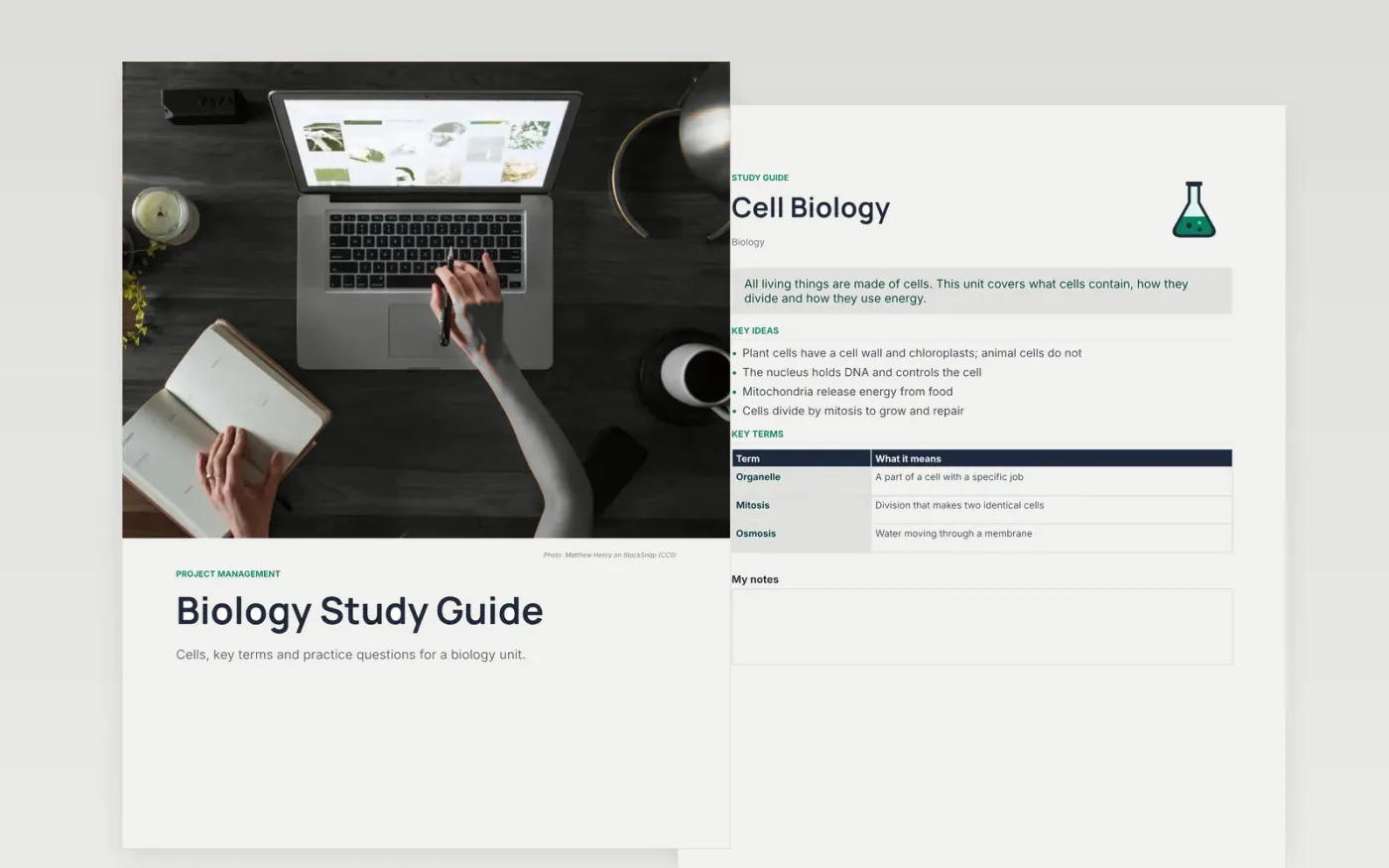
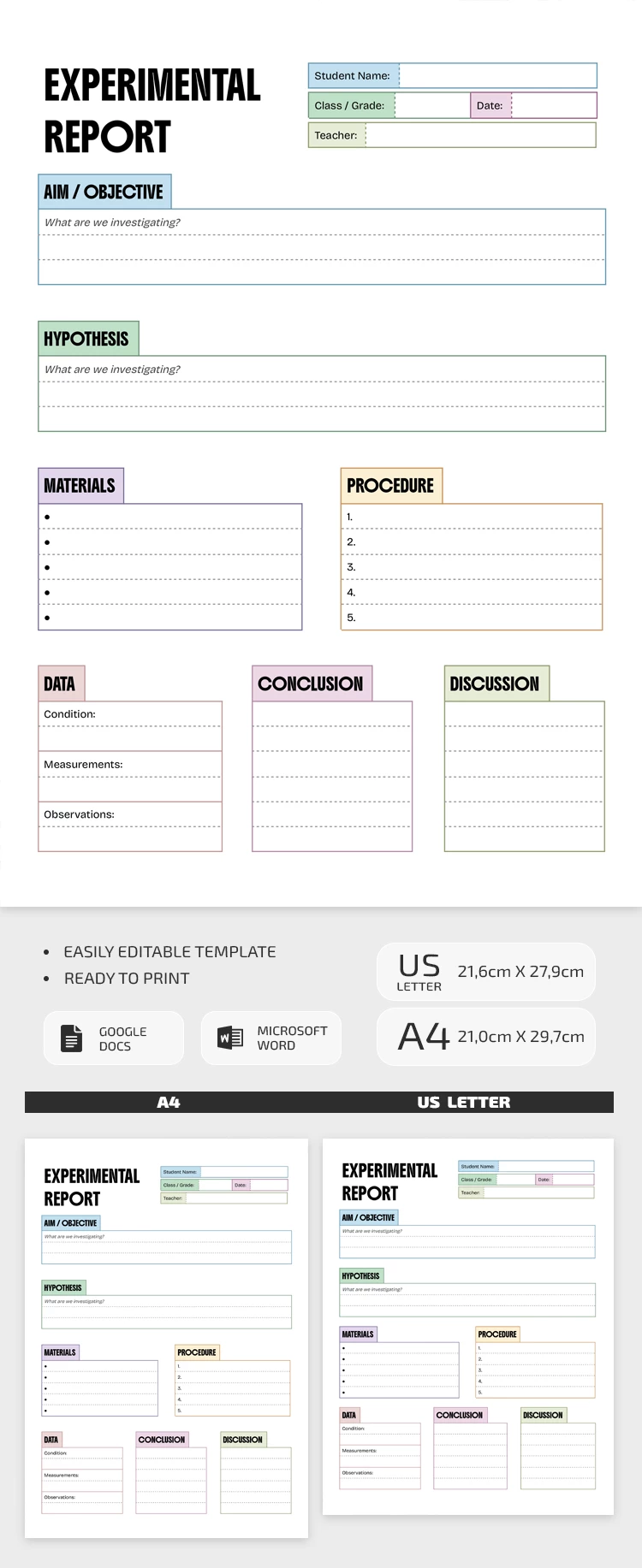
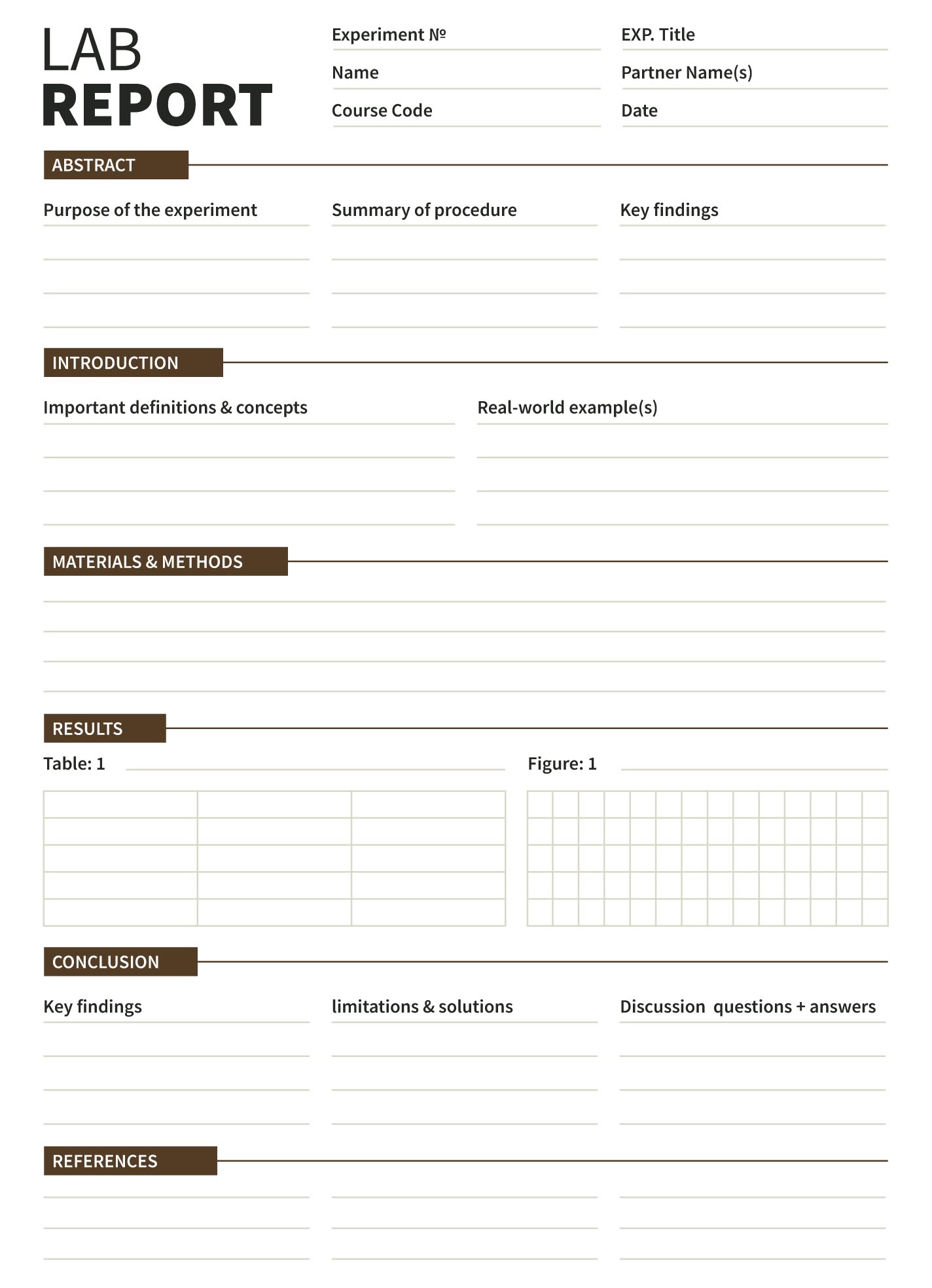
When it comes to helping your child with their biology studies, having the right tools can make a significant difference. The Biology Lab Report Free Google Docs Template is an excellent resource for students and parents alike. This template allows for easy customization, ensuring that your child can create a professional-looking lab report without the stress of starting from scratch.
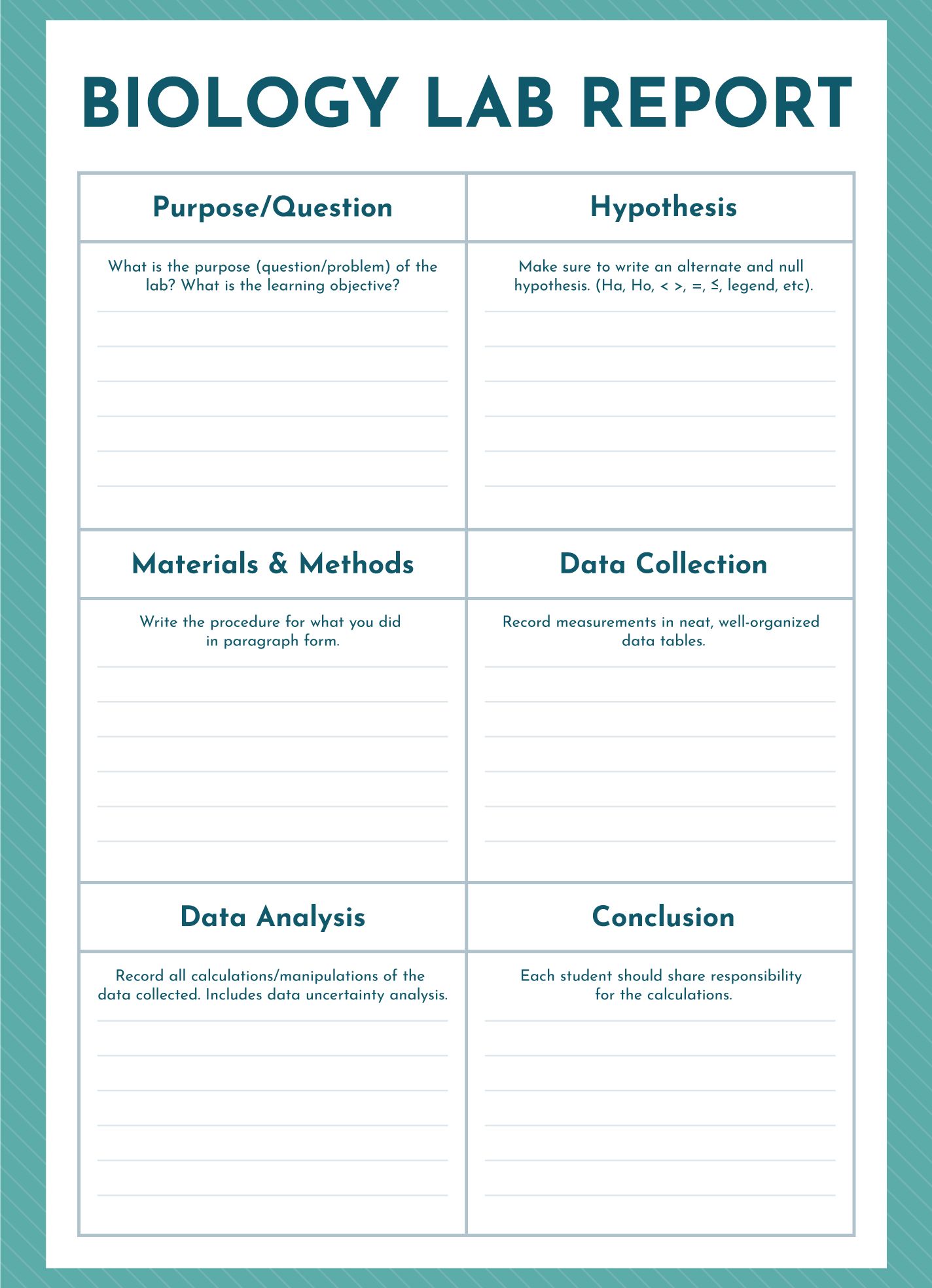
Why Use a Biology Lab Report Template?
Lab reports are a crucial part of the science curriculum. They help students process what they’ve learned, analyze their experiments, and communicate their findings clearly. Using a template like this one can streamline the process. It provides a structured format that guides your child through the necessary components of a lab report, such as the introduction, methods, results, and discussion.
By using the Biology Lab Report Free Google Docs Template, your child can focus on the content of their report rather than worrying about formatting. Plus, since it’s in Google Docs, collaborative editing is easy if they need to work with a partner or get feedback from you.
Customizing Your Template
Once you’ve downloaded the template, you’ll find it straightforward to customize. Google Docs offers an intuitive interface that allows you to make changes quickly. Here are some key areas that can be tailored to fit your child’s needs:
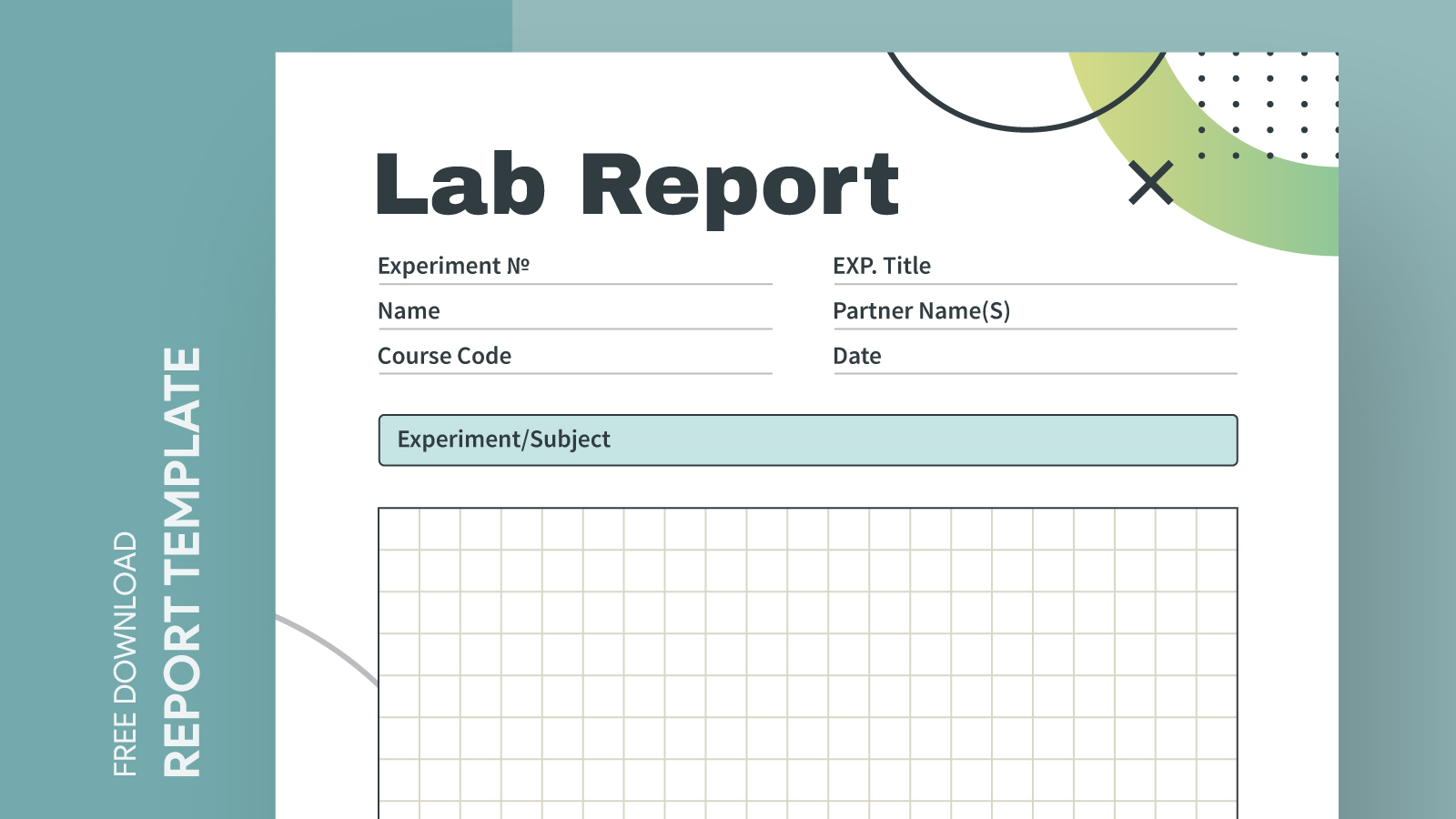
- Title Page: Customize the title page with the experiment’s title, your child’s name, date, and the class or lab section.
- Sections: Each section of the report is clearly labeled, making it easy to fill in details specific to the experiment conducted.
- Graphs and Charts: Insert any graphs or charts directly into the document. This can be done by copying from other programs or creating them within Google Docs.
Encourage your child to use their own words when filling in the sections. This not only helps with understanding the material but also promotes academic honesty.
Printing and Sharing Options
Once the report is complete, you’ll want to print it out or share it digitally. Here are some tips for both:
- Printing: For the best results, print the report using a high-quality printer. If you have access to cardstock, that can give the report a more professional feel, especially if it’s going to be submitted for grading. Standard letter size (8.5 x 11 inches) is typically the best choice for school assignments.
- Sharing: If your child needs to submit the report electronically, using Google Docs’ sharing feature is simple. They can send a link to their teacher or download the document as a PDF for submission, which helps maintain the formatting.
Practical Tips for Using the Template
Here are a few practical tips to ensure your child gets the most out of the Biology Lab Report Free Google Docs Template:
- Start Early: Encourage your child to start the report as soon as possible after the experiment. This helps keep the details fresh in their mind.
- Check for Understanding: Take time to discuss each section of the report with your child. Ask them questions about their experiment and findings to enhance their understanding.
- Review Before Submission: Ensure they proofread their report before submitting it. Simple mistakes can detract from the quality of their work.
If your child struggles with writing, remind them that it’s okay to ask for help. Whether it’s from you, a teacher, or a classmate, collaboration can lead to better results.
Biology Lab Report Free Google Docs Template Gallery