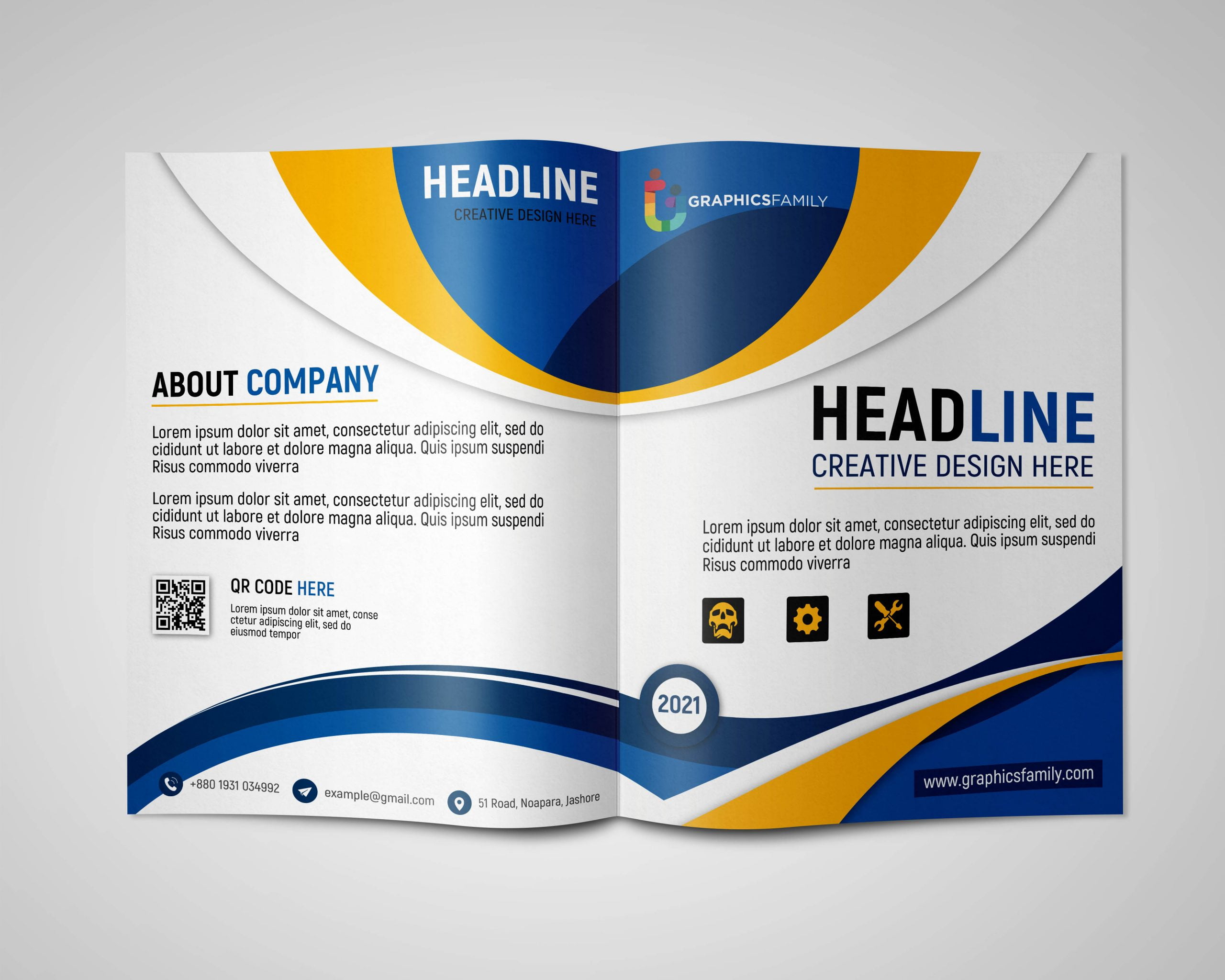
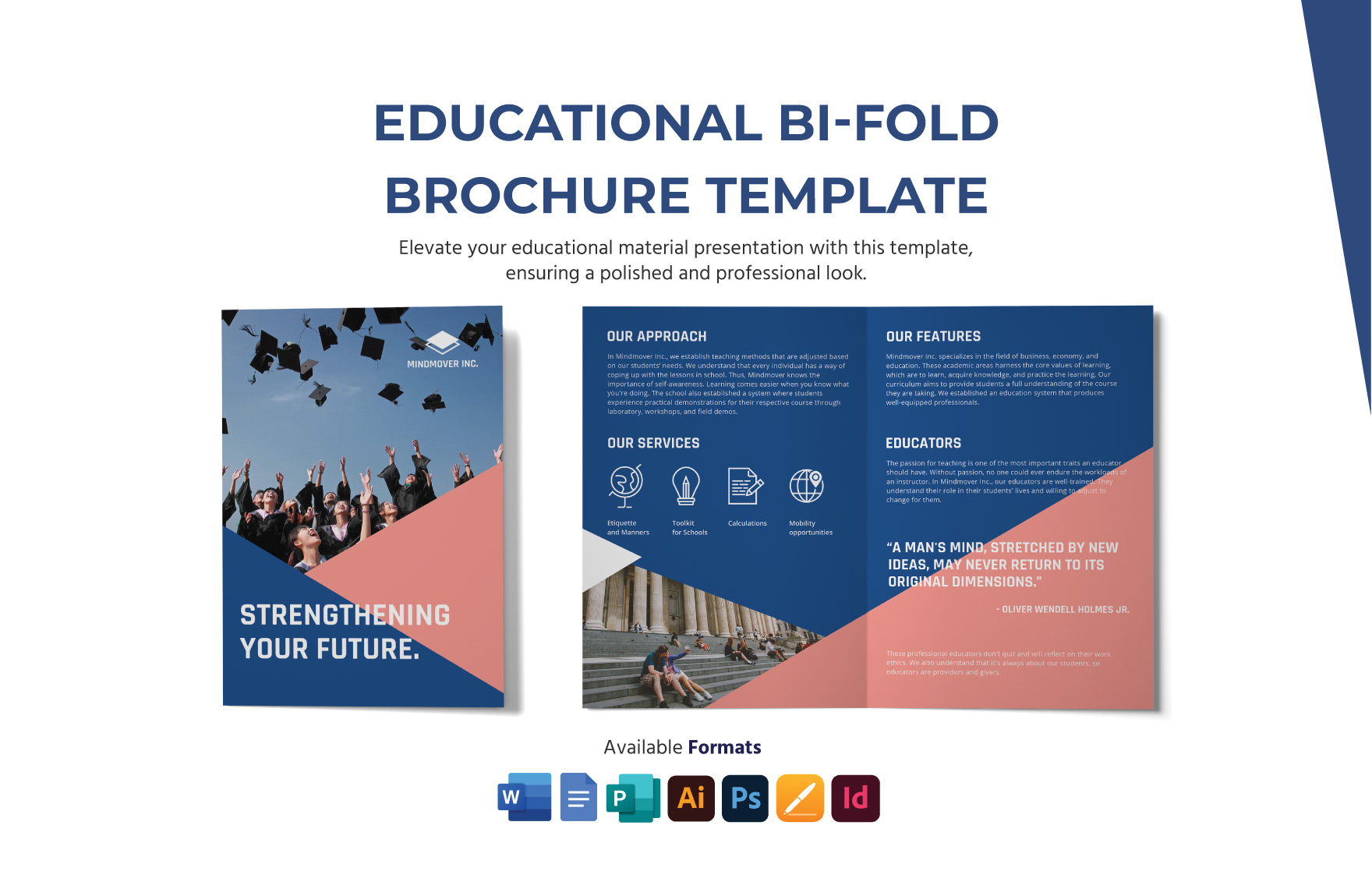
Creating a bifold brochure can be a fun and engaging way to present information, whether for a school project, family event, or community gathering. With the Bifold Brochure Free Google Docs Template, you can easily design a professional-looking brochure in just a few minutes. This template is designed to fit standard paper sizes, making it perfect for home printing.
Understanding the Bifold Brochure Layout
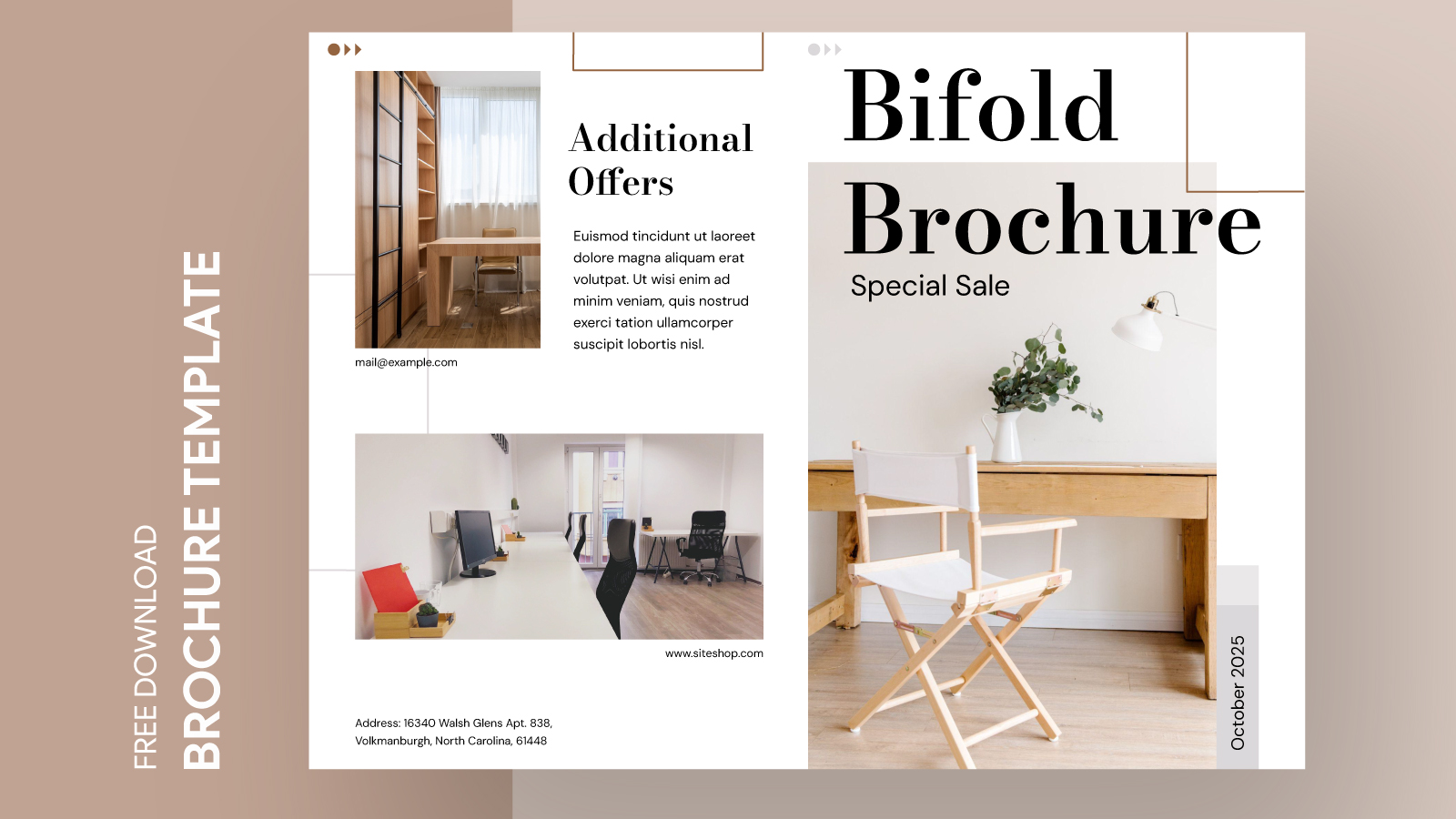
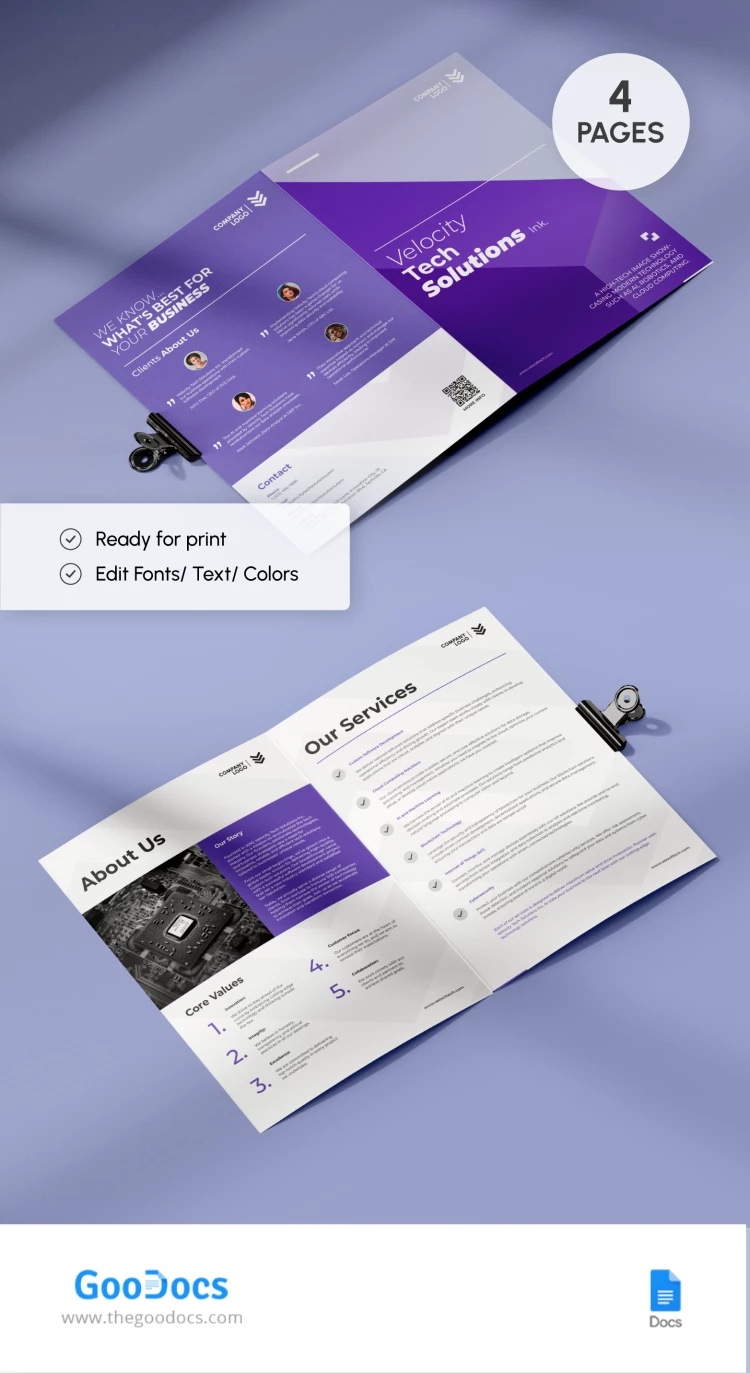
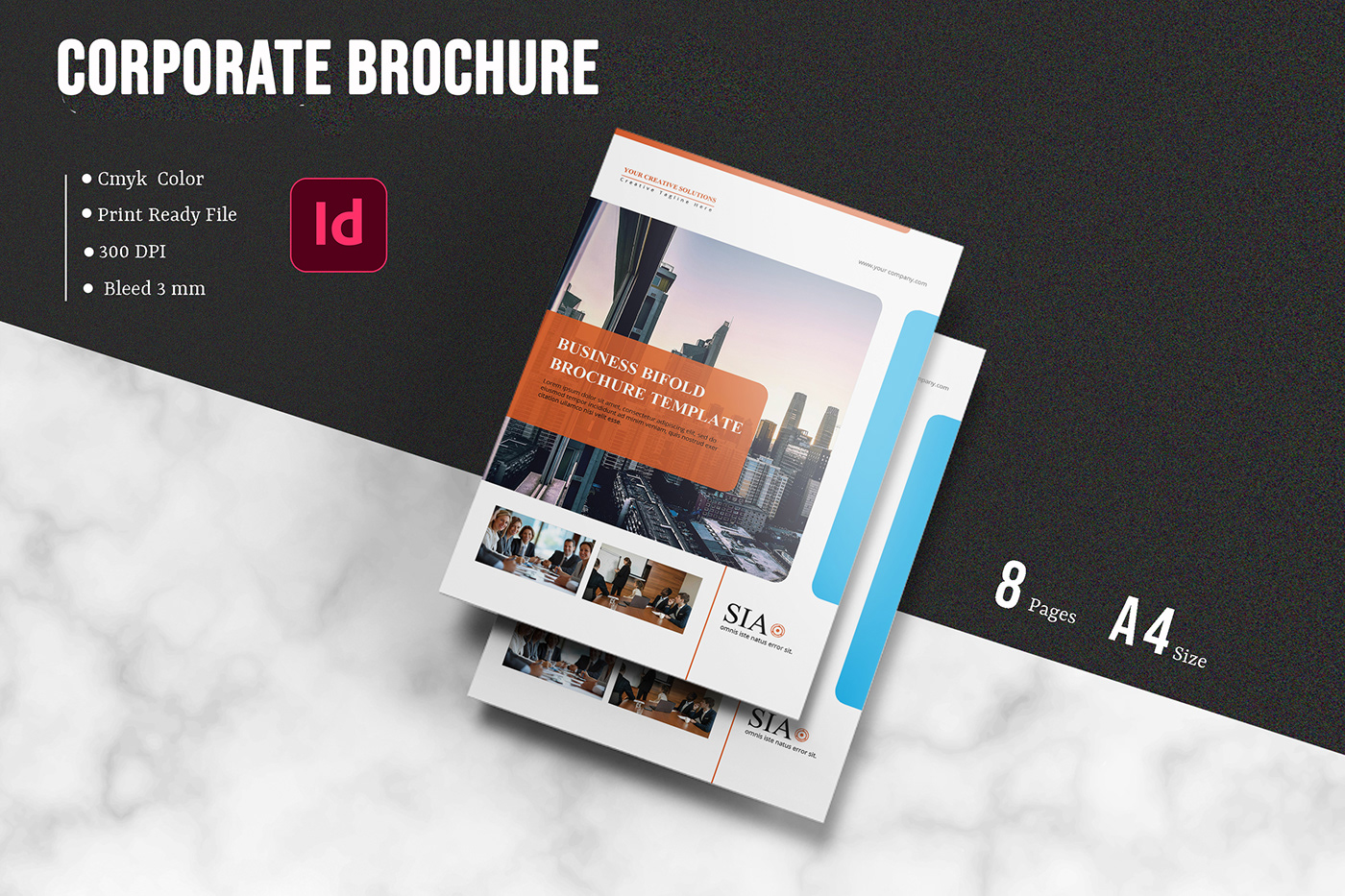
A bifold brochure is essentially a single sheet of paper folded in half, creating four panels. This layout is great for organizing information succinctly and visually. The Bifold Brochure Free Google Docs Template features a clean and straightforward design that allows you to customize each panel to suit your needs.
Typically, the front cover panel is where you’ll want to grab attention, so consider adding a bold title or an eye-catching image here. The inside panels can be used for content, such as descriptions, images, or lists, while the back cover is perfect for contact information or additional resources.
Customizing Your Bifold Brochure
One of the best parts of using the Bifold Brochure Free Google Docs Template is the ease of customization. When you open the template, you’ll find placeholders for text and images, which you can easily edit. Here are some key customization features to consider:
- Text Fields: You can edit the text directly in Google Docs. This allows for quick adjustments to fonts, sizes, and colors to match your theme or branding.
- Image Placement: The template includes designated areas for images. Whether you’re adding family photos, event graphics, or logos, you can simply click and replace the placeholder images with your own.
- Colors and Themes: Google Docs offers a variety of color options. You can adjust the background or text colors to create a cohesive look that fits your purpose, whether it’s for a cheerful family gathering or a more formal event.
Practical Uses for Your Bifold Brochure
The versatility of a bifold brochure means it can serve many purposes. Here are some practical applications you might consider:
- Event Promotion: If you’re hosting a birthday party, family reunion, or school fundraiser, a bifold brochure can provide essential details about the event, including date, time, location, and RSVP information.
- School Projects: Students can use the template to create brochures for class assignments. It’s an effective way to present research topics, historical figures, or science projects in a visually appealing format.
- Community Announcements: Organizations can distribute brochures to inform community members about upcoming events, meetings, or services. This is especially useful for local nonprofits or clubs looking to engage the community.
- Business Marketing: If you’re a parent running a small business from home, you can use the bifold brochure to promote your services or products. It’s a great way to reach potential customers without a large marketing budget.
Downloading and Printing the Template
To get started, downloading the Bifold Brochure Free Google Docs Template is a breeze. Simply visit the template link, make a copy of it into your Google Drive, and start customizing. Here’s how to ensure a smooth printing process:
- Paper Size: Standard letter size (8.5 x 11 inches) works best for most home printers. Make sure your printer settings are adjusted accordingly.
- Print Quality: For the best results, print on a heavier paper or cardstock, especially if your brochure includes images. This will make it more durable and professional-looking.
- Orientation: Check that your print settings are set to portrait orientation. This is crucial for maintaining the correct layout when folded.
Final Touches for a Professional Finish
After you’ve printed your bifold brochure, take a moment for some final touches. Here are a few suggestions:
- Folding: Fold the brochure carefully to ensure that the panels align perfectly. A crisp fold will make a big difference in the overall presentation.
- Lamination: If you want to increase durability, consider laminating the brochure. This is especially useful if it will be displayed outside or handled frequently.
- Distribution: Think about how you plan to distribute your brochures. Are you handing them out at a community event, mailing them, or leaving them in local businesses? Tailor your design and quantity accordingly.
Using the Bifold Brochure Free Google Docs Template can make your next project or event promotion easy and effective. The template’s customizable features allow you to create a polished product quickly. Plus, the practical applications are endless. With just a few adjustments, you can have a professional-looking brochure ready to share with your family, friends, or community. Don’t forget, printing on quality paper can enhance your brochure’s appeal, ensuring your efforts stand out!
Bifold Brochure Free Google Docs Template Gallery