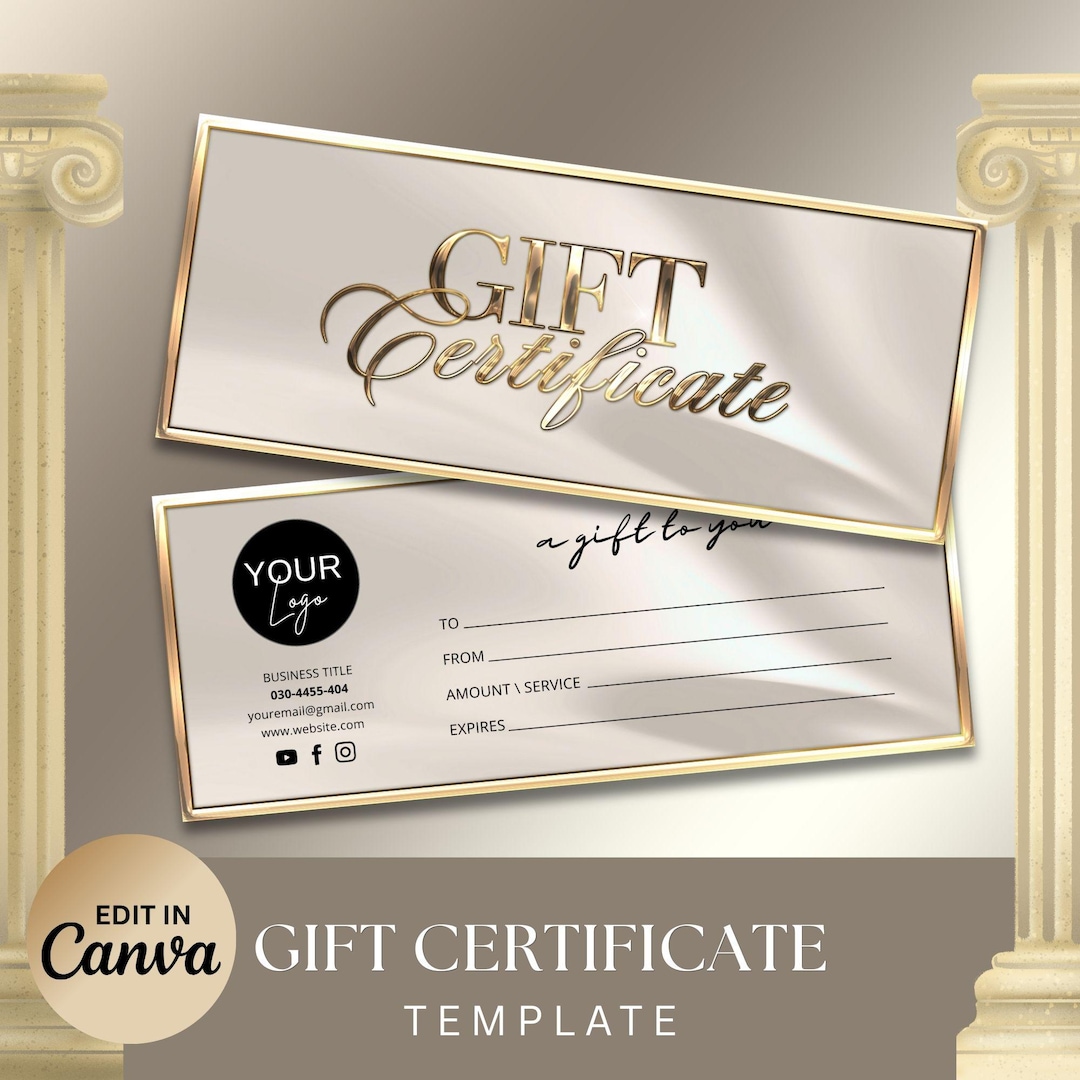
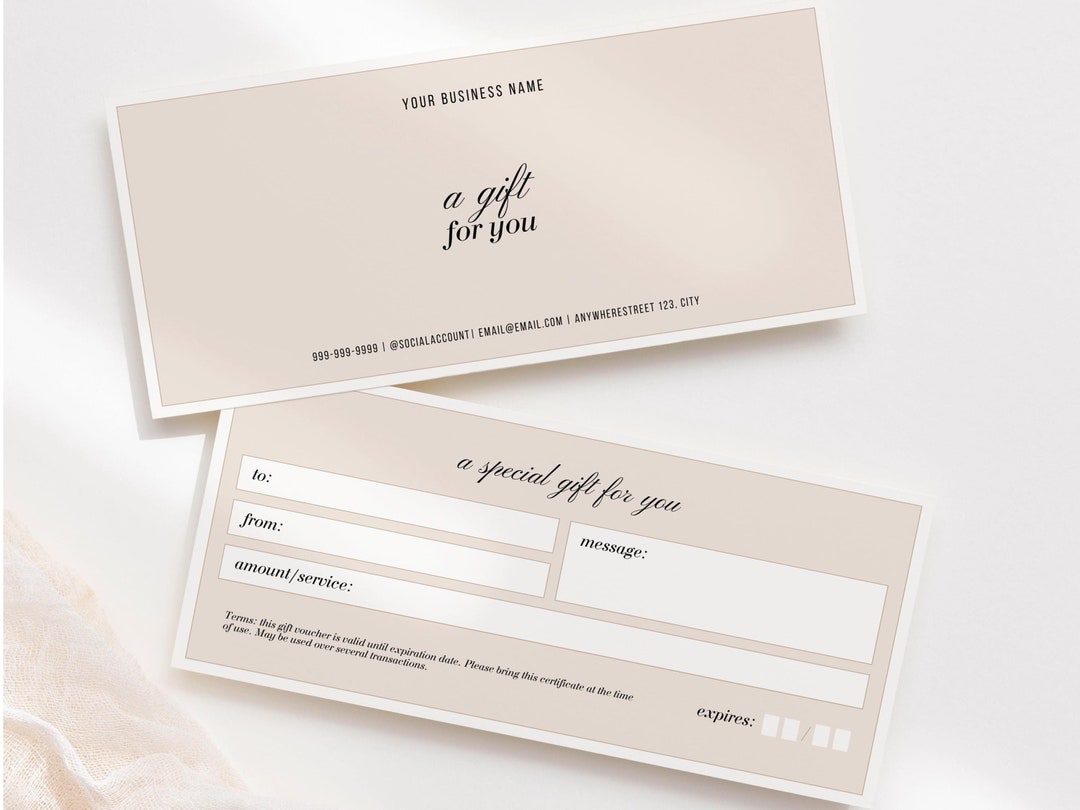
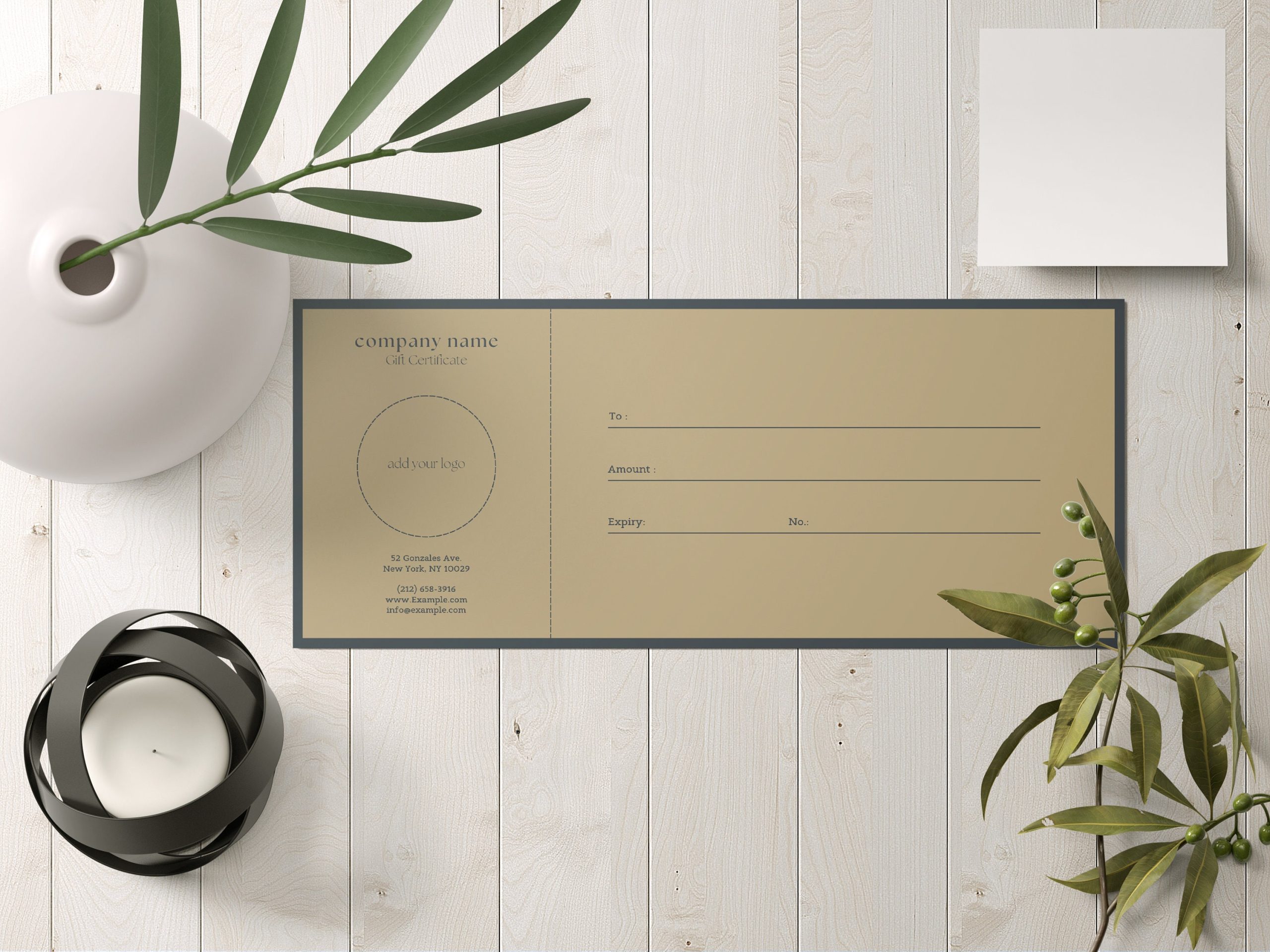
Creating a gift certificate can feel daunting, but with the Beige Minimal Gift Certificate Free Google Docs Template, it becomes a breeze. This template allows you to create a stylish and professional-looking gift certificate that can be perfect for birthdays, holidays, or any special occasion. Let’s explore how you can use this template effectively in your home or classroom setting.
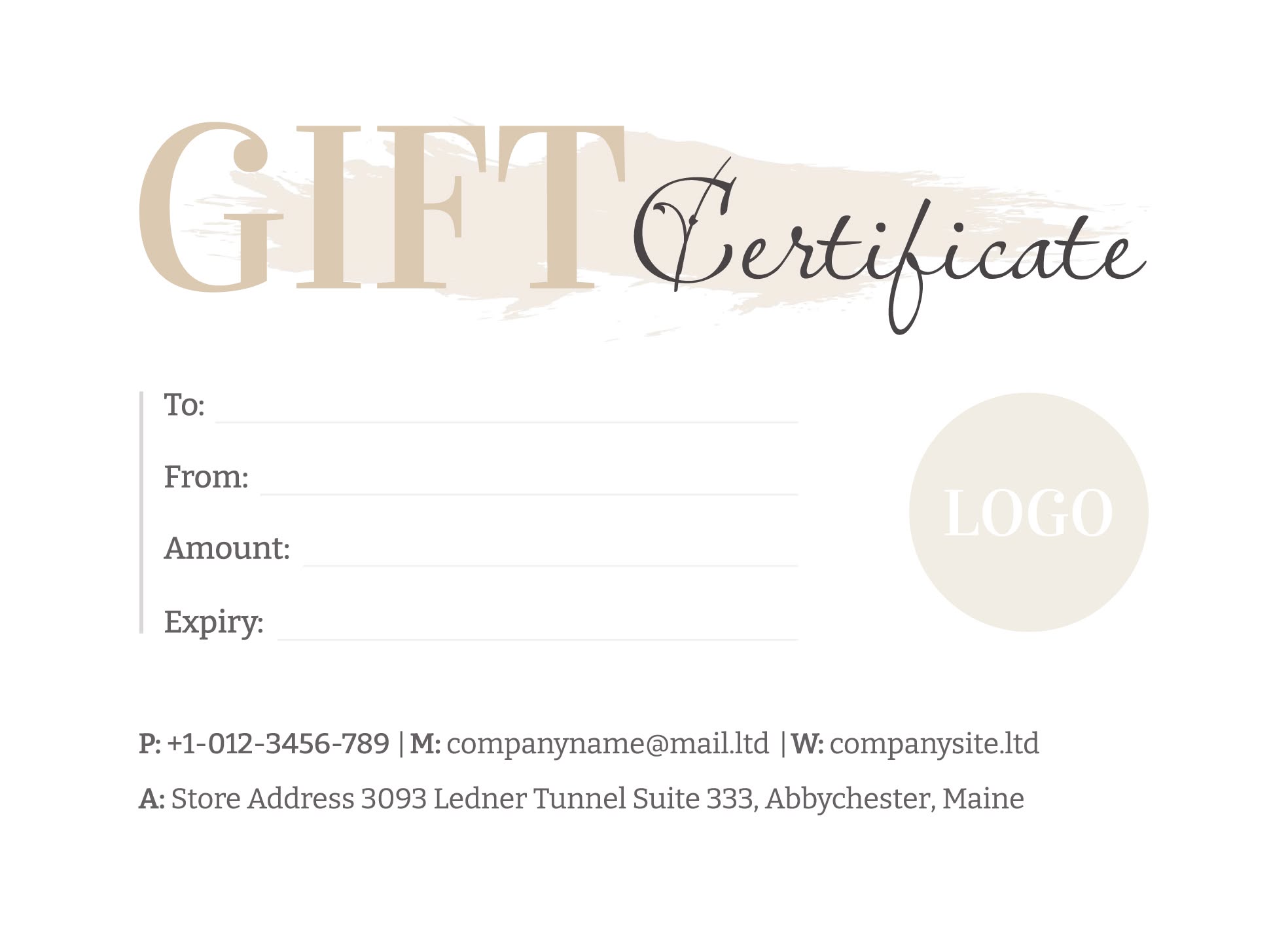
Why Use a Gift Certificate?
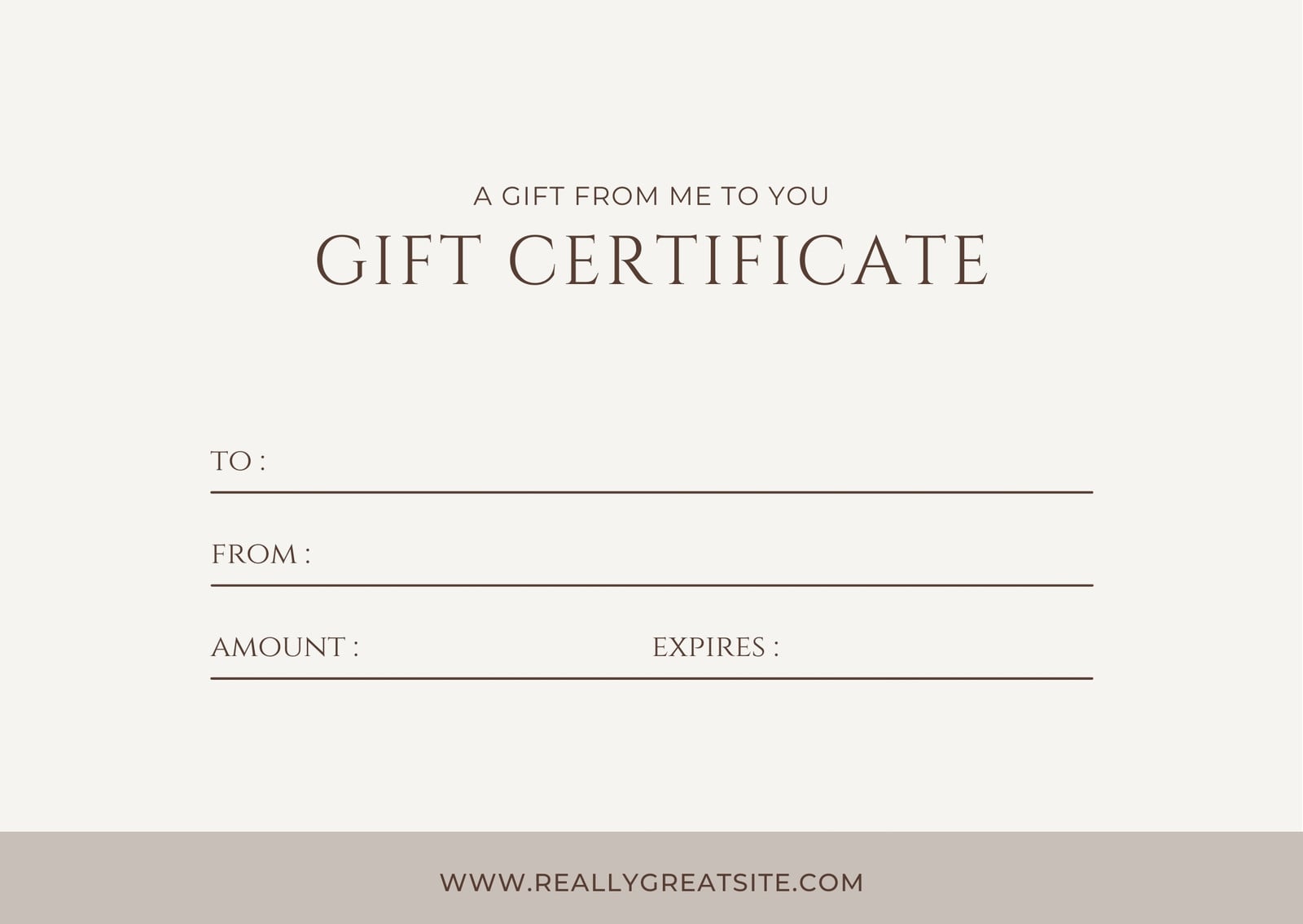
Gift certificates are a fantastic way to give someone the freedom to choose their own present. They can be especially useful when you’re unsure about what to buy. Whether it’s for a friend’s birthday or as a holiday gift, a well-designed certificate adds a personal touch. Plus, by using the Beige Minimal Gift Certificate template, you can quickly create something that looks polished without needing graphic design skills.
Personalizing Your Gift Certificate
One of the best features of this template is its adaptability. You can easily customize it to fit the occasion and the recipient. Here’s how:
- Basic Information: Start by adding the recipient’s name, the amount, and a personal message. This makes the certificate feel more special and tailored to them.
- Design Choices: The beige minimalist design is versatile, but you can still add your touch. Consider adding a logo for a business gift or a decorative border for a more festive look.
- Occasion-Specific Details: If you’re creating a gift certificate for a specific event, adjust the wording accordingly. For example, for a birthday, you might write, “Happy Birthday! Enjoy a special treat on us!”
Presentation Matters
How you present your gift certificate can significantly enhance its impact. Here are a few ideas to make it feel more special:
- Print Quality: Use high-quality cardstock for printing. Cardstock (preferably 80 lb or higher) holds up well and feels nice in hand. If you want to go the extra mile, consider laminating the certificate to give it a professional finish.
- Envelope: Pair your certificate with a matching envelope. You can easily create one using matching paper or buy pre-made envelopes that fit your design.
- Additional Elements: Consider adding a small gift, such as a gift card holder or a related item (like a coffee mug for a café gift certificate) to enhance the unboxing experience.
Printing Tips for Home Use
Getting the best print quality from your home printer is crucial to ensure your gift certificate looks its best. Here are some practical tips:
- Paper Size: The template is designed for standard sizes like 5×7 inches. Ensure your printer settings are adjusted to this size to avoid any cropping issues.
- Color Settings: Use the best color settings available on your printer. This may take a bit of trial and error, but the result will be worth it.
- Test Print: Always do a test print on regular paper before using your chosen cardstock. This helps you check alignment and colors without wasting materials.
Using the Gift Certificate in Your Classroom or Home
In a classroom or homeschool setting, gift certificates can serve multiple purposes:
- Motivation for Students: Create certificates for achievements like “Best Homework” or “Most Improved.” Students will appreciate the recognition, and it can encourage them to strive for excellence.
- Rewards for Good Behavior: Use them as rewards for good behavior or completing tasks. This can be a fun way to engage students and create a positive learning environment.
- Family Celebrations: In a family context, you can use these certificates to reward chores completed or as part of a home celebration, such as a family game night or movie night.
Downloading and Accessing the Template
Accessing the Beige Minimal Gift Certificate Free Google Docs Template is straightforward. Simply locate the download link on the resource website, and follow the prompts to save it to your Google Drive. Once downloaded, you can easily customize it right in Google Docs, which makes it accessible from anywhere.
This template is not just a time-saver; it’s a way to add that personal touch without the hassle of starting from scratch. The minimalist design allows for creativity while keeping a professional appearance.
Final Tips for Crafting Meaningful Certificates
To truly make your gift certificate stand out, consider these final touches:
- Handwritten Notes: If possible, add a handwritten note to the certificate. This adds a personal feel that digital text can’t replicate.
- Creative Presentation: Think about how you can present the certificate creatively, such as hiding it within a book or including it in a surprise package.
- Follow-Up: Encourage the recipient to redeem the certificate by following up with them. This adds an extra layer of excitement and shows you care about their experience.
By utilizing the Beige Minimal Gift Certificate Free Google Docs Template, you can create beautiful and meaningful gifts that recipients will cherish. Start personalizing yours today!
Beige Minimal Gift Certificate Free Google Docs Template Gallery