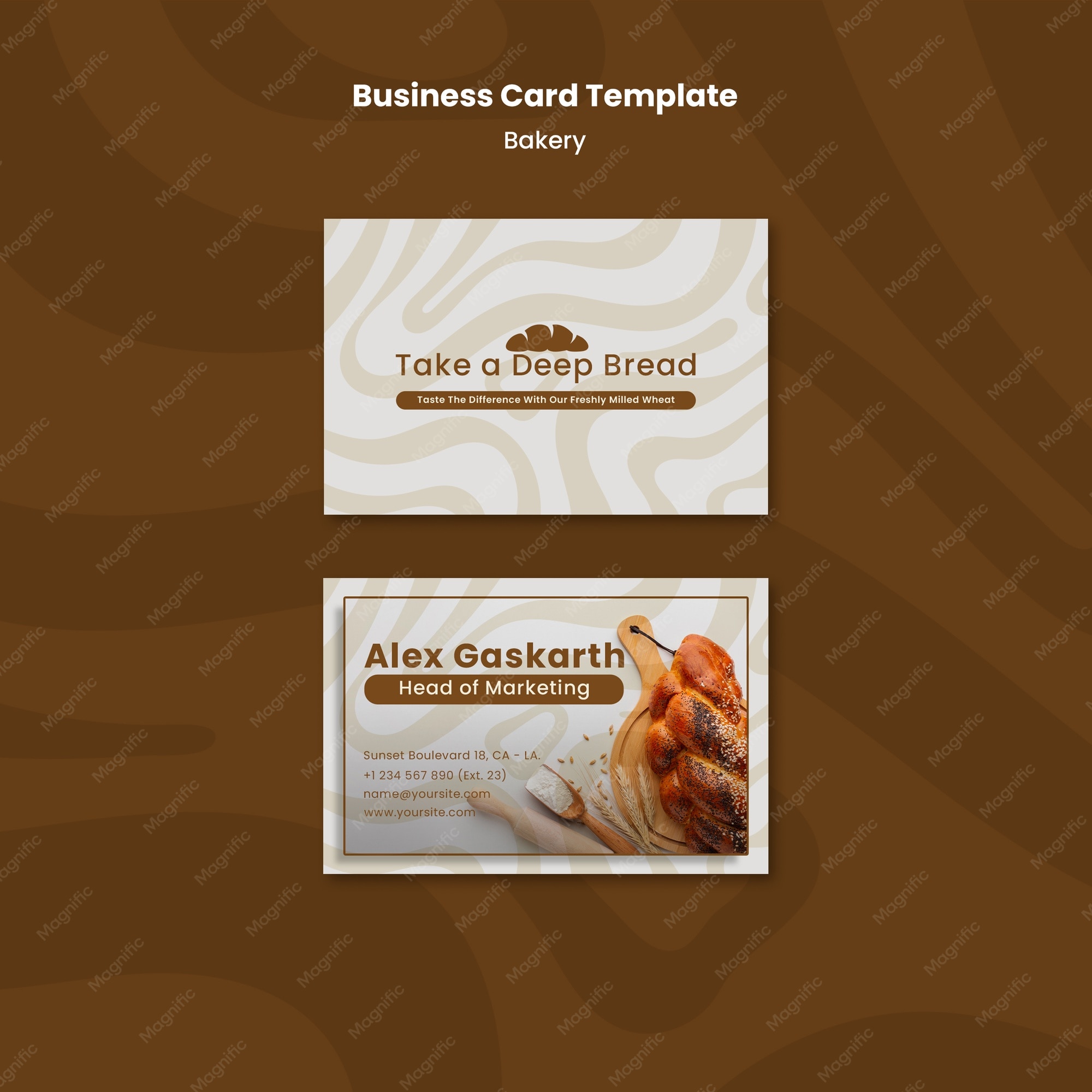
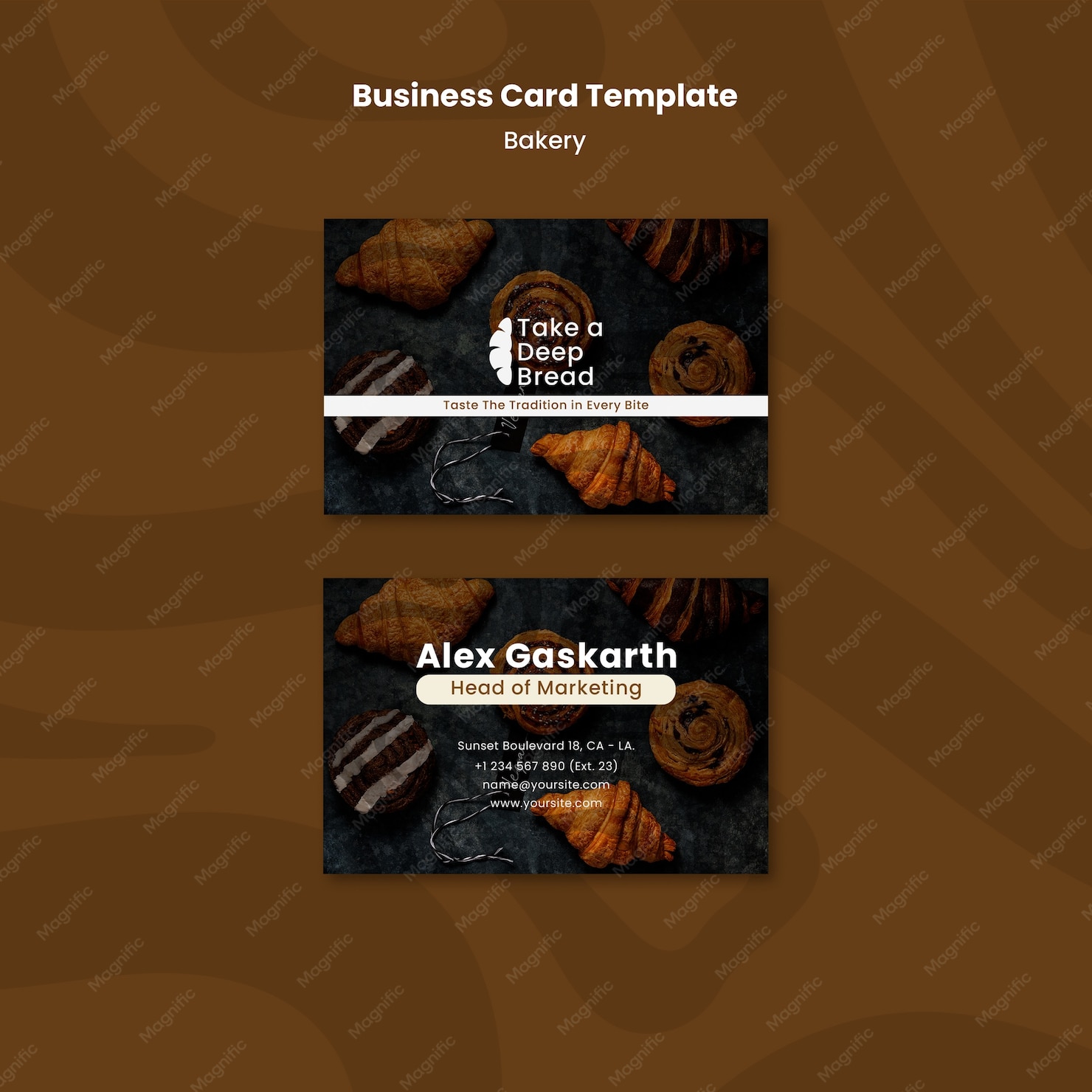
Creating a professional-looking business card is essential for any bakery owner, and with the Bakery Business Card Free Google Docs Template, you can easily design one that reflects your brand’s personality. This template is specifically designed for Google Docs, making it accessible and easy to customize for anyone, even if you’re not tech-savvy.
Why Choose a Google Docs Template for Your Bakery Business Card?
Using a Google Docs template offers several advantages. First, it’s free and readily available, which is perfect for small business owners looking to save costs. Second, Google Docs is user-friendly, allowing you to make changes and updates on the fly, whether you’re at home or on the go. You can access your document from any device, which means you can work on it at your convenience.
Additionally, the Bakery Business Card Free Google Docs Template is designed to be printed on standard card stock, typically 3.5 x 2 inches. This size is widely accepted for business cards, ensuring that your cards will fit into any wallet or business card holder.
Layout and Design Elements
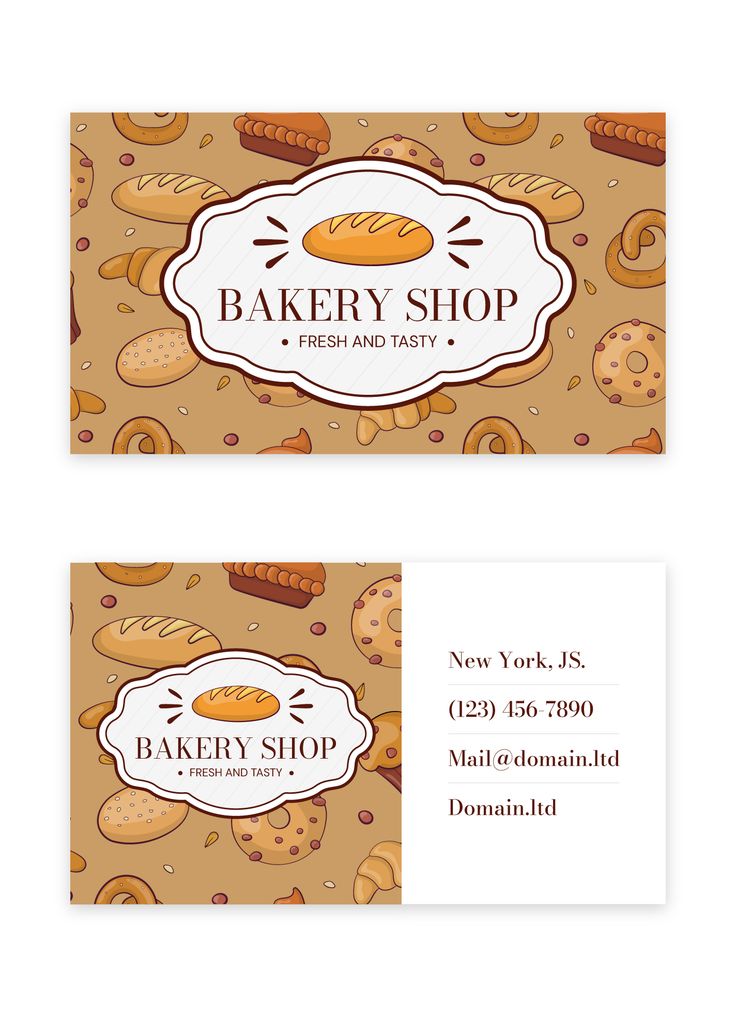
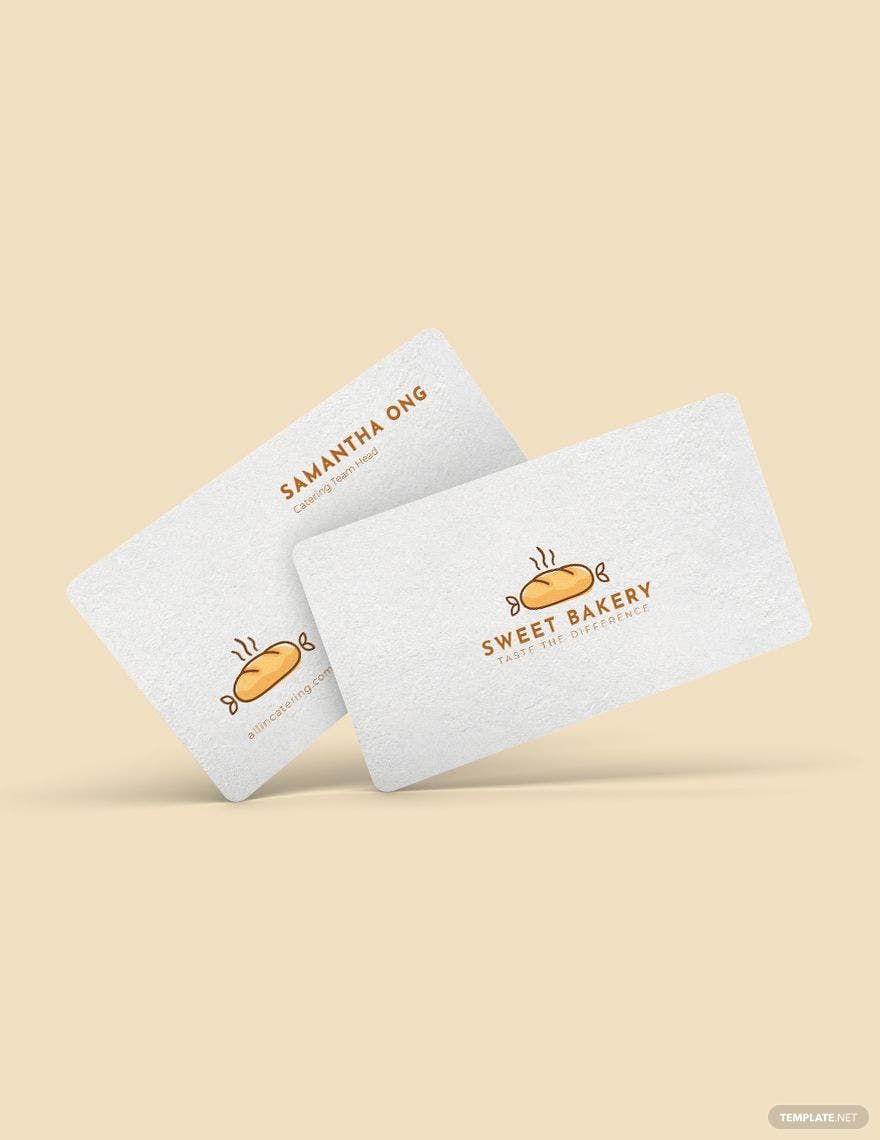
The layout of the Bakery Business Card Free Google Docs Template is clean and professional, with sections that make it easy to include all the necessary information. Here are some design elements you can expect:
- Brand Logo: There’s a dedicated space for your bakery’s logo, which is crucial for brand recognition. Make sure your logo is high-resolution for the best print quality.
- Business Name: Prominently displayed, your bakery’s name should stand out. Choose a font that reflects your bakery’s style—whether it’s playful, elegant, or rustic.
- Contact Information: Include your phone number, email, and social media handles. This allows potential customers to reach you easily. Remember to keep this information clear and legible.
- Tagline or Slogan: If your bakery has a catchy slogan or tagline, this is a great place to include it. It adds personality and can help communicate what makes your bakery unique.
Color Schemes and Fonts
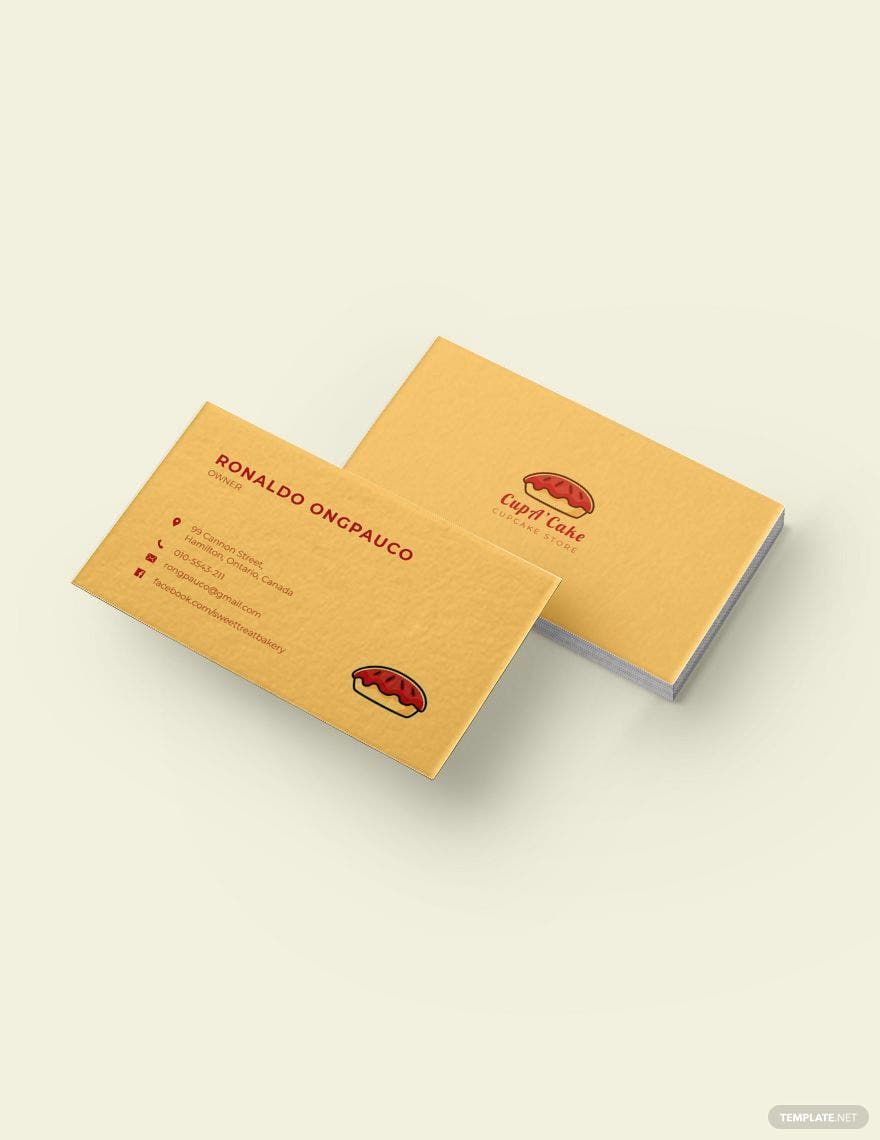
Color schemes play a significant role in the overall appeal of your business card. Most templates will offer a few color options, but feel free to customize these to match your bakery’s branding. Consider using soft, warm colors for a cozy feel or bold colors for a more modern look.
Fonts are equally important. You want to ensure that the text is readable while still reflecting the character of your bakery. A combination of a playful font for your bakery’s name and a simpler font for the contact information often works well.
Printing Considerations
Once you’ve customized your Bakery Business Card Free Google Docs Template, it’s time to think about printing. Here are some practical considerations:
- Paper Type: Card stock is the best choice for business cards as it’s thicker and more durable than regular paper. A weight of 80 lb to 110 lb is typically recommended for a professional feel.
- Printing Options: You can either print these at home or use a local printing service. If you’re printing at home, make sure your printer settings are adjusted for high-quality prints. A color printer is essential for vibrant colors.
- Cutting: If you print at home, remember that you’ll need to cut the cards down to size. A paper cutter can provide more precise cuts than scissors. Ensure you have a steady hand for clean edges!
Delivery Methods: Hand-Delivering Vs. Mailing
How you distribute your business cards can affect the overall impression you make. Here’s a quick breakdown of the two main delivery methods:
- Hand-Delivering: This is ideal for local networking events, farmers’ markets, or when interacting with customers in your bakery. In-person delivery allows for personal interaction and can lead to immediate conversations about your products.
- Mailing: If you choose to mail your business cards, consider the envelope size. Standard business envelopes (4.25 x 9.5 inches) work well for business cards. You’ll also need to think about postage costs, especially if you’re sending out a bulk order.
Personalization and Customization Tips
The Bakery Business Card Free Google Docs Template is a great starting point, but personalizing it can make it even more special. Here are some ideas:
- Add a Personal Touch: Consider including a handwritten note on the back of the card for new customers. It creates a personal connection and can enhance customer loyalty.
- Seasonal Updates: If your bakery offers seasonal specials, update your cards accordingly. You might want to create different versions of your card for various holidays or events.
- Incorporate Unique Graphics: If you have a signature dessert or a unique baking style, consider adding an illustration or graphic that represents that on your card.
Ultimately, the Bakery Business Card Free Google Docs Template is not just a tool; it’s your opportunity to showcase your bakery’s personality and brand. So, take the time to customize it in a way that truly reflects your business.
Using this template gives you the freedom to express your creativity while ensuring you have a professional tool for marketing your bakery. Happy designing!
Bakery Business Card Free Google Docs Template Gallery