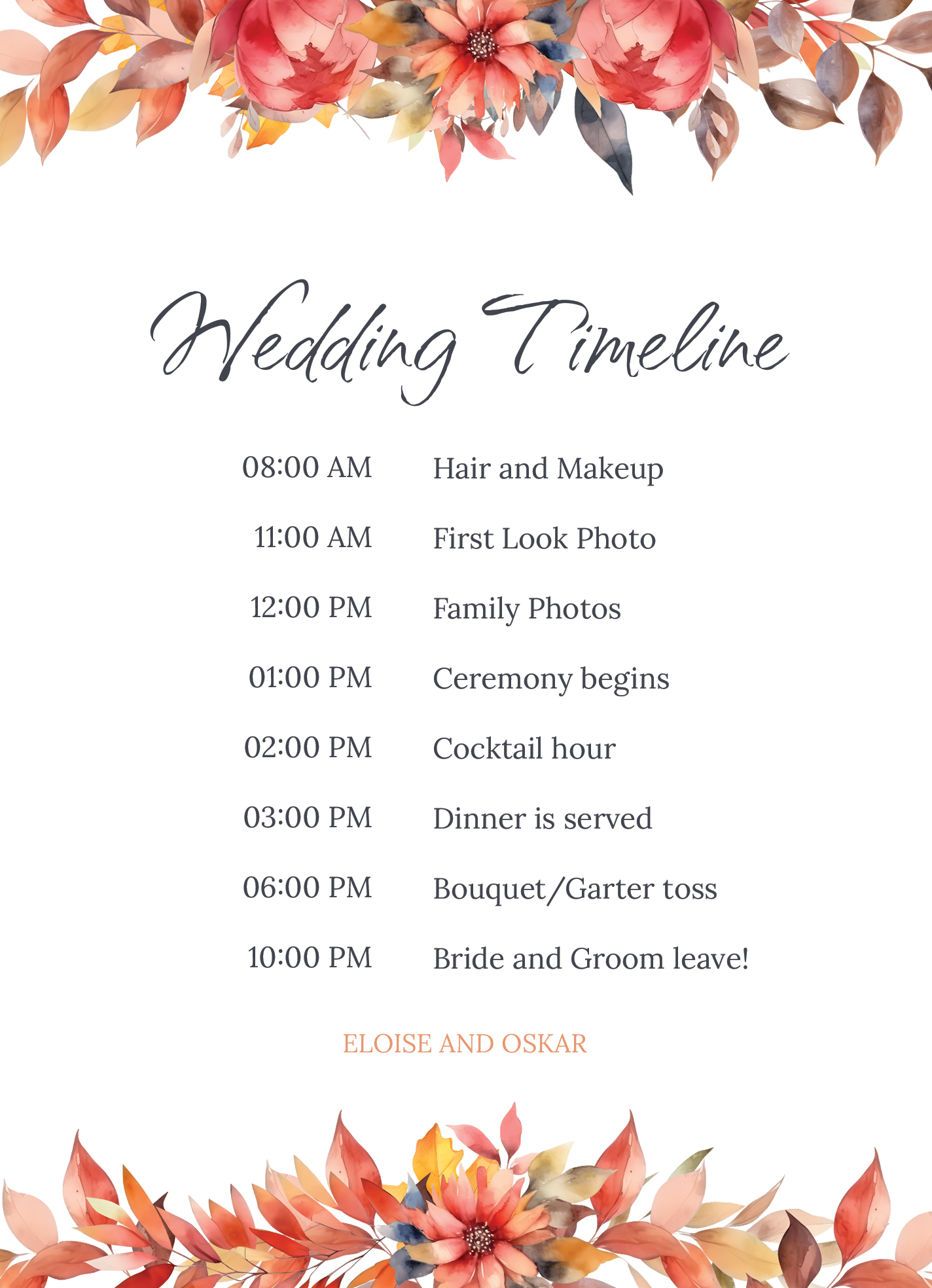
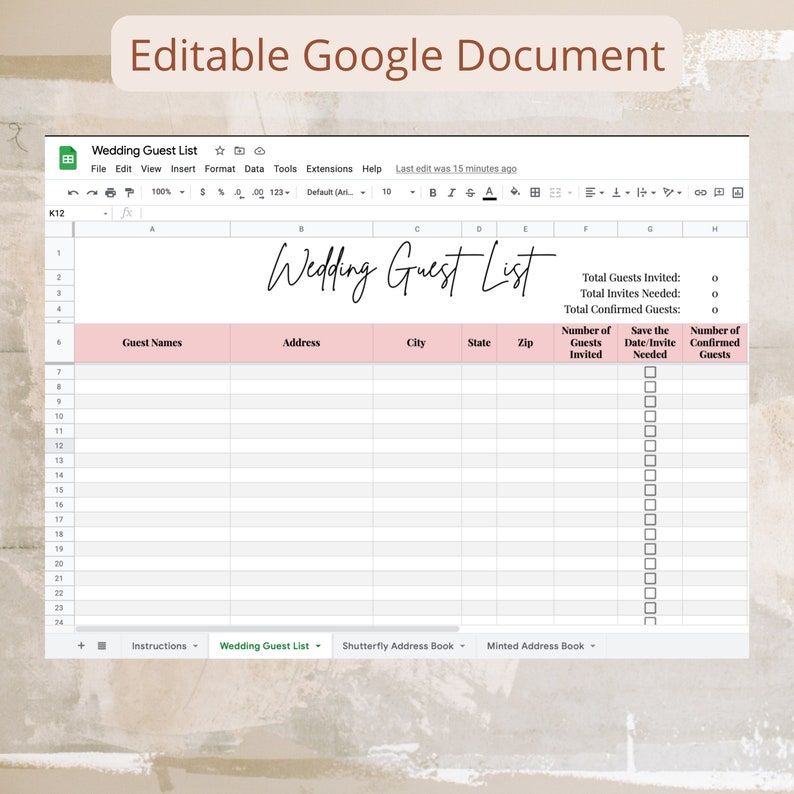
Planning an autumn wedding can be both exciting and overwhelming, especially when it comes to managing your guest list. That’s where the Autumn Wedding Guest List Free Google Docs Template comes in handy. This resource is designed to simplify the process, making it easier for you to keep track of your invitees, RSVPs, and any additional notes you may need. If you are a newbie to wedding planning or a seasoned pro, this template can be a lifesaver.
Why Choose a Google Docs Template for Your Autumn Wedding Guest List?
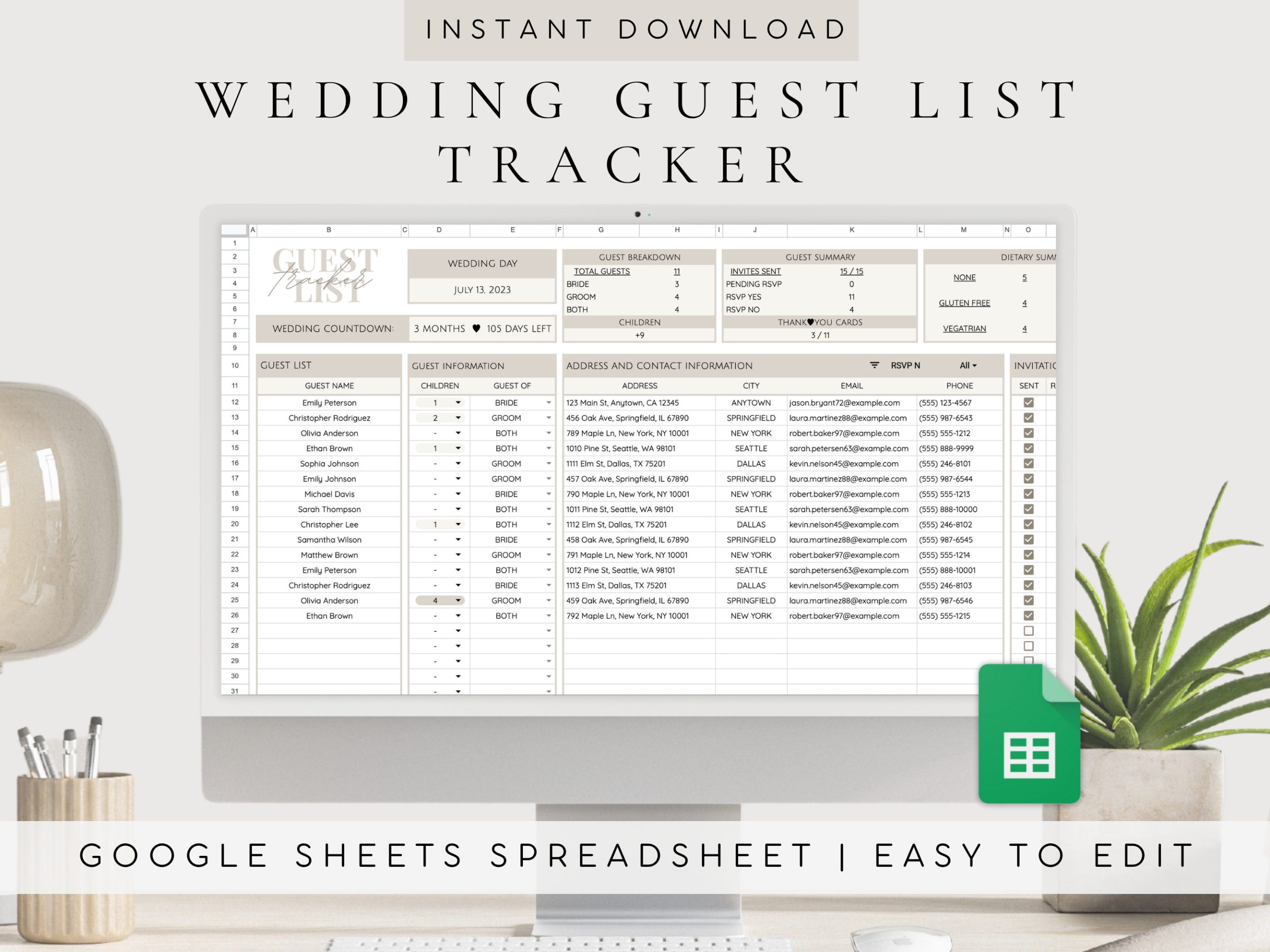
Using a Google Docs template means you can access and edit your guest list from anywhere. You won’t have to worry about losing a paper copy or running out of space on your spreadsheet. Plus, Google Docs allows for easy collaboration if you want to involve your partner or family members in the planning process. This can make the task feel less daunting and more enjoyable.
You can customize the template to fit your specific needs. Want to add columns for dietary restrictions or gift ideas? Go for it! With Google Docs, you have the flexibility to adapt the template as you see fit.
Features of the Autumn Wedding Guest List Template
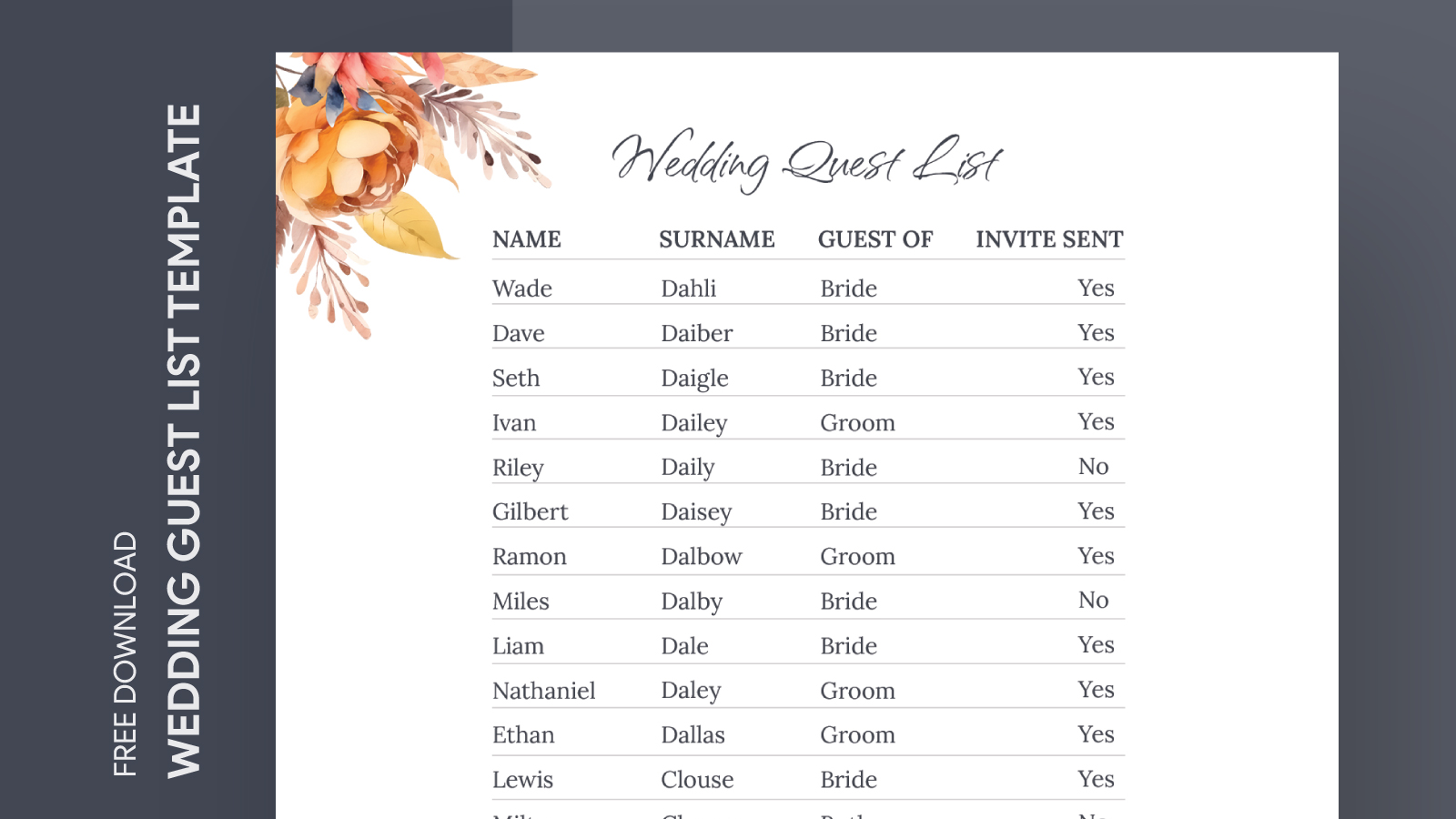
The Autumn Wedding Guest List Free Google Docs Template comes packed with features that help streamline your planning process:
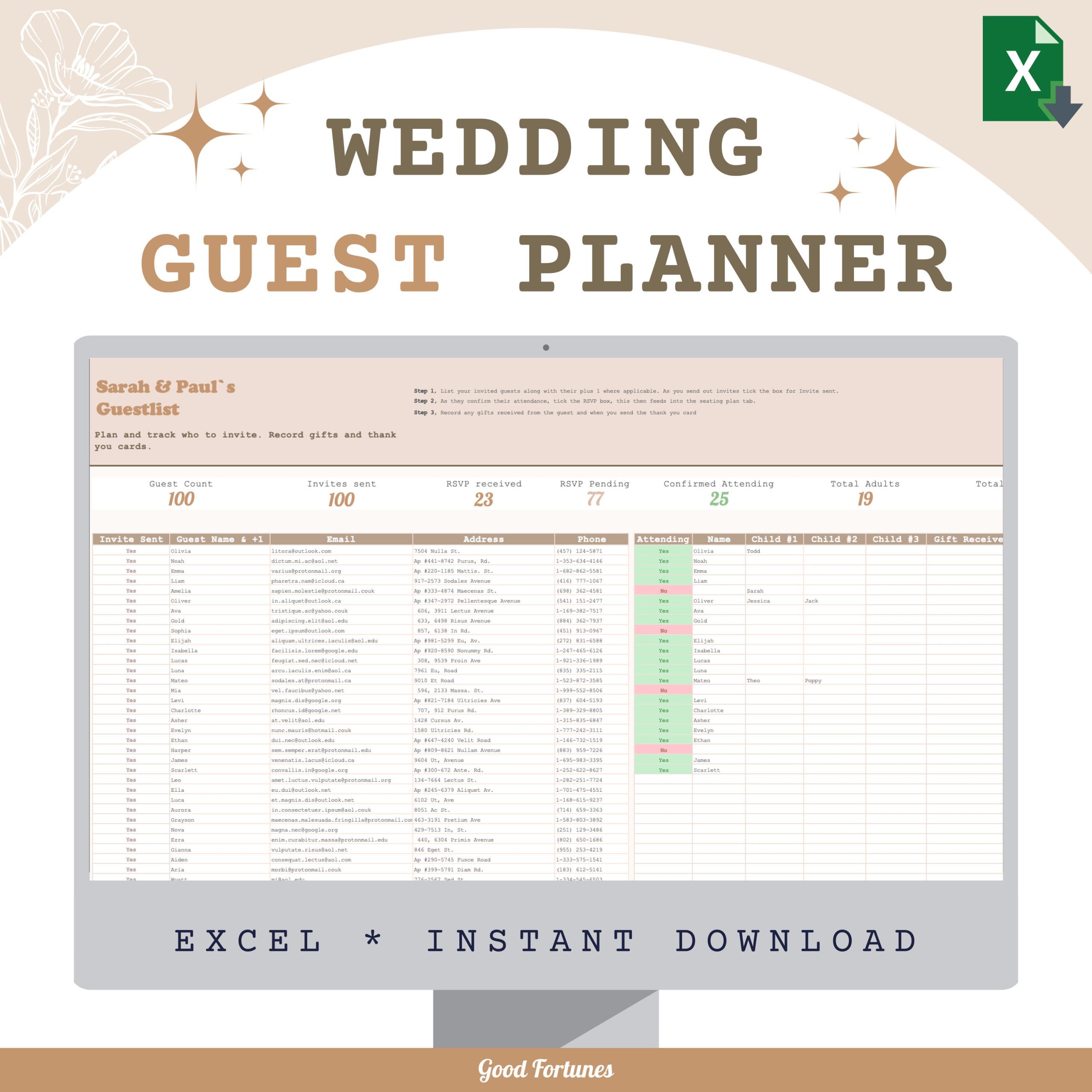
- Pre-filled Categories: The template includes essential categories like names, addresses, RSVP status, and meal choices. This saves you time and ensures you don’t forget crucial details.
- Color-Coded Rows: You can visually track your guests by using color codes. For example, you might use green for confirmed guests and red for those who have yet to respond. This makes it easier to see at a glance who is attending.
- Notes Section: This area allows you to jot down any specific information about each guest, such as their relationship to you or any special requests they might have.
How to Download and Customize the Template
Getting your hands on the Autumn Wedding Guest List Free Google Docs Template is simple. Here’s how:
- Download the Template: Start by clicking on the download link provided on the website. This will typically be in the form of a Google Docs link.
- Open in Google Docs: Once downloaded, click on the link, and it will prompt you to open the document in Google Docs. Make sure you’re logged into your Google account to access it.
- Make a Copy: Before making any changes, go to “File” and select “Make a copy.” This way, you preserve the original template for future use.
- Customize: Now, you can tailor the template to suit your wedding needs. Change the headers, add additional columns, or even modify the color scheme.
- Save and Share: After customizing, don’t forget to save your changes. You can also share the document with your partner or family by clicking the “Share” button in the top right corner.
Printing Your Guest List
If you prefer working from a physical copy, printing your guest list is straightforward. Here are some tips for an optimal printout:
- Paper Size: Standard letter size (8.5 x 11 inches) works well for most home printers. If you need a larger format, consider using legal size (8.5 x 14 inches).
- Printer Settings: Use portrait orientation for a traditional layout. If your printer allows, select “Best Quality” for a cleaner printout.
- Paper Choice: For durability, consider printing on heavier paper, like cardstock. This can help prevent tearing, especially if you’ll be making notes on the list.
Next Steps: Organizing Your Guest List
Now that you have your Autumn Wedding Guest List Free Google Docs Template set up, it’s time to start filling it out. Begin by gathering your potential guest list. Think about family, friends, colleagues, and anyone else you’d love to have join you on your special day.
Once you have your names, you can start entering their details into the template. It’s helpful to reach out to guests early, so they can save the date. As RSVPs come in, update the template to keep everything organized.
Don’t forget to check back on your guest list frequently. As you finalize your numbers and make seating arrangements, having an up-to-date list will be invaluable.
With a little bit of planning and the right tools, managing your guest list can be a breeze. The Autumn Wedding Guest List Free Google Docs Template is a practical resource that allows you to focus more on the joy of your upcoming wedding and less on the stress of planning. Happy planning!
Autumn Wedding Guest List Free Google Docs Template Gallery