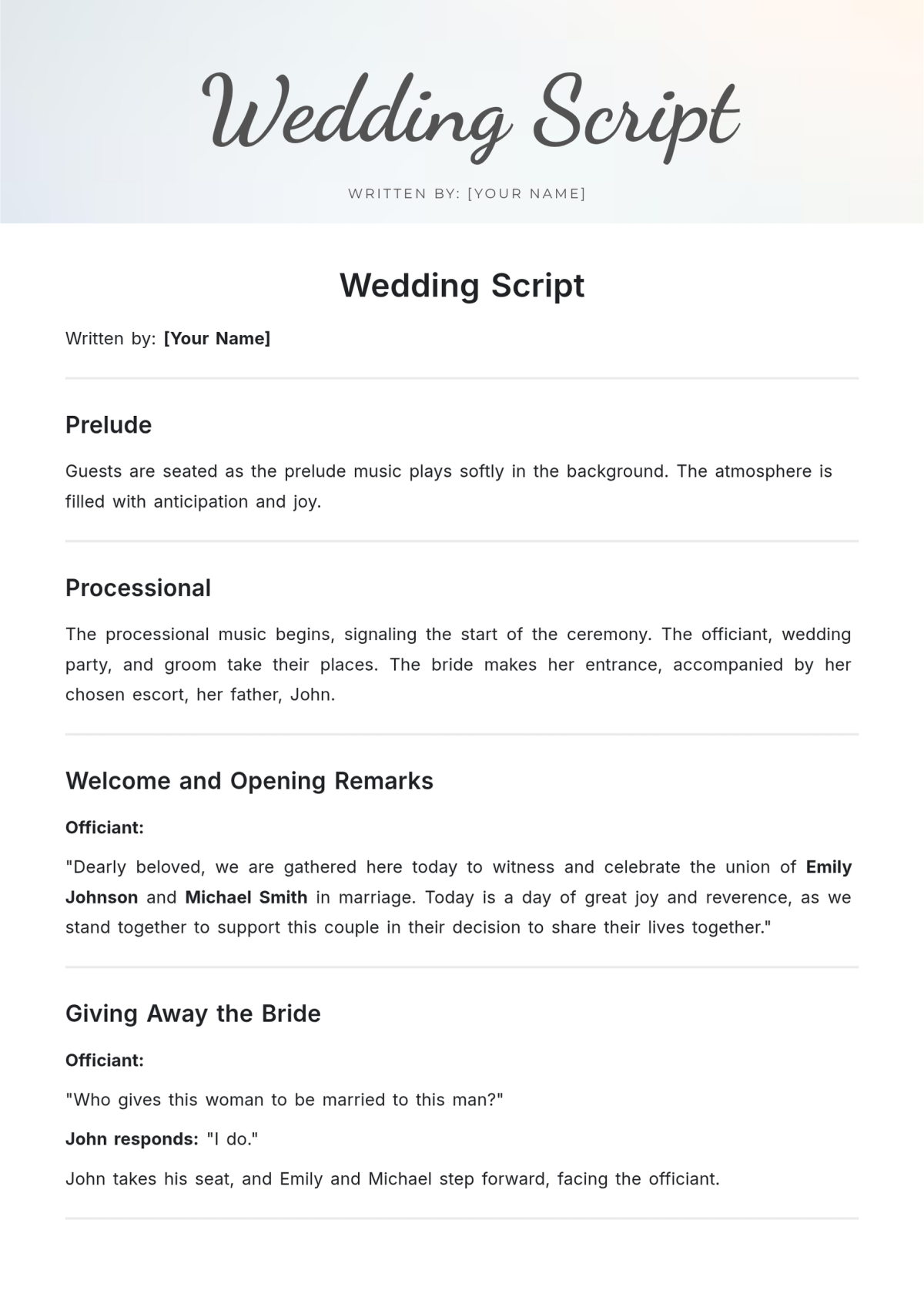
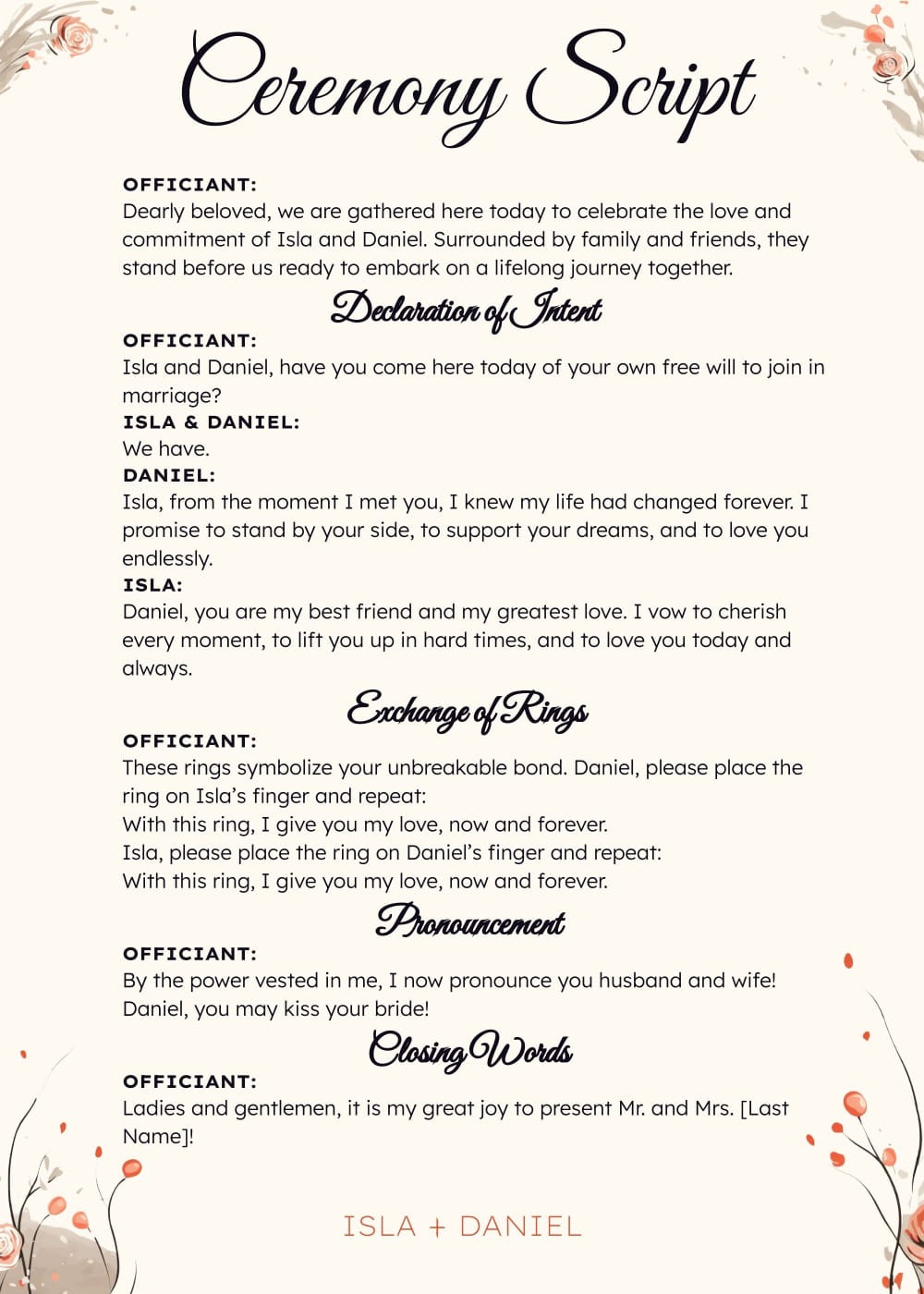
Planning an autumn wedding? You’ll want everything to be perfect, including your ceremony script. The Autumn Wedding Ceremony Script Free Google Docs Template is designed to help you create a personalized and memorable ceremony for you and your partner. This user-friendly template allows you to customize your vows and readings, ensuring that your special day reflects your love story.
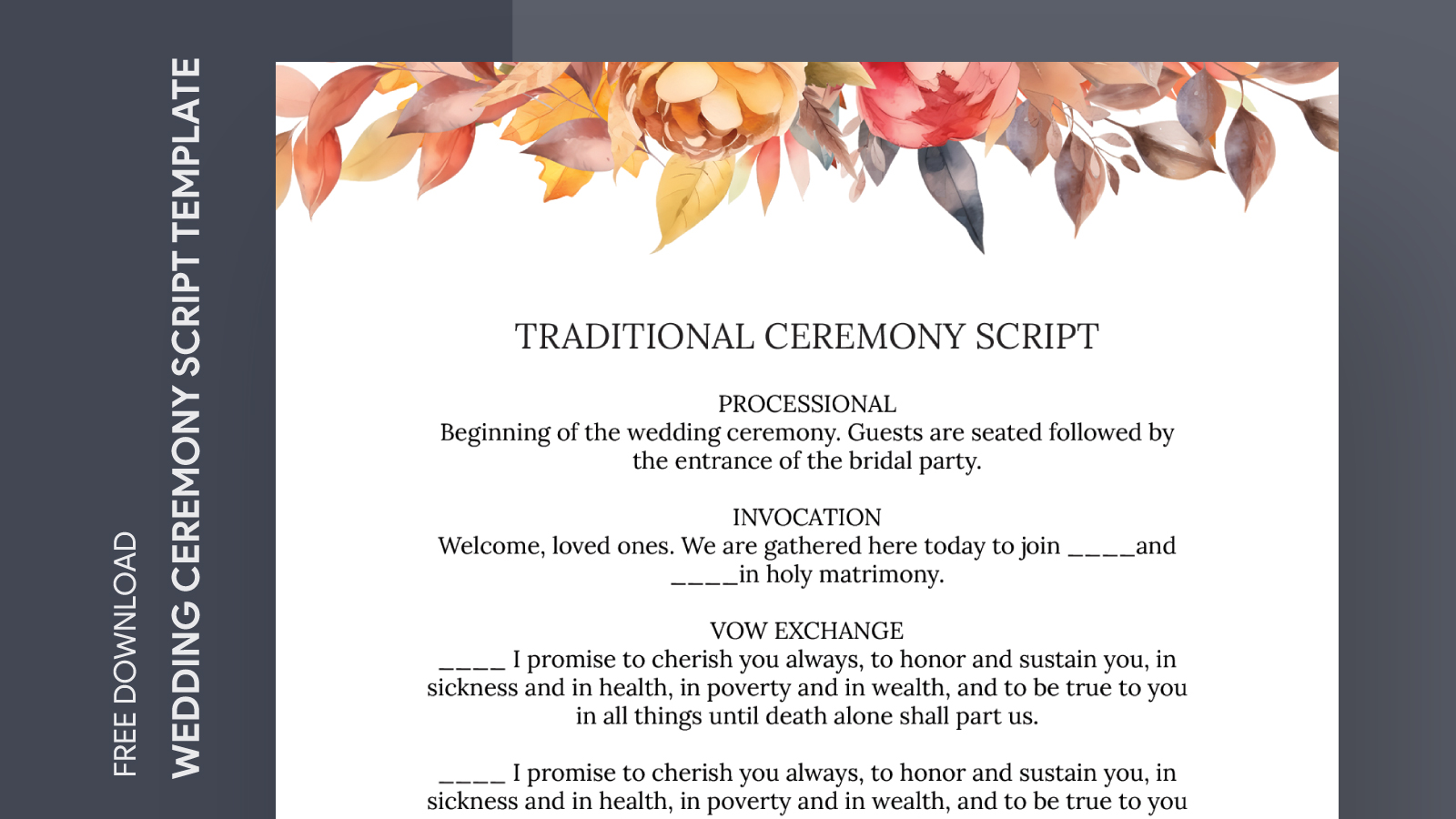
Overview of the Template
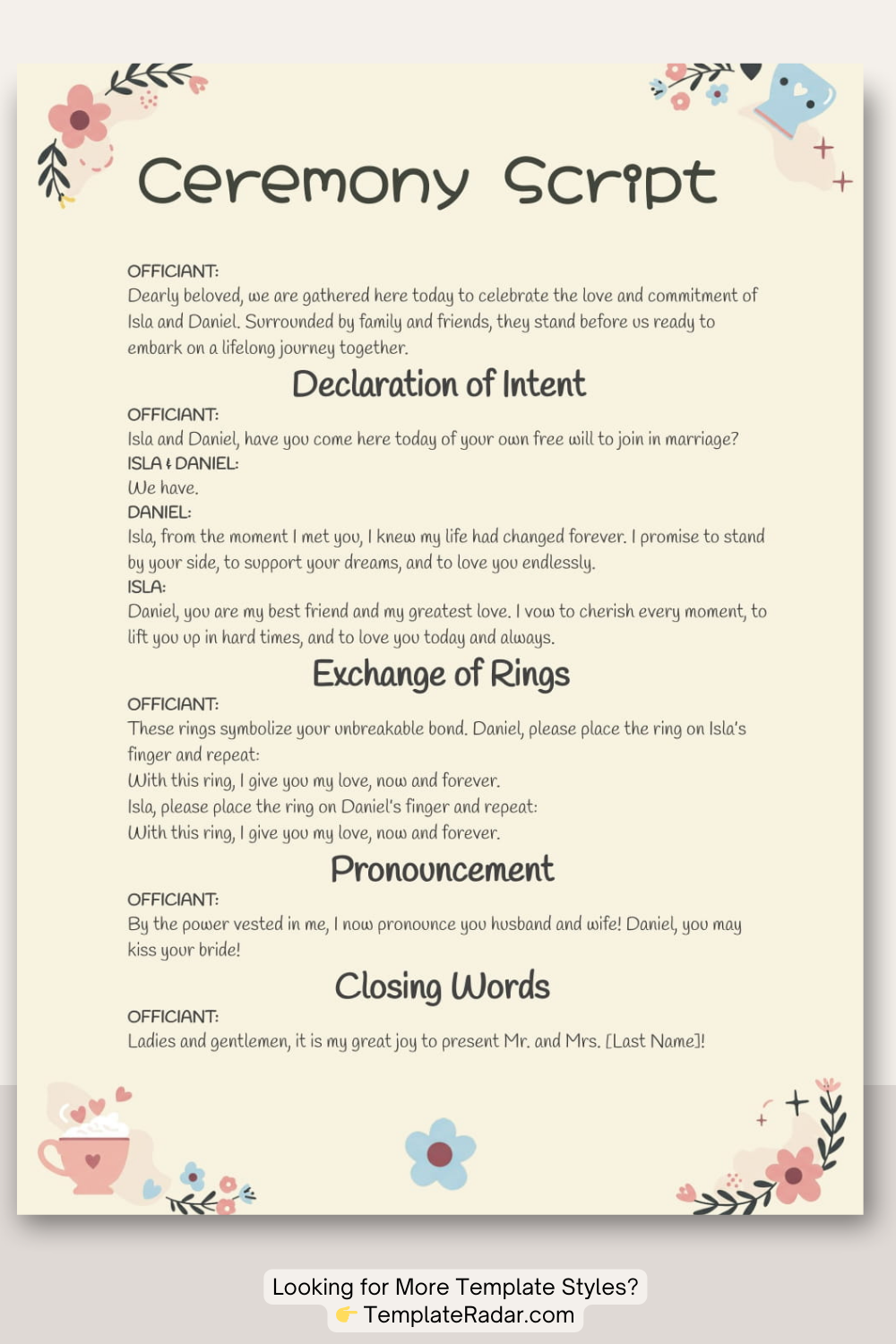
The template is available in Google Docs format, making it easy to edit directly in your browser. You can access it from any device, whether you’re at home, at work, or on the go. This flexibility is a lifesaver, especially when you need to make last-minute adjustments. The script is designed to be straightforward, providing a clear structure while allowing you the freedom to personalize it as you see fit.
Customization Options
One of the standout features of the Autumn Wedding Ceremony Script Free Google Docs Template is how customizable it is. You can easily change the names, add personal anecdotes, and even modify sections to suit your ceremony’s tone. Whether you want a traditional or contemporary vibe, this template accommodates both styles.
- Personal Vows: There’s a dedicated section for your vows. You can either write your own or choose from suggested phrases to inspire you.
- Readings and Poems: The template includes spots for readings or poems that resonate with you, adding a personal touch to the ceremony.
- Ceremony Structure: You can rearrange sections as needed, whether you want to include a unity ceremony, a sand ceremony, or any other special rituals.
Downloading and Printing the Template
Getting your hands on the template is simple. You just need to follow a few steps:
- Access the Template: Click on the provided link for the Google Docs template.
- Make a Copy: Go to File > Make a Copy to save it to your own Google Drive. This ensures that you can edit it without affecting the original.
- Edit Your Script: Open your copy and start customizing it to fit your ceremony. Remember to save your changes regularly!
- Print Your Script: Once you’re satisfied with your edits, you can print it directly from Google Docs. Choose the “Print” option from the File menu, and ensure your printer settings are correct.
For most home printers, a portrait layout works best. You might want to select a high-quality paper for a polished look. Cardstock is a great option if you want something sturdier that won’t easily bend.
Tips for Preparing Your Ceremony Script
When preparing your Autumn Wedding Ceremony Script, keep in mind a few practical tips to ensure everything goes smoothly:
- Proofread: Double-check for any typos or errors. It’s always good to have a second pair of eyes look over your script.
- Practice Reading: Read through your script several times. This helps you feel more comfortable and allows you to adjust the wording if something doesn’t flow well.
- Print Multiple Copies: Consider printing a few extra copies of your script. This way, you can hand them out to your officiant or wedding planner, just in case.
Things to Watch Out For
While customizing and printing your Autumn Wedding Ceremony Script Free Google Docs Template is relatively straightforward, there are a few things to keep in mind. For instance, ensure that your chosen paper fits your printer’s specifications. Most home printers handle standard A4 or letter-size paper well, but if you opt for a different size, check your printer’s settings to avoid any surprises.
Moreover, if you’re planning on using decorative fonts, be cautious! Some fonts can distort or become hard to read when printed. Stick to legible fonts, especially for the ceremony script, so everyone can follow along without confusion.
Using the Autumn Wedding Ceremony Script Free Google Docs Template can simplify one of the most important aspects of your wedding day. With customization options, straightforward downloading, and printing, you can focus on what truly matters—celebrating your love with family and friends in a beautiful autumn setting.
Autumn Wedding Ceremony Script Free Google Docs Template Gallery