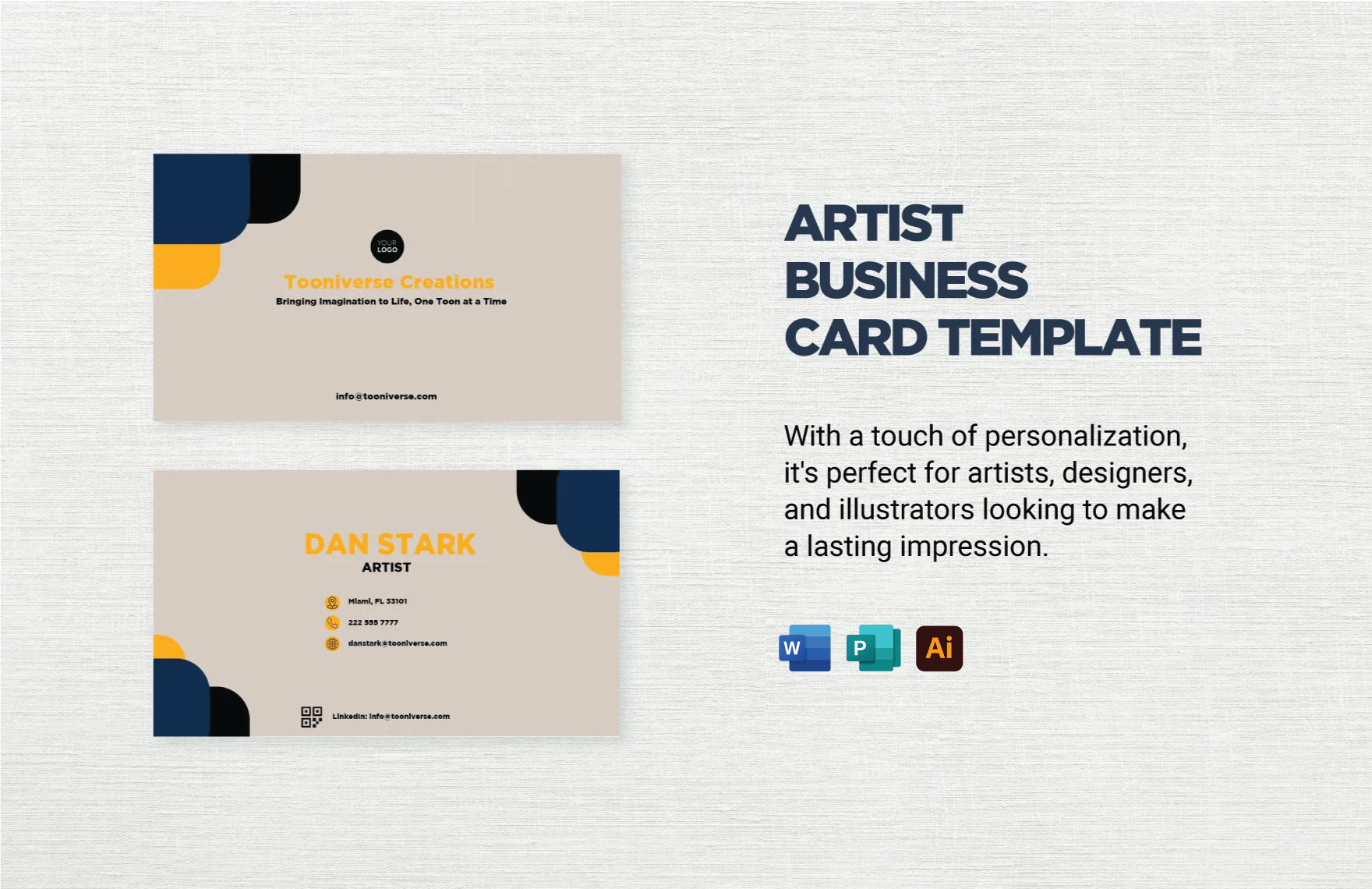
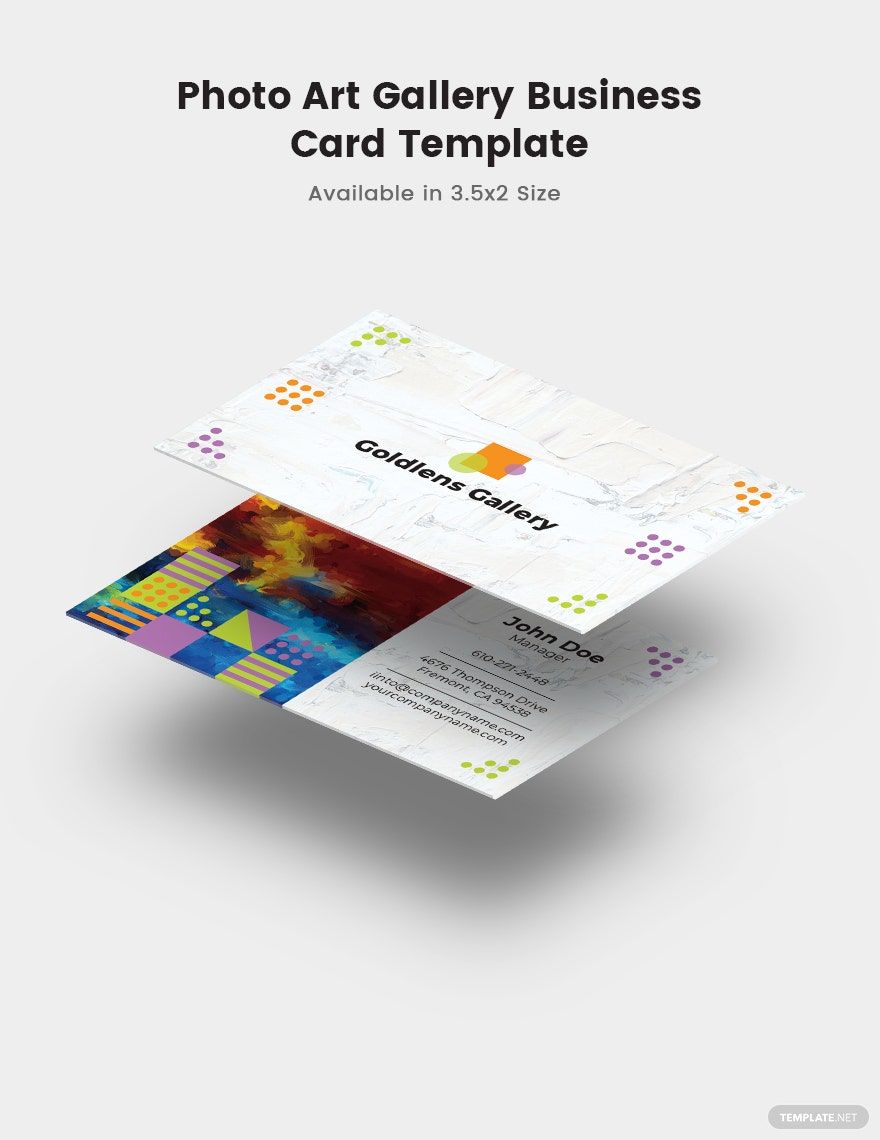
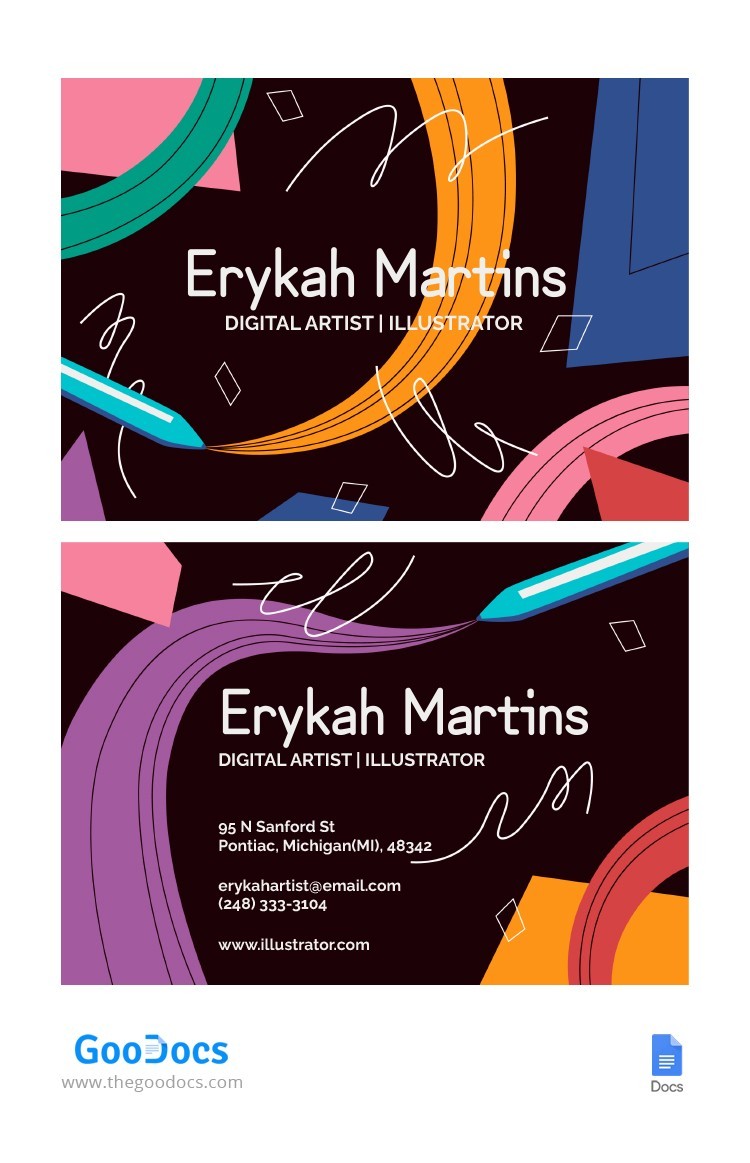
When you’re sitting down during a quiet evening, perhaps with a cup of tea, and you realize it’s time to revamp your artist business cards, you’ll want something that reflects your creativity and professionalism. That’s where the Artist Business Card Free Google Docs Template comes in. This template allows you to design a card that not only showcases your artistic identity but is also easy to customize and print.
Why Choose a Google Docs Template for Your Business Card?
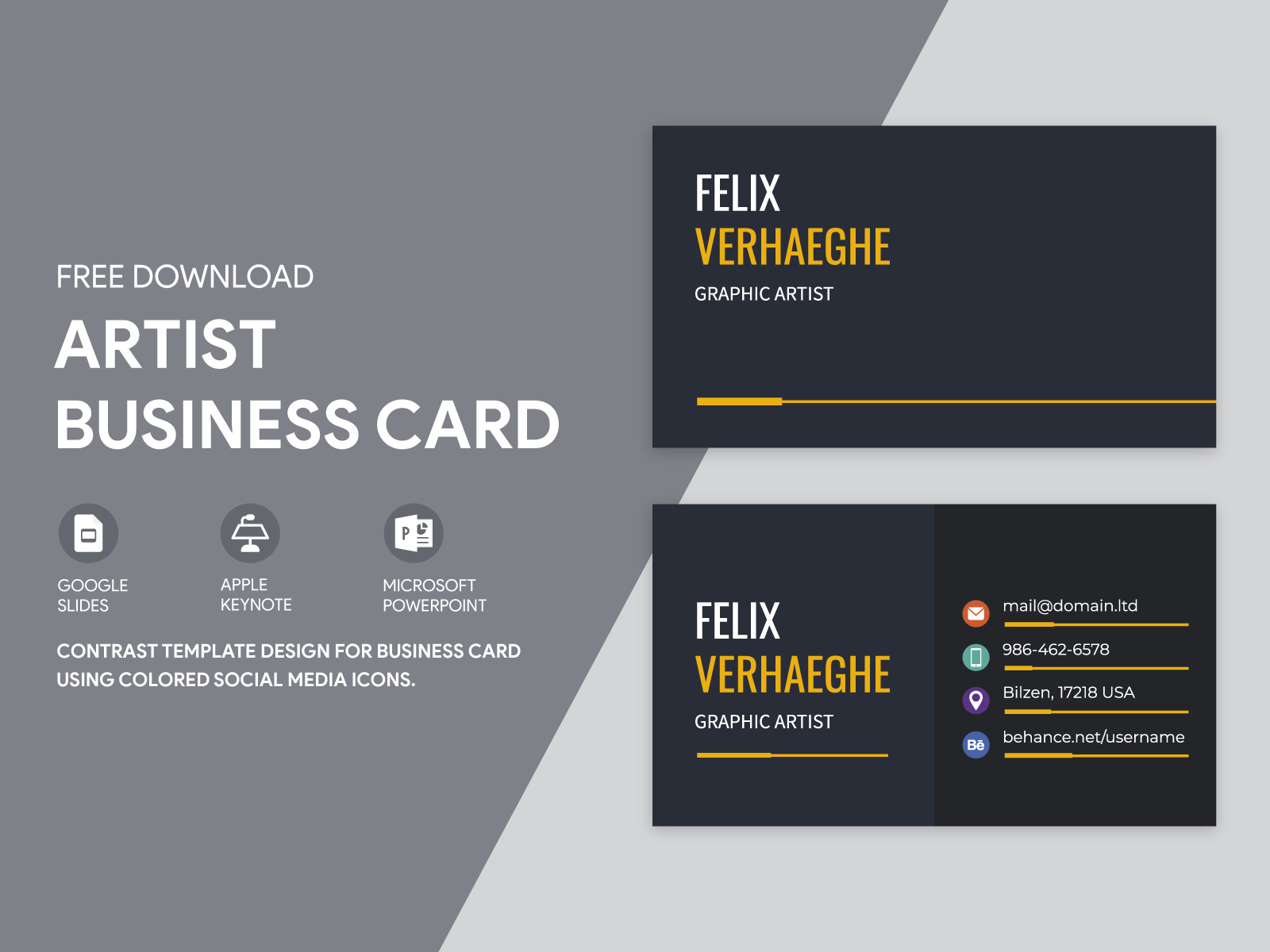
Using a Google Docs template for your business cards offers numerous benefits. First, it’s incredibly easy to access and edit. You can make changes from anywhere as long as you have internet access. This flexibility is invaluable, especially for artists who may be on the go or working from various locations.
Additionally, Google Docs supports real-time collaboration. If you’re working with a graphic designer or a fellow artist, you can share the document with them, allowing for seamless feedback and adjustments. Plus, it’s free! You won’t have to invest in expensive design software to create professional-looking cards.
Customizing Your Business Card Template
Once you’ve downloaded the Artist Business Card Free Google Docs Template, it’s time to personalize it. Here are some practical tips to help you create a card that stands out:
- Choose Your Dimensions: Standard business card sizes are typically 3.5 x 2 inches, but you can opt for a unique size to make a statement. Just ensure it fits well in a wallet or cardholder.
- Select Your Paper: The choice of paper is crucial. For a professional feel, consider a heavier cardstock—around 300 gsm is ideal. This thickness will ensure durability and a quality look and feel. If you plan to laminate your cards, make sure the cardstock is compatible.
- Design Elements: Use design elements that reflect your art style. Whether you’re a painter, photographer, or graphic designer, your card should reflect your unique aesthetic. Add your logo, a striking background, or even a piece of your artwork.
- Fonts and Colors: Choose fonts that are easy to read and align with your branding. Pair a bold font with a softer one for contrast. For colors, stick to a palette that complements your artwork but doesn’t overwhelm the card’s information.
- Information Layout: Ensure that your name, contact information, and any social media handles are clearly laid out. You can use a hierarchy in text size to emphasize your name and make it the focal point.
Printing Your Business Cards
Once you’ve customized your card, it’s time to print! Here are some tips to ensure the final product looks as good as it does on your screen:
- Printer Settings: If you’re printing at home, use a high-quality inkjet or laser printer. Set your printer to the highest quality setting, and ensure you select the correct paper type in the printer settings.
- Test Print: Before printing a full batch, do a test print on regular paper to check dimensions and layout. This step can save you from costly mistakes.
- Cutting: If you’re printing multiple cards on a single sheet, use a paper cutter for clean, straight edges. A guillotine cutter works best for this task.
- Consider Professional Printing: If you want to ensure the highest quality, consider using a professional printing service. They often have access to better-quality cardstock and printing techniques, ensuring that your cards have a polished look.
Using Your Business Cards Effectively
Your business cards are more than just a way to share contact information—they’re a marketing tool. Here are some ways to use them effectively:
- Networking Events: Always carry your business cards to art shows, workshops, or networking events. Being able to hand someone a card can create a lasting impression and provide them with a way to remember you.
- Include in Mailings: If you’re sending out artwork or prints, include a business card with each package. This not only promotes your work but also encourages recipients to reach out.
- Display: Consider leaving a stack of cards at local galleries, cafés, or art supply stores. This can help attract potential clients who may be interested in your work.
Creating your own business cards with the Artist Business Card Free Google Docs Template is a straightforward process that can significantly enhance your professional presence. By customizing your design, choosing the right materials, and utilizing your cards effectively, you’re setting yourself up for success in the art world. Don’t hesitate to put your personal touch on each card; after all, it’s a reflection of you and your art!
Artist Business Card Free Google Docs Template Gallery