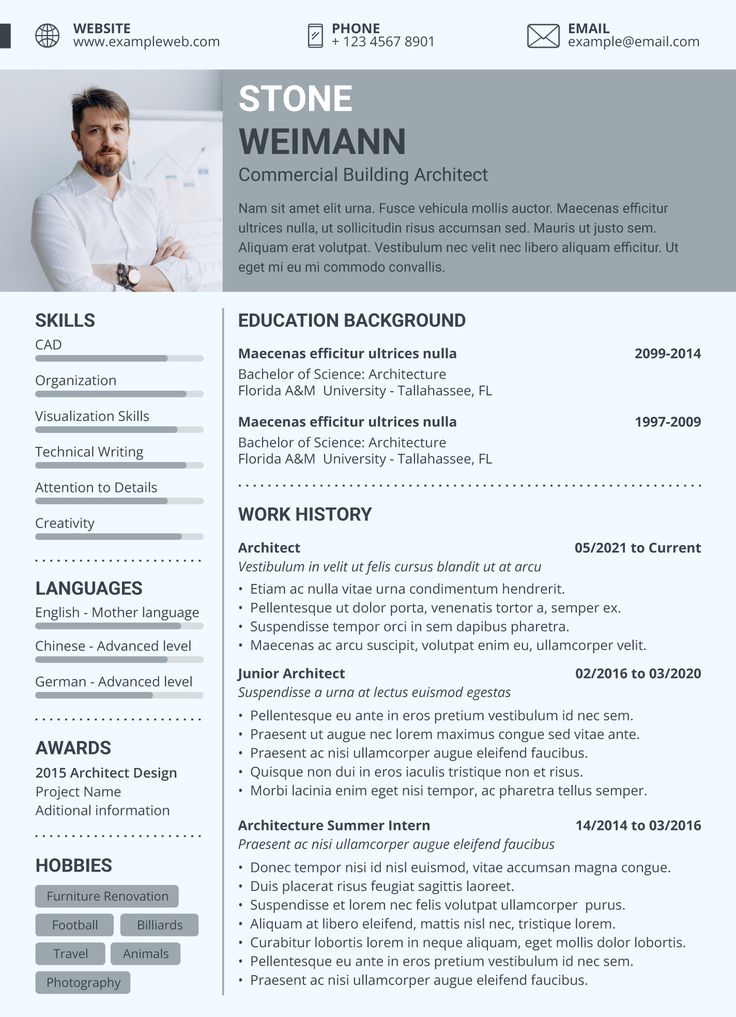
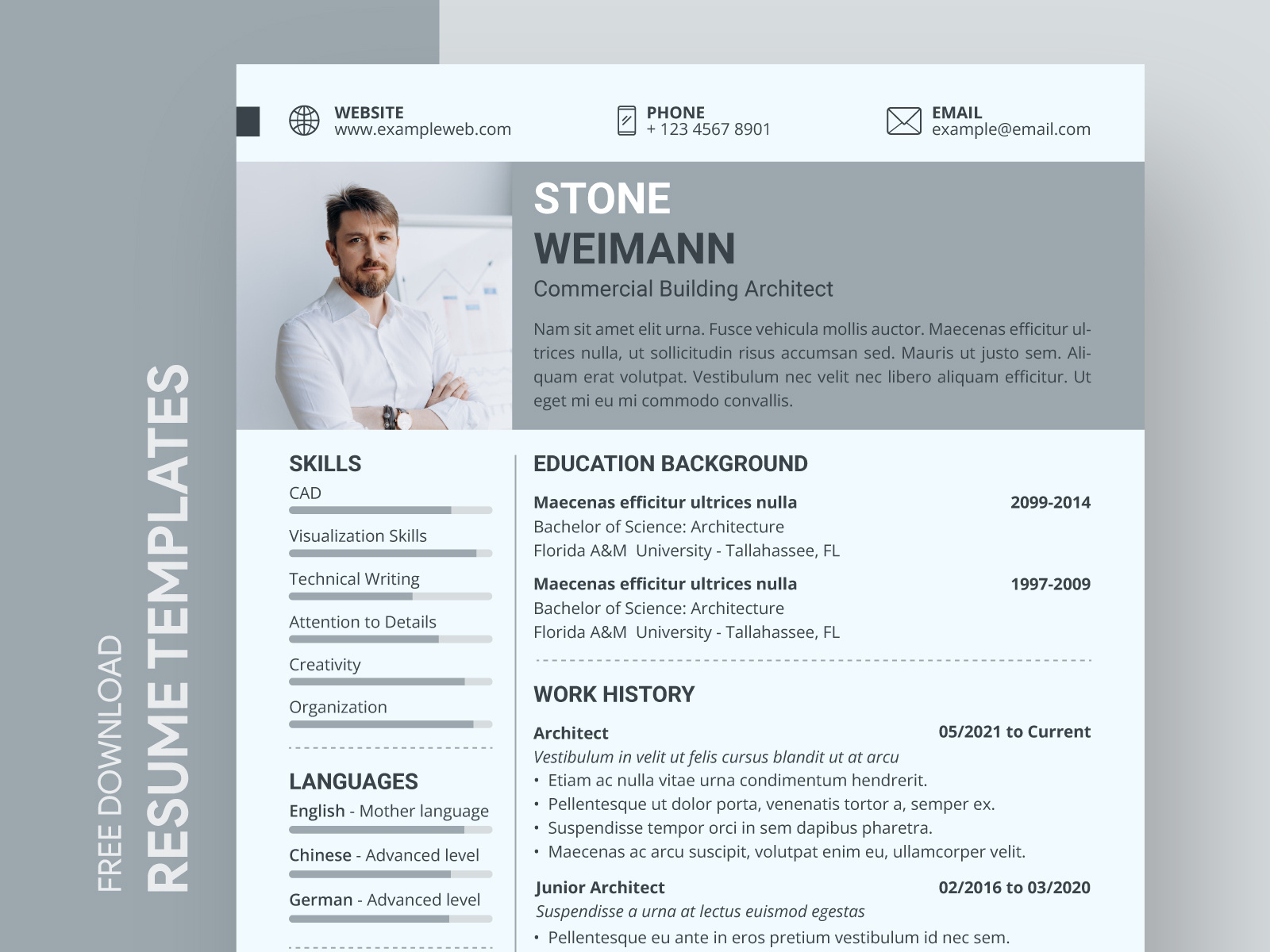
Creating a standout CV is crucial for architects looking to make an impression in a competitive field. The Architect CV Free Google Docs Template offers an easy-to-use format that simplifies the process of crafting a professional resume. This template is tailored specifically for architects, focusing on the unique attributes and experiences relevant to the profession. With its clean design and practical sections, this template sets you up for success.
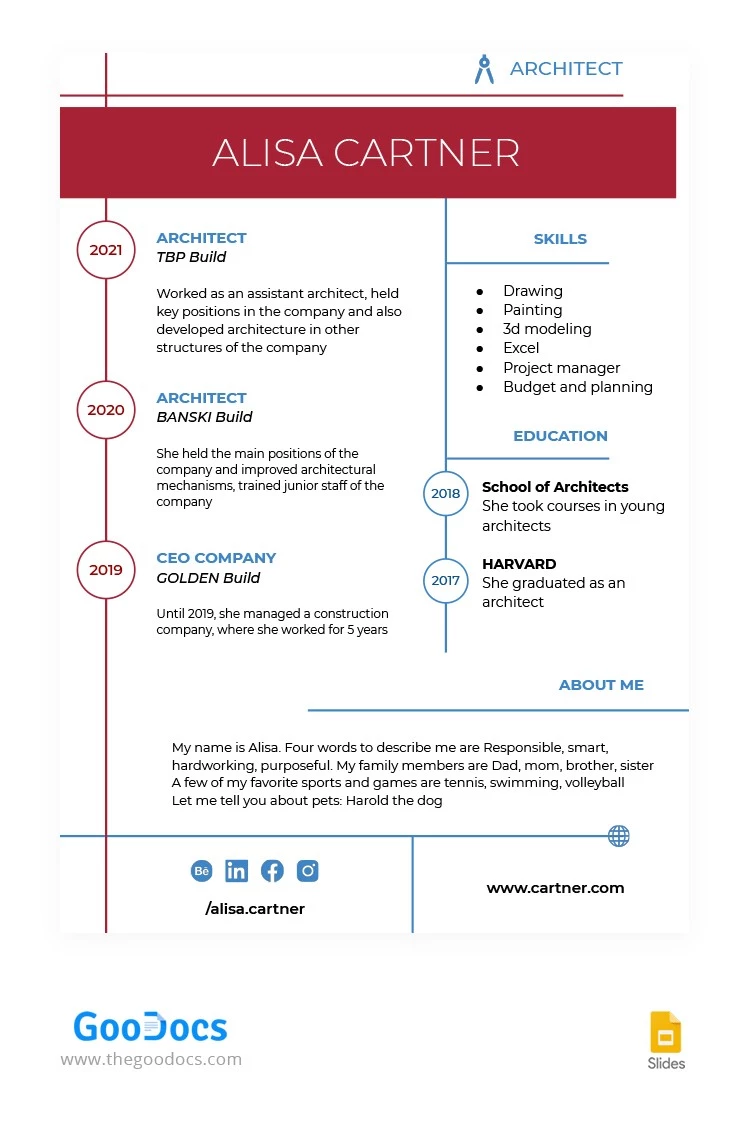
Key Features of the Architect CV Free Google Docs Template
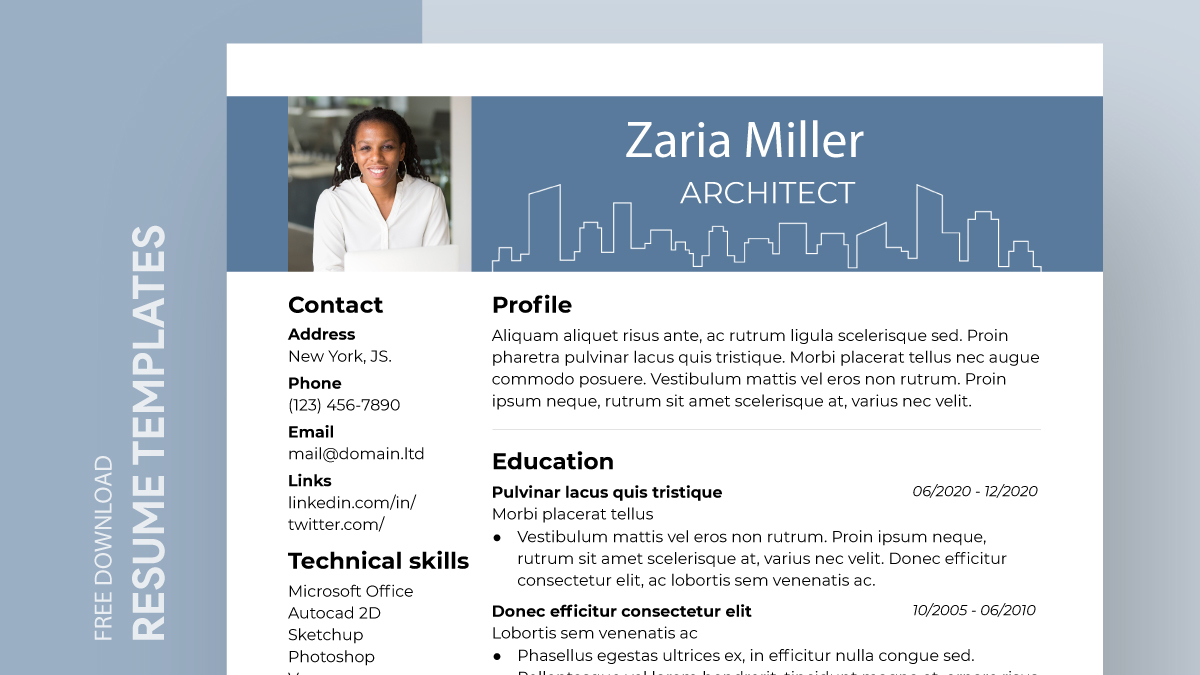
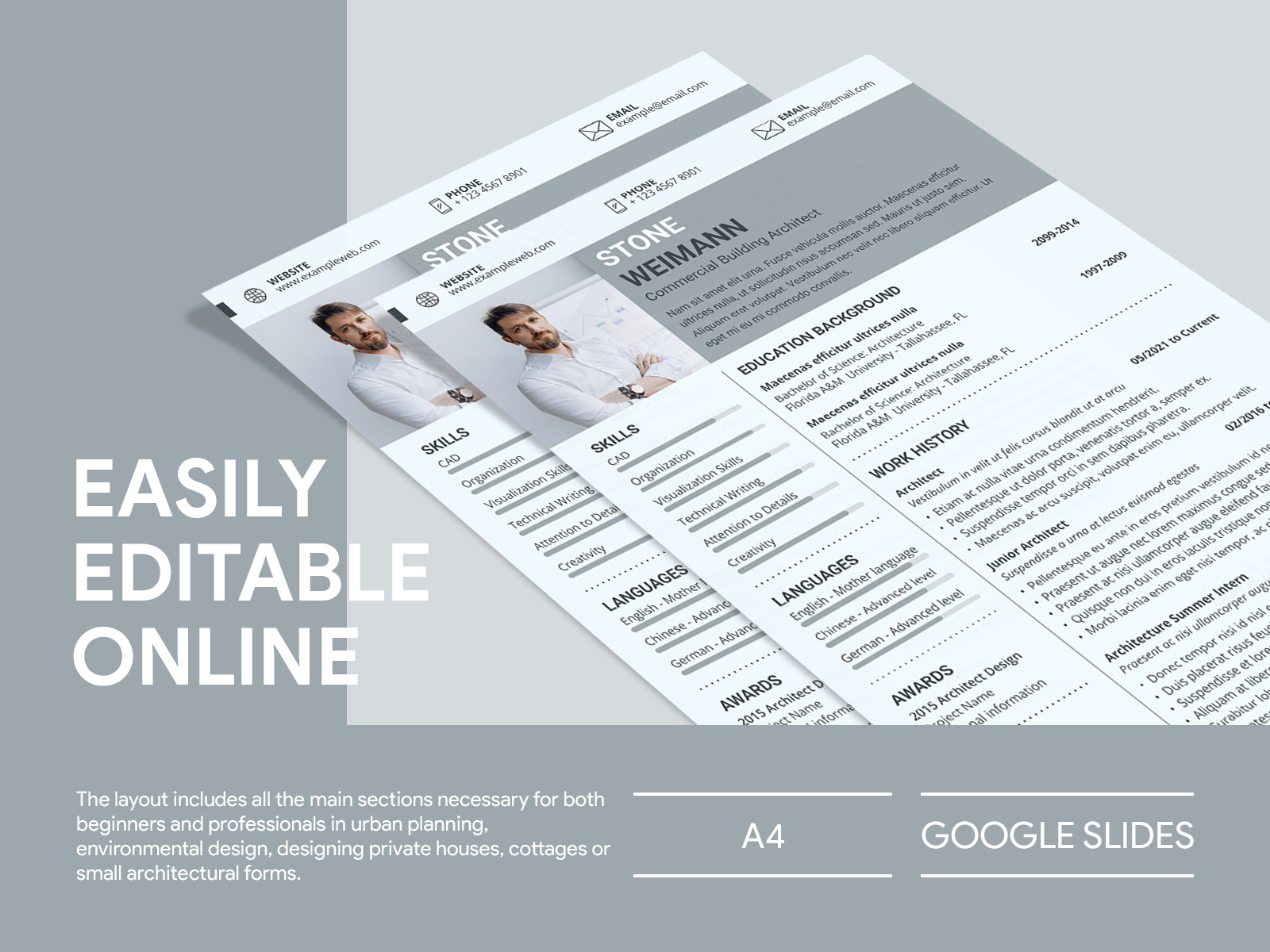
One of the first things you’ll notice about the Architect CV Free Google Docs Template is its well-structured layout. The template includes essential sections such as:
- Contact Information: A clear area at the top for your name, phone number, email address, and LinkedIn profile. This makes it easy for potential employers to reach you.
- Professional Summary: A brief section where you can highlight your key skills and experiences, giving a snapshot of what you bring to the table.
- Education: This section allows you to list your academic qualifications, including degrees and certifications relevant to architecture.
- Work Experience: Here, you can detail your previous roles, responsibilities, and achievements in the field. This is where you can really shine by showcasing specific projects you’ve worked on.
- Skills: A concise list of technical skills, software proficiencies, and soft skills that are important in architecture.
The template’s clean lines and organized sections ensure that your information is presented efficiently. It’s designed to be both visually appealing and easy to read.
Customizing Your Architect CV Template
When using the Architect CV Free Google Docs Template, customization is key. Here are some practical tips to help you make it your own:
- Personal Touch: Add your personal branding by adjusting the color scheme or font style. While the template is professionally designed, a little personalization can help your CV stand out.
- Tailor Content: Adjust the professional summary and skills section to reflect the specific job you’re applying for. Highlight experiences that align with the job description, making sure to use relevant keywords that hiring managers are likely to look for.
- Add Projects: If you have standout projects or features from your portfolio, consider creating a dedicated section for them. This could include images or links to your work, which can be very impactful.
- Proofread: Before finalizing your CV, make sure to double-check for any spelling or grammatical errors. A polished document reflects professionalism and attention to detail, both of which are crucial in architecture.
Downloading and Printing the Template
Getting started with the Architect CV Free Google Docs Template is straightforward. You can easily download it from the resource website and open it in Google Docs. Here’s how to do it:
- Download the Template: Click on the download link provided on the resource page. Ensure you choose the Google Docs format to avoid any compatibility issues.
- Open in Google Docs: Once downloaded, the template will automatically open in Google Docs, allowing you to begin editing right away.
- Print Options: If you prefer a hard copy, make sure to check your print settings. For best results, use high-quality paper and select portrait orientation. Standard letter size (8.5 x 11 inches) is typically the best choice for CVs.
- Save Your Work: After customizing, save your document in both Google Docs and as a PDF. The PDF format is ideal for emailing your CV, as it preserves your formatting.
Real-World Use Cases for the Architect CV Template
The Architect CV Free Google Docs Template is versatile and can be used in various scenarios:
- Job Applications: If you are applying for internships or full-time positions, this template is designed to cater to a wide range of job levels in the architecture field.
- Networking Events: If you’re attending an event or workshop, having a printed CV can be a great way to introduce yourself to potential employers or collaborators.
- Portfolio Presentations: Many architects have to submit a CV alongside their portfolio during interviews. This template complements your design work perfectly.
As you prepare your CV, keep in mind the importance of clarity and professionalism. This template provides a strong foundation, but it’s up to you to fill it with your unique experiences and skills.
By utilizing the Architect CV Free Google Docs Template, you’re not just filling out a document; you’re crafting a professional narrative that showcases your qualifications and passion for architecture. If you are just starting out or looking to advance your career, this template can help you present your best self to the world.
Architect CV Free Google Docs Template Gallery