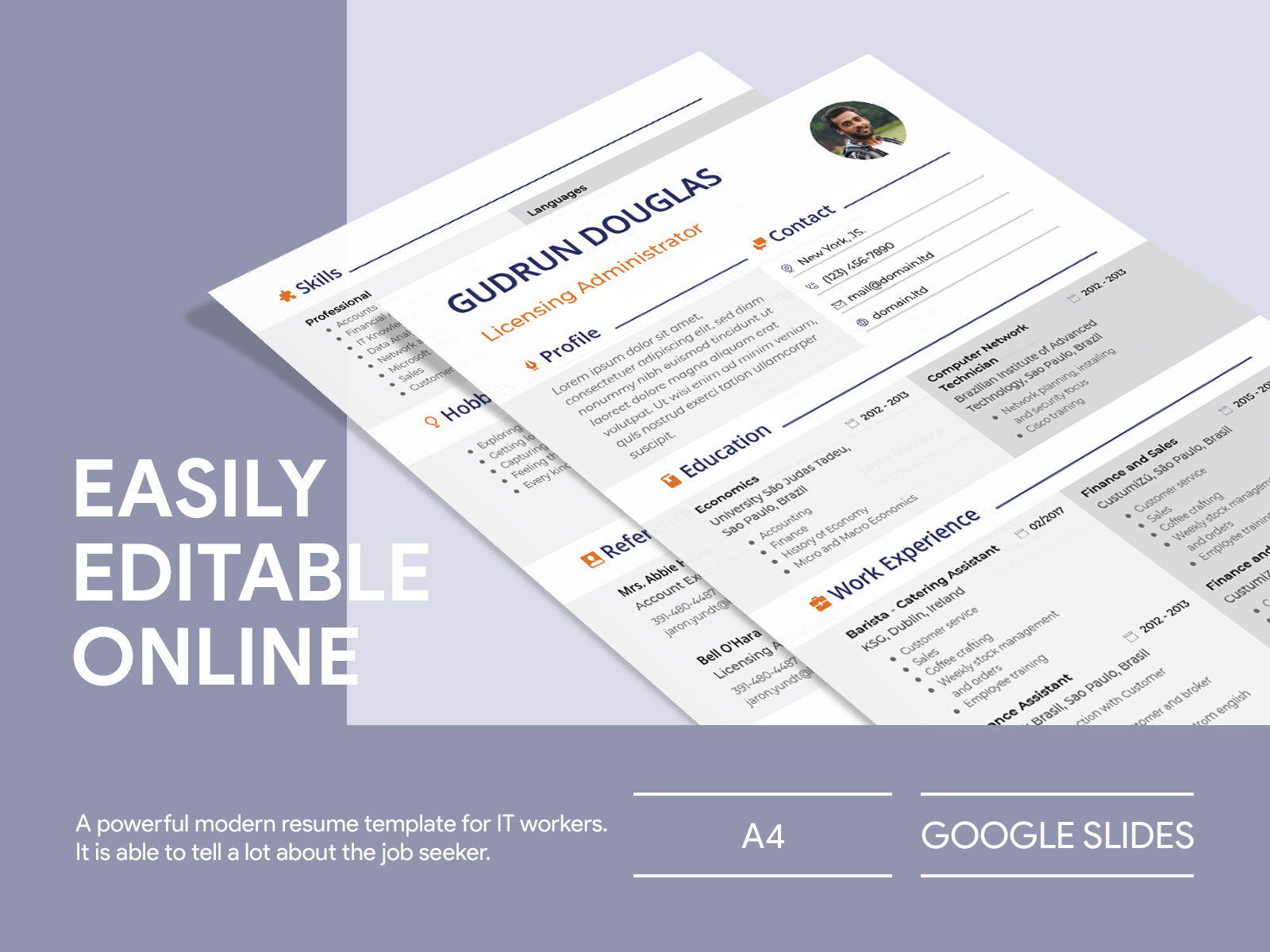
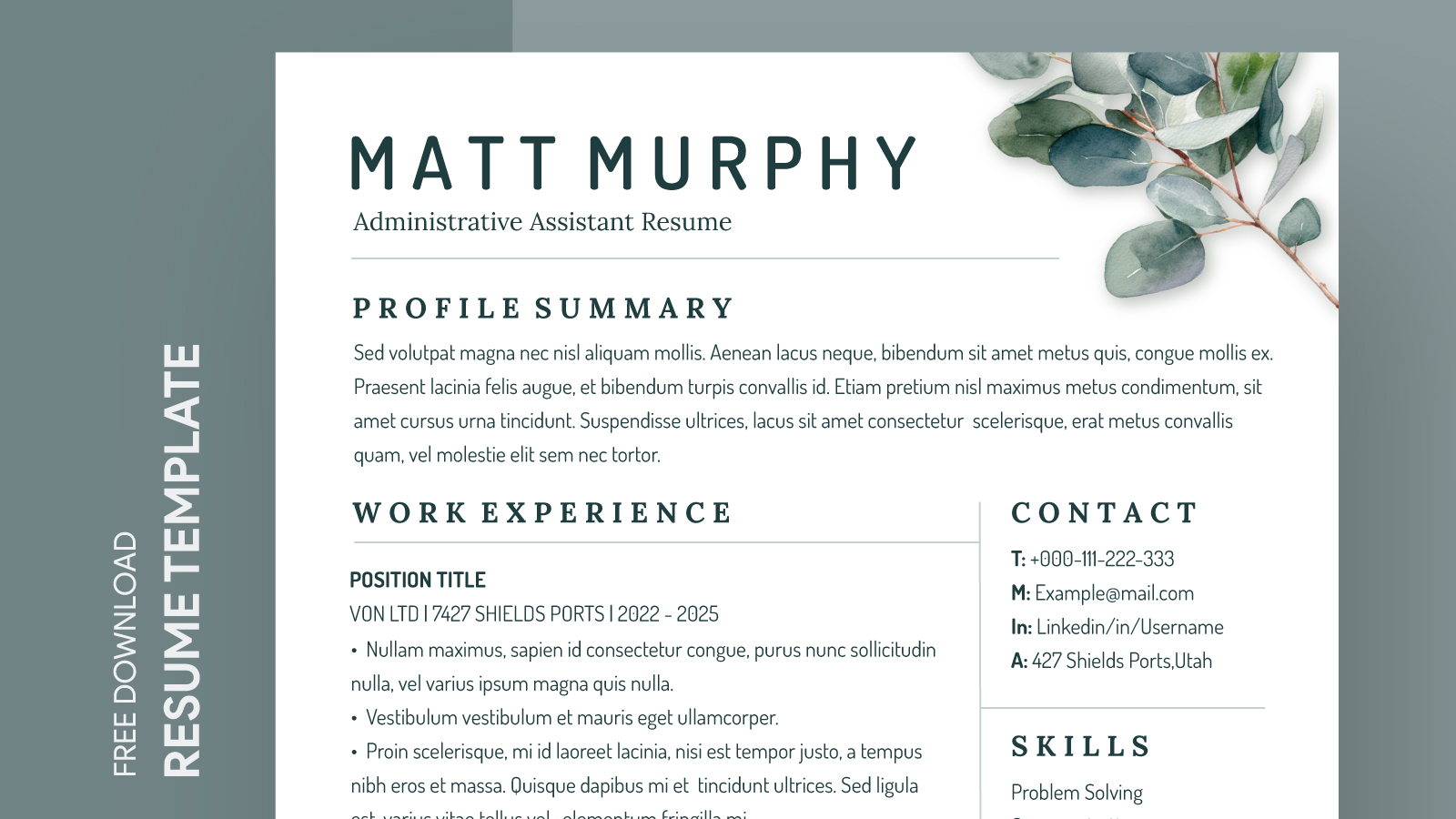
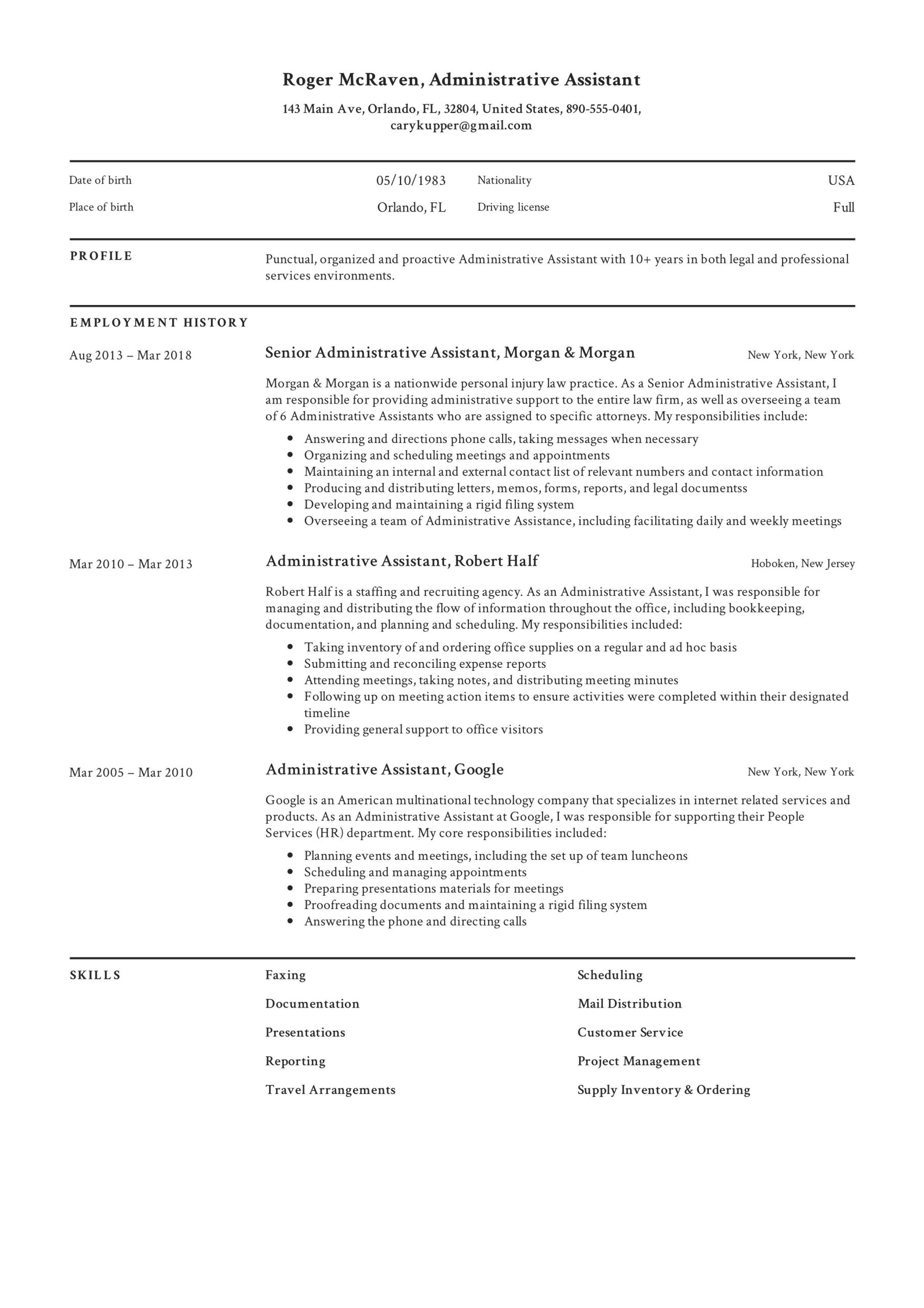
Having a well-structured resume is essential, especially in the competitive field of administrative assistance. A professionally designed, easy-to-edit format can make all the difference when applying for jobs. The Administrative Assistant Resume Free Google Docs Template is an excellent resource that simplifies the process of crafting your resume. This template not only saves you time but also helps you present your skills and experiences in the best light possible.
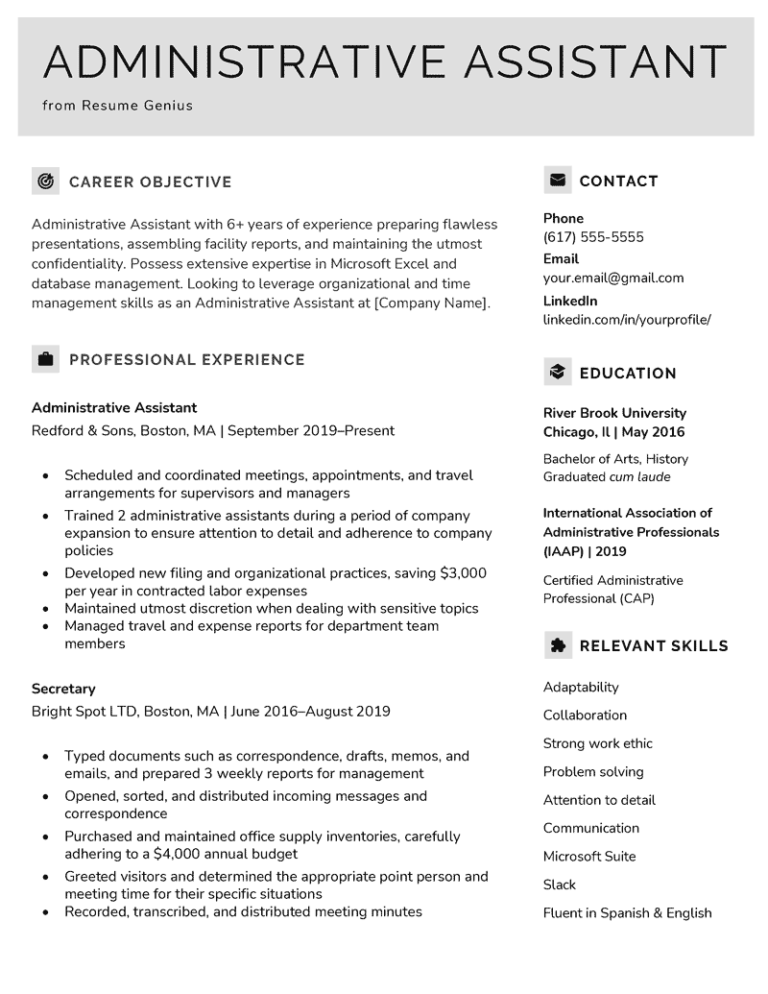
Features of the Administrative Assistant Resume Template
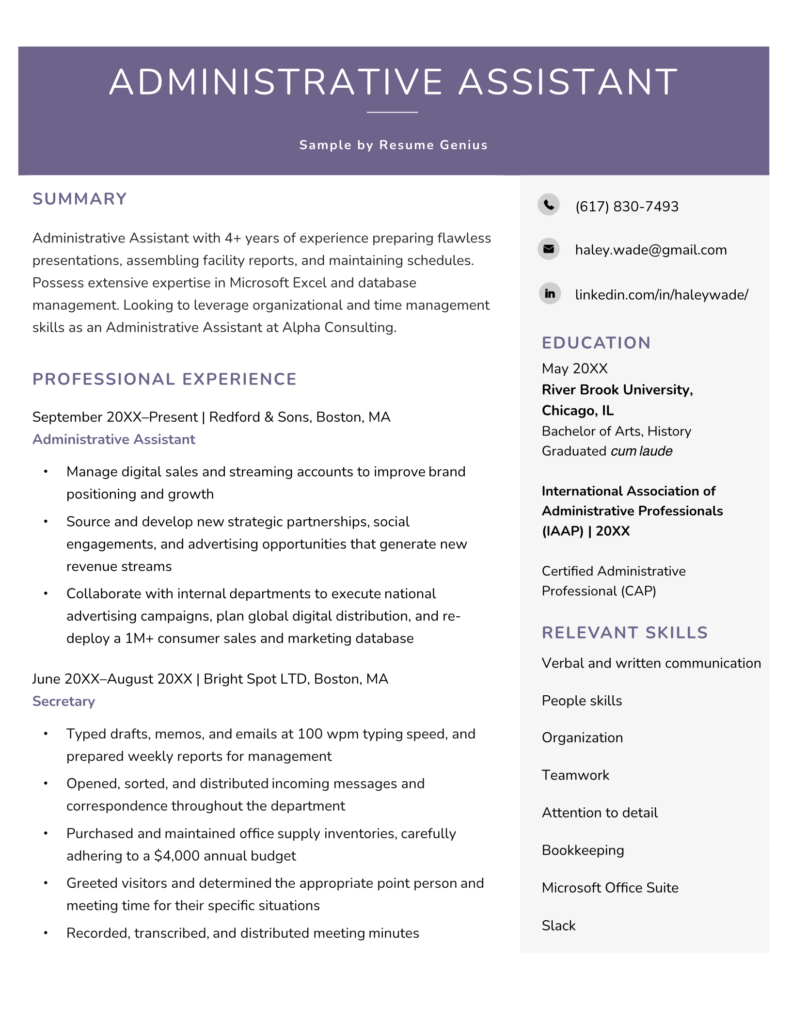
This Google Docs template is tailored specifically for administrative assistants, highlighting the skills and experiences that employers look for. Here are some key features you can expect:
- Clean Design: The template features a modern, clean layout that is easy to read, ensuring your important details stand out.
- Customizable Sections: You can easily edit sections to include your personal information, work experience, education, and skills.
- Easy Formatting: Since it’s a Google Docs template, you won’t need advanced design skills to make it work for you. The formatting is straightforward and user-friendly.
- Download Options: Apart from Google Docs, you can download it in PDF or Microsoft Word format for added flexibility.
Customizing Your Resume
Once you have access to the Administrative Assistant Resume Free Google Docs Template, the real work begins—customizing it to reflect your personal brand. Here are some practical tips to keep in mind:
- Tailor Your Objective: Start with a strong objective statement. This should summarize your career goals and what you hope to achieve in the administrative role. Make sure it aligns with the job you’re applying for.
- Highlight Relevant Experience: Focus on your most relevant work history. Use bullet points to detail your responsibilities and achievements in previous positions. Quantify your successes when possible (e.g., “Managed a team of 5” or “Increased office efficiency by 20%”).
- Showcase Skills: Administrative roles require a specific set of skills, such as organization, communication, and proficiency with office software. Make sure these are clearly listed and backed up by your experience.
- Education and Certifications: Include any relevant educational background or certifications. If you’ve taken courses in office management or related fields, list those as well.
- Proofread: Before finalizing your resume, double-check for any spelling or grammatical errors. A polished resume reflects attention to detail, an essential quality for an administrative assistant.
Downloading and Printing Your Template
Getting your Administrative Assistant Resume Free Google Docs Template is just the first step. Here’s how you can download and print it effectively:
- Accessing the Template: Once you find the template online, click the link to open it in Google Docs. If you don’t have a Google account, you’ll need to create one to access it.
- Downloading Options: After making your edits, you can download the resume in various formats. Choose PDF for a professional look when sending via email. If you plan to make further edits later, save it as a Google Docs or Word file.
- Printing Tips: For printing, use high-quality paper for a more professional appearance. Standard letter size (8.5 x 11 inches) works best for resumes. If you want to be eco-friendly, consider using recycled paper.
Final Touches Before Submission
Before you send out your resume, consider these final touches to ensure it stands out:
- Personalize Each Application: Tailor your resume for each job application. Adjust your objective and highlight experiences that are most relevant to the specific job description.
- Include a Cover Letter: Pair your resume with a personalized cover letter. This is your chance to showcase your personality and explain why you’re the ideal candidate for the role.
- Seek Feedback: If possible, have a friend or mentor review your resume. They may catch mistakes you overlooked or provide valuable insights on how to improve it.
With the Administrative Assistant Resume Free Google Docs Template, you’ll have a solid foundation for creating a resume that captures the attention of hiring managers. Take the time to customize it, and you’ll be well on your way to landing that desired position. The right resume can open doors, so make sure yours makes a great impression!
Administrative Assistant Resume Free Google Docs Template Gallery