Creating an Academic CV can be a daunting task, especially when you’re trying to showcase your accomplishments in the best light. While generic templates might suffice, using an Academic CV Free Google Docs Template offers a tailored approach that allows you to highlight your academic journey effectively. This template is designed for those who want to present their qualifications clearly and professionally, ensuring you stand out in academic and research environments. Let’s explore how you can customize this resource to meet your specific needs.
Key Features of the Academic CV Free Google Docs Template
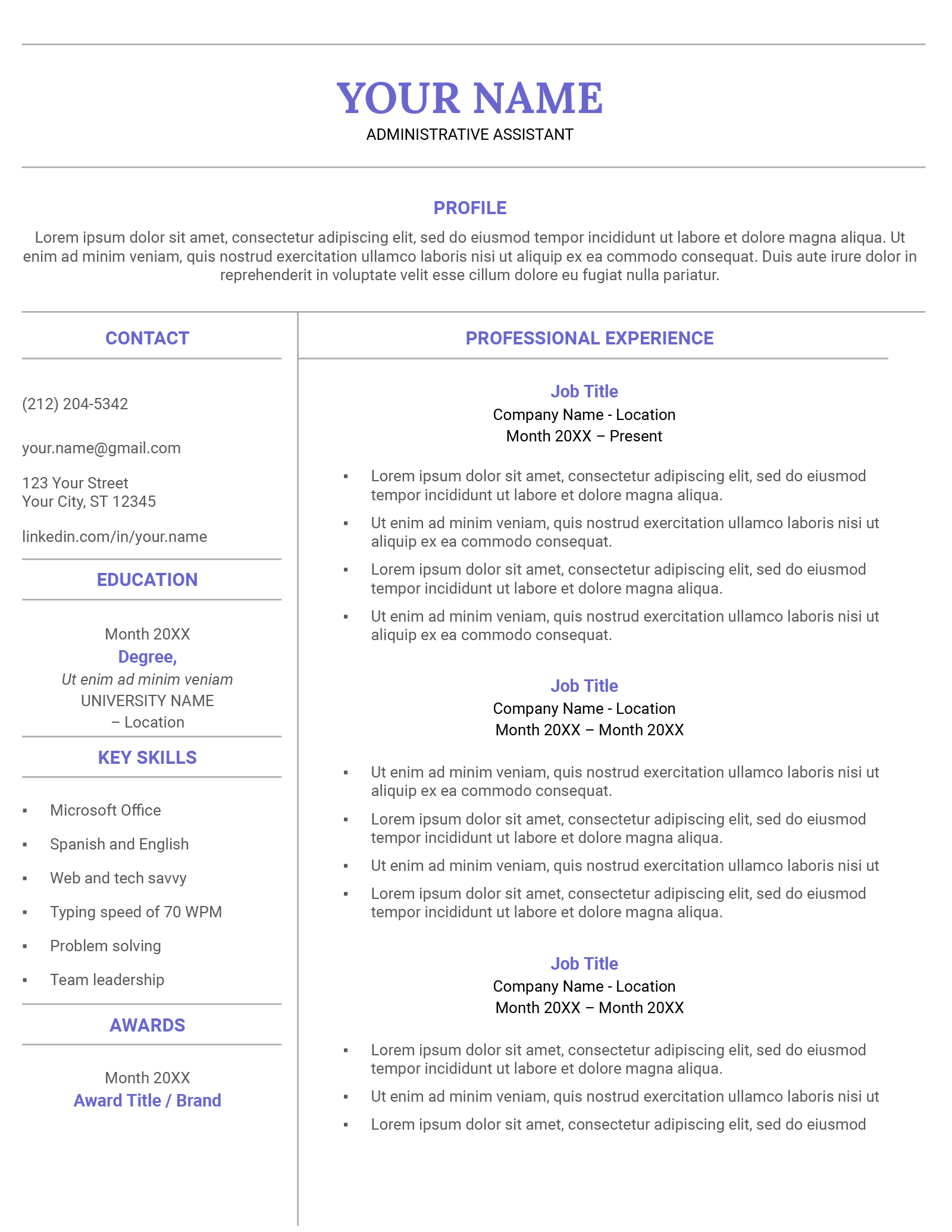
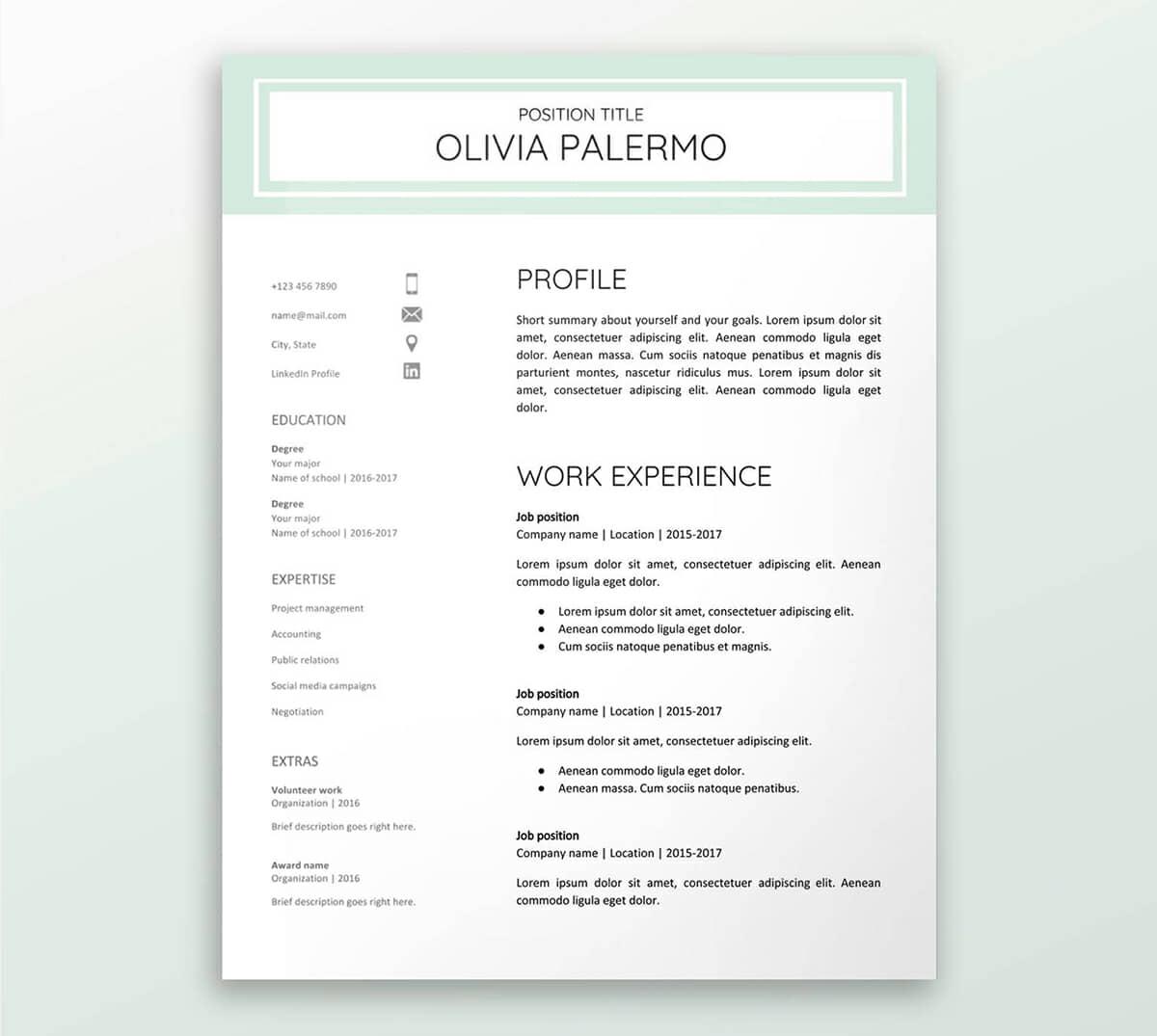
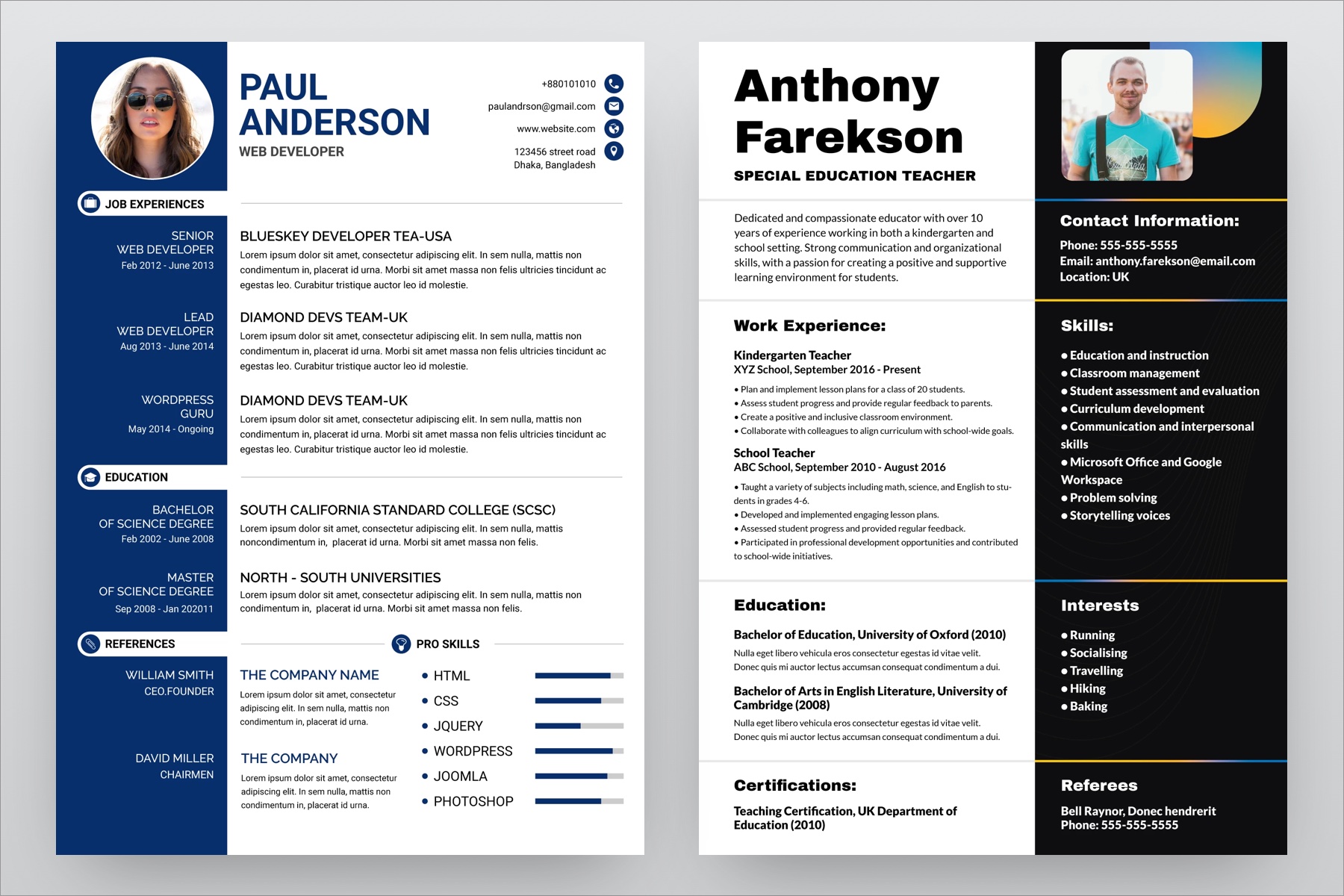
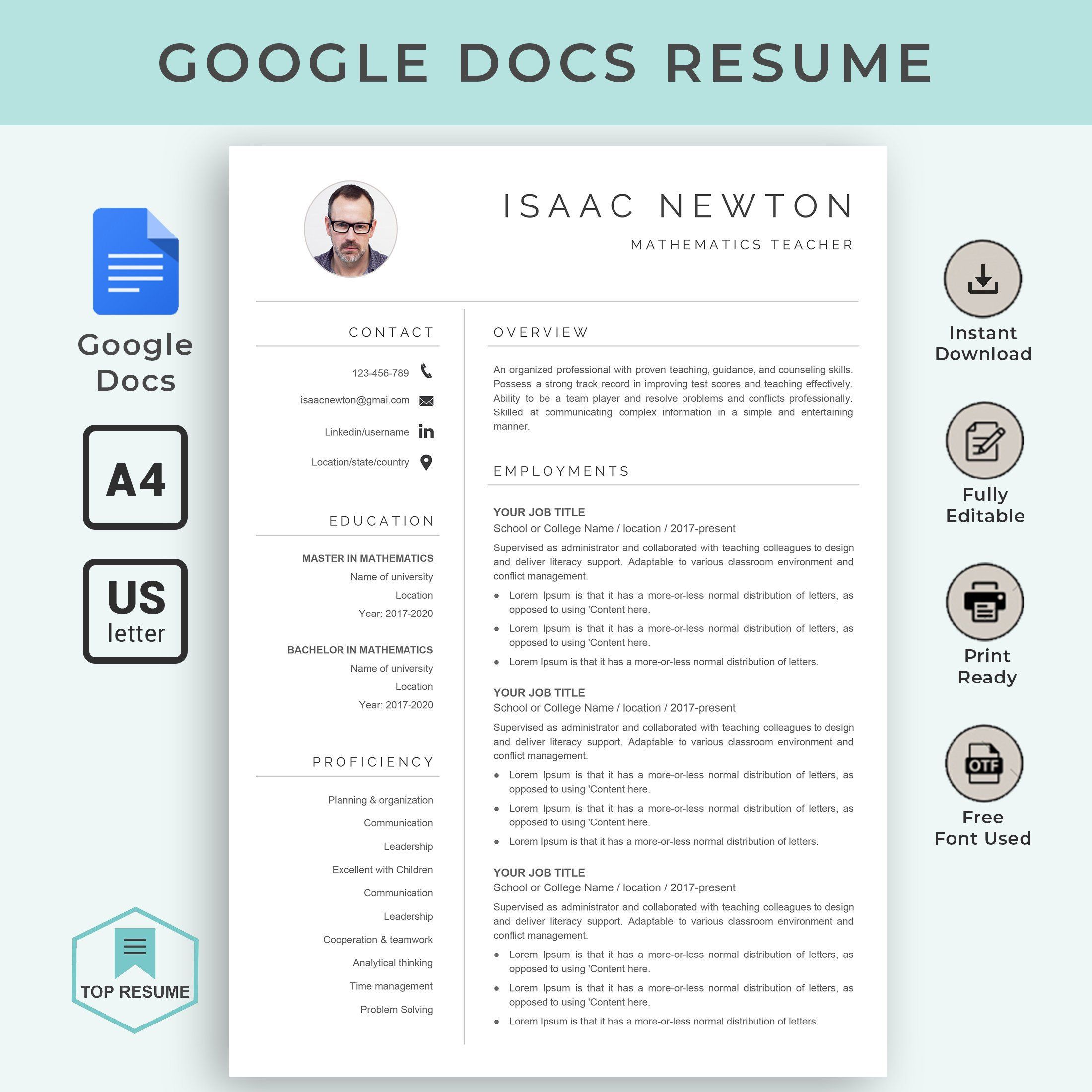
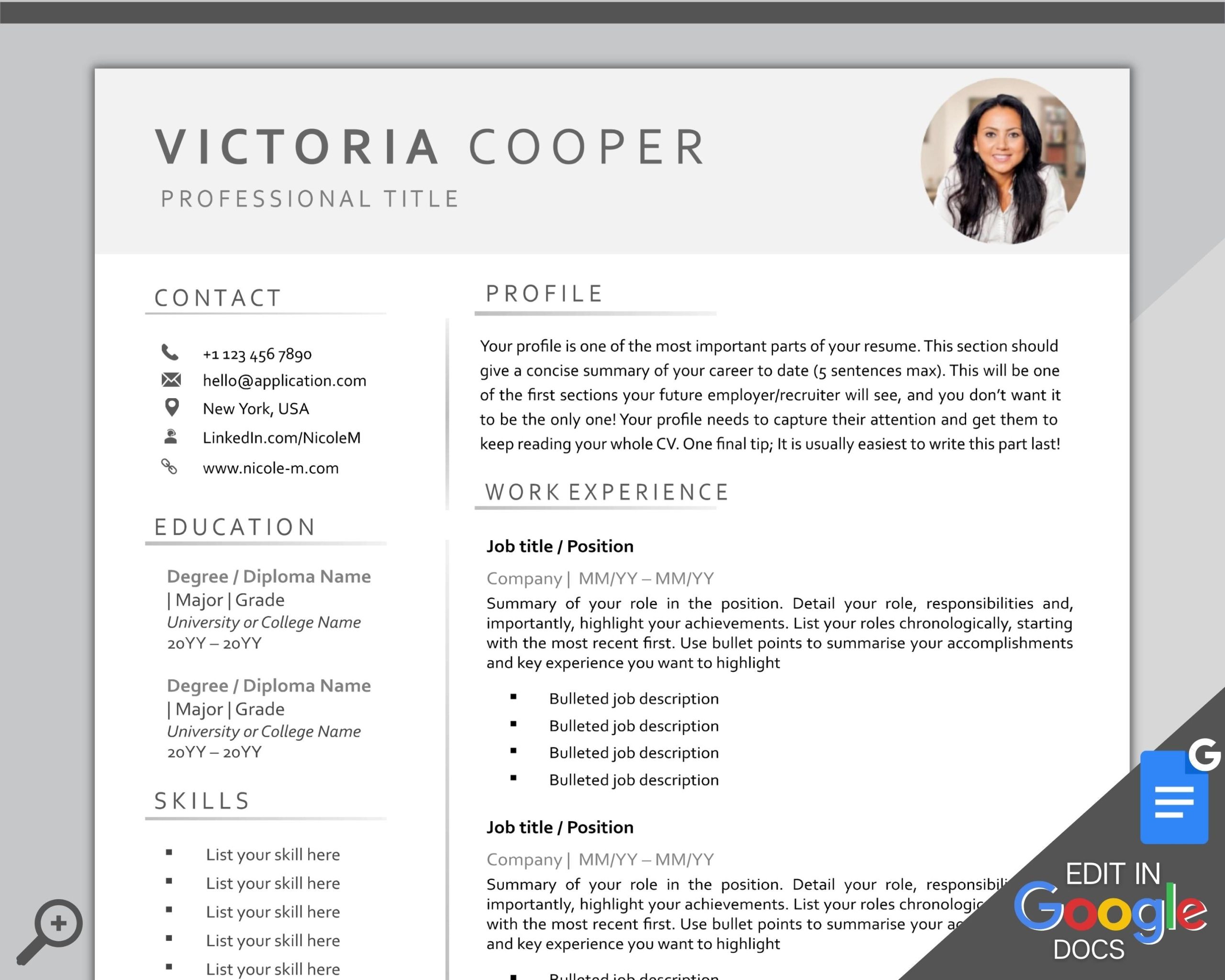
When you download the Academic CV Free Google Docs Template, you’ll find several features that make it user-friendly and adaptable. First off, the template is structured to include essential sections such as education, professional experience, publications, and research interests. Each section is clearly labeled, allowing you to fill in your information easily.
You can customize various aspects of the template, including:
- Font Style and Size: Adjust the font to match your personal style while maintaining readability. Common choices for academic CVs include Times New Roman or Arial in 11-12 point size.
- Color Scheme: While academic CVs typically lean towards a monochrome palette, you can add subtle color accents to make your CV visually appealing without being distracting.
- Layout Options: The template offers both portrait and landscape orientations. Portrait generally works better for most applications, but landscape can provide more space for detailed sections like publications.
These features help you create a document that not only reflects your professional identity but also adheres to the academic standards expected in your field.
Customizing Your Academic CV: Practical Considerations
Once you have the template, it’s time to make it your own. Think about what sections are most relevant to your career stage. For instance, if you’re a recent graduate, your education section might take precedence over work experience. Conversely, if you’re looking for a faculty position, your research and publications will be crucial.
Here are some practical tips for customizing your CV:
- Tailor Content for Specific Applications: Different positions may require you to emphasize different aspects of your background. Make adjustments based on the role you’re applying for. Highlight your teaching experience for educational roles or your research for research-intensive positions.
- Length and Detail: Academic CVs can vary in length. Early career professionals may have a CV that is 1-2 pages long, while experienced academics could extend to 5 pages or more. Include as much detail as necessary to showcase your qualifications without overwhelming the reader.
- Include Relevant Sections: Depending on your experience, consider adding sections like awards, fellowships, or conferences attended. This not only adds depth to your CV but also demonstrates your active engagement in your field.
Downloading and Printing the Template
Downloading and printing the Academic CV Free Google Docs Template is straightforward. Simply follow these steps:
- Download the Template: Click on the download link provided on the website. Ensure you select the Google Docs format to avoid any formatting issues.
- Open in Google Docs: Once downloaded, open the file in Google Docs. This allows you to edit directly in your browser, making it easy to customize.
- Print Settings: When printing, consider using high-quality paper, preferably a heavier stock like 24 lb. This gives your CV a more professional feel. Also, ensure your printer settings are adjusted for the best quality output. Typically, a standard letter size (8.5 x 11 inches) works best for most applications.
- Save as PDF: If you need to send your CV electronically, saving it as a PDF can help maintain formatting across different devices.
Common Mistakes to Avoid
While you may be eager to finalize your CV, there are a few common pitfalls to watch for:
- Overloading with Information: It’s tempting to include every detail of your academic career, but remember, clarity is key. Focus on your most relevant achievements and experiences.
- Ignoring Formatting: A cluttered CV can distract from your content. Stick to consistent formatting for headings, bullet points, and spacing to enhance readability.
- Neglecting Proofreading: Typos or grammatical errors can undermine your professionalism. Always proofread your CV multiple times or ask a colleague to review it.
By focusing on these aspects, you’ll ensure your CV is not just informative but also polished and professional.
Academic CV Free Google Docs Template Gallery