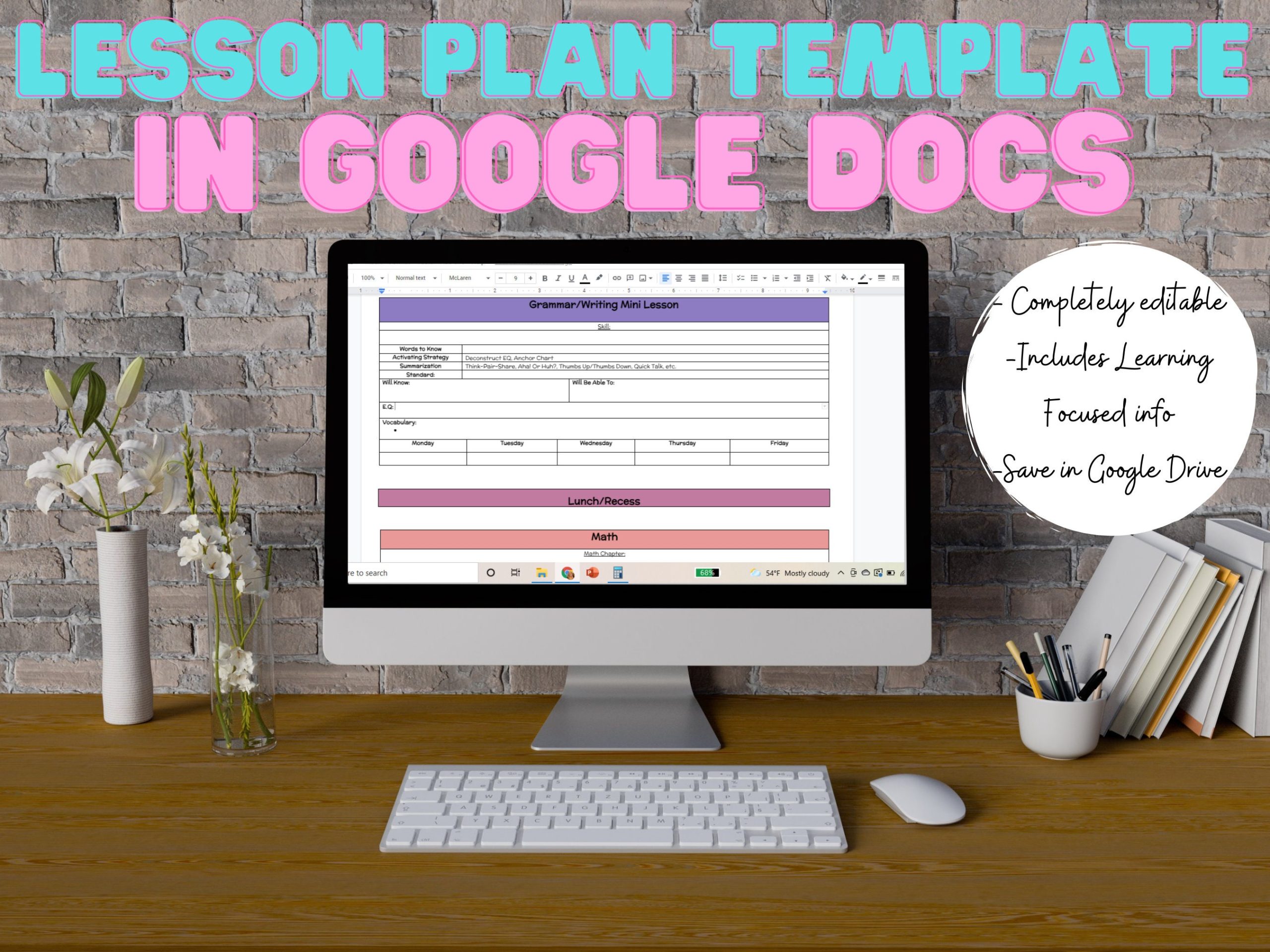
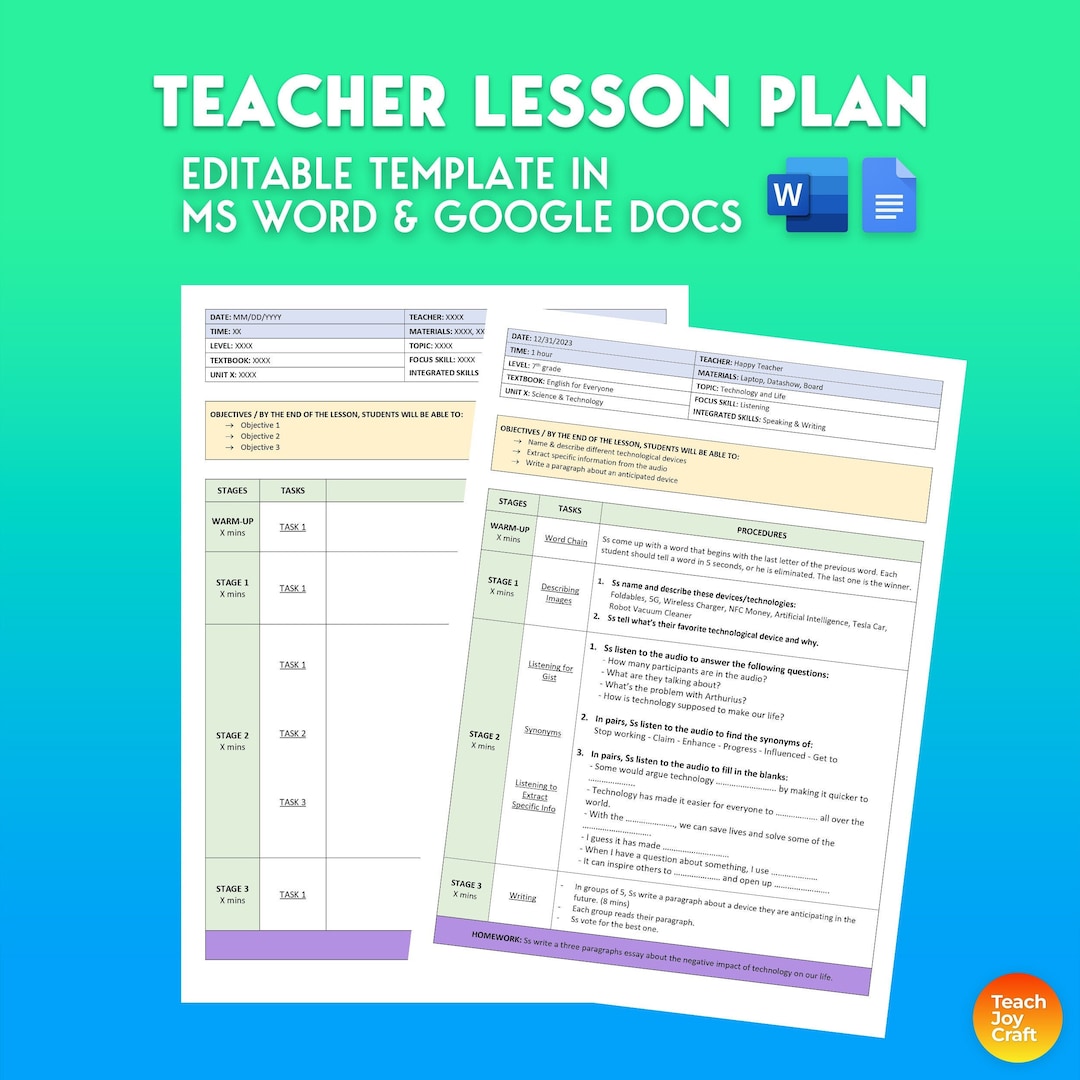
Creating a structured lesson plan is essential for any parent or teacher, especially when working with young learners in the 1st grade. This 1st Grade Lesson Plan Free Google Docs Template offers a user-friendly layout that can be easily customized to fit your teaching style. With a simple design, this template allows you to quickly adapt it for various subjects and activities, ensuring your child or students receive a well-rounded education.
Understanding the Layout of the Template
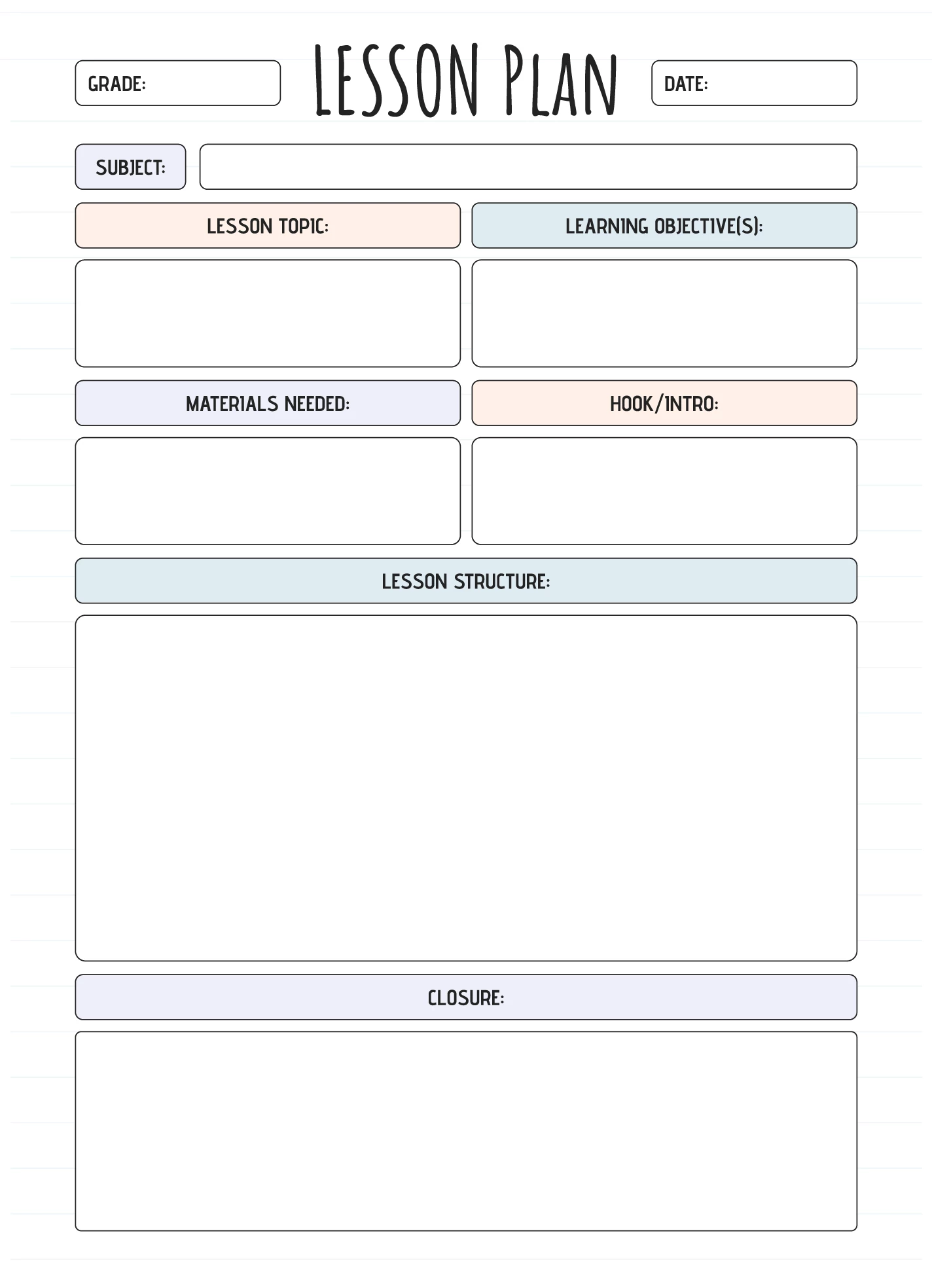
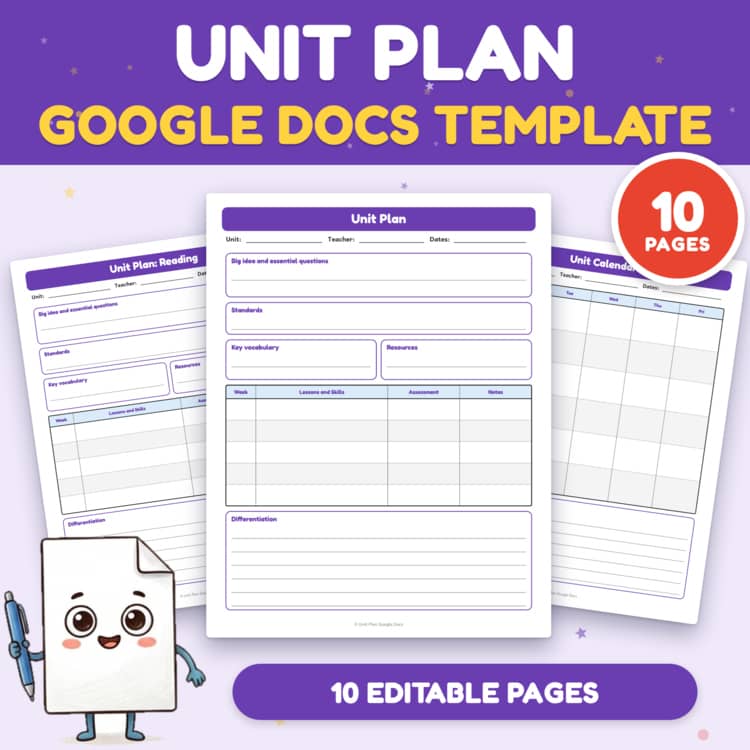
The template is designed in a portrait orientation, making it easy to print on standard 8.5 x 11-inch paper. This size is perfect for home printers, allowing you to create a physical copy that can be filled out by hand or even laminated for repeated use. The layout includes clearly defined sections for essential components like objectives, materials needed, activities, and assessment methods.
Sections to Note
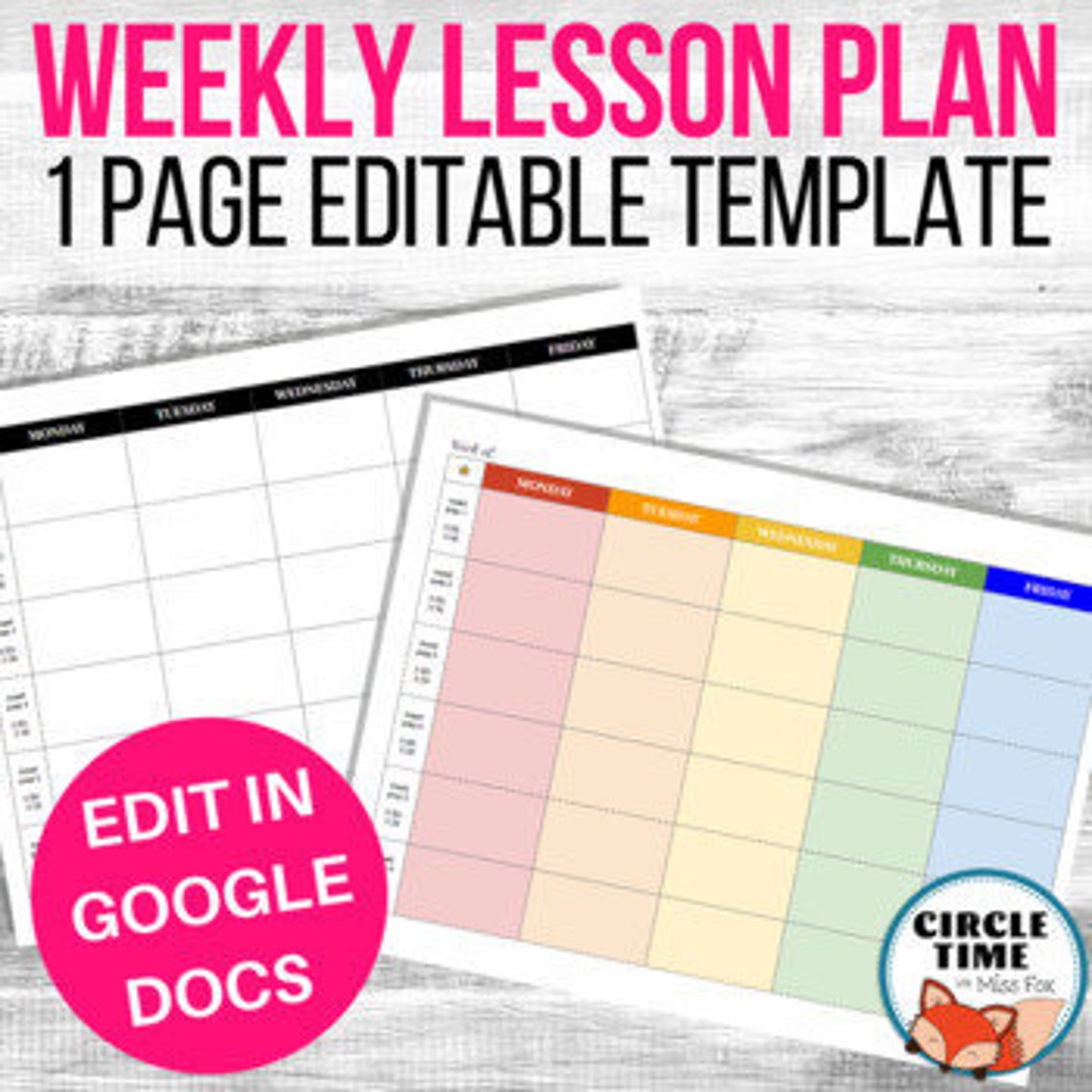
- Objectives: This section allows you to outline what you want your child or students to learn. It’s a great way to keep your educational goals in focus.
- Materials Needed: List all supplies required for the lesson, ensuring you’re fully prepared ahead of time.
- Activities: This section is your opportunity to detail the planned activities for the lesson, whether they involve reading, writing, or hands-on projects.
- Assessment: Here, you can note how you’ll evaluate the success of the lesson, whether through quizzes, projects, or informal observations.
Customizing Your Lesson Plan
One of the best features of the 1st Grade Lesson Plan Free Google Docs Template is the ability to customize it to fit your needs. You can easily edit the text, change the font size, or add graphics to make it more engaging for young learners. For instance, if you want to incorporate colorful images related to your lesson topic, Google Docs allows you to insert images directly into the template, making it visually appealing.
Practical Use Cases
Imagine planning a lesson on the solar system. You can fill in the objectives to include knowledge about planets, list materials such as books and art supplies for a craft, and outline activities like a group discussion and a model-building project. By customizing the template, you ensure that every lesson is tailored to the specific needs and interests of your child or students.
Downloading and Printing the Template
When you’re ready to download the 1st Grade Lesson Plan Free Google Docs Template, simply access it from the provided link. It’s available in Google Docs format, which means you can edit it directly in your browser. If you prefer a physical copy, you can download it as a PDF or Word document for printing.
Print Settings to Consider
For the best results, consider the following print settings:
- Paper Type: Use standard printer paper for basic needs, but if you want a more durable option, consider cardstock.
- Print Quality: A standard quality setting works well for text, but if you’ve added images, choose a higher quality setting for clarity.
- Orientation: Ensure that your printer is set to portrait mode to match the layout of the template.
Tracking Progress With Your Lesson Plans
Using this template not only helps in planning lessons but also in tracking progress over time. By filling out each lesson plan and keeping them organized, you can easily refer back to what has been covered. This is particularly useful for both parents and teachers, as it allows for adjustments based on what works best for the child.
Creating a Lesson Archive
Consider keeping a binder or digital folder where you store all your completed lesson plans. This way, you’ll have a comprehensive archive that shows growth and development. This can also be a valuable resource for future lessons, as you can see what methods were successful and which ones need improvement.
The beauty of the 1st Grade Lesson Plan Free Google Docs Template lies in its simplicity and flexibility. You can easily adapt it to fit your unique teaching style and the needs of your learners.
The most useful detail to note is that you can share the document with other educators or parents, allowing for collaboration and feedback, which can enrich the learning experience even further.
1st Grade Lesson Plan Free Google Docs Template Gallery