Printable Comic Book Template Maker
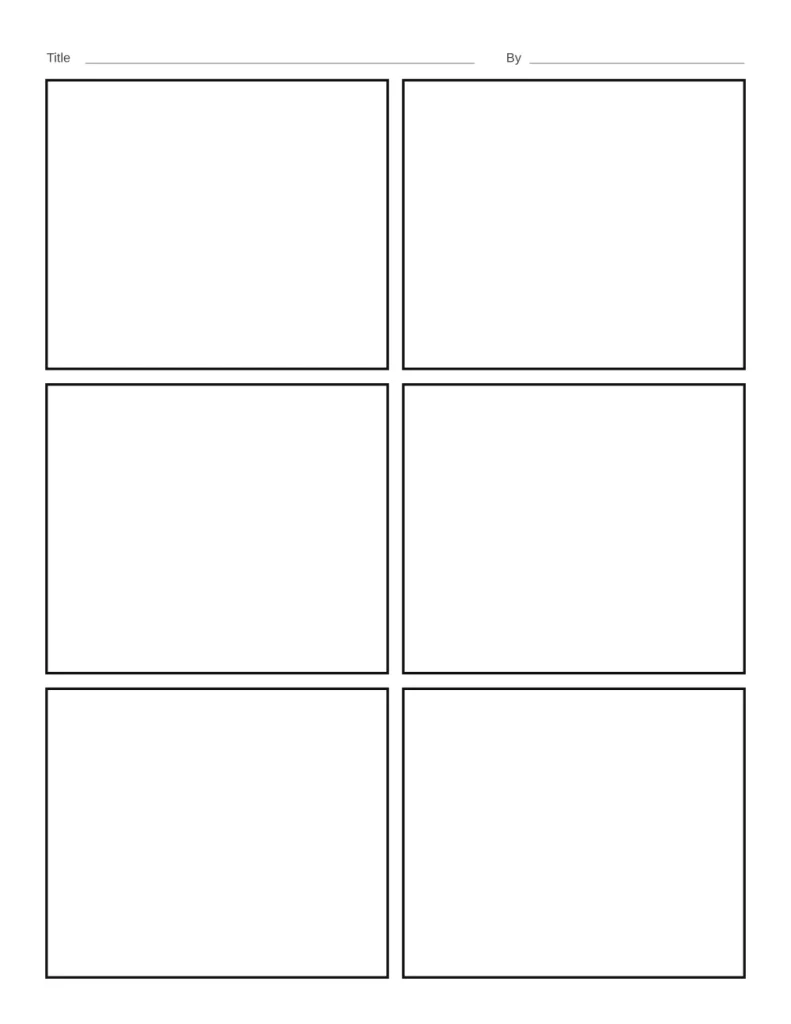
Pick one of 9 panel layouts, from 4 panels to 9 panels and mixed big and small panels. Adjust the space between panels and the border thickness, and add title and name lines.
Loading the Comic Book Template… Blank comic book templates with 9 panel layouts, adjustable gutters and borders, title and name lines.
How to Make Your Comic Book Template
- Choose your options. Change the settings and the preview updates right away.
- Check the preview. The preview shows the page exactly as it will print.
- Download or print. Click Download PDF or Download PNG, or Print to send it straight to your printer. Print at 100% (Actual size) so the measurements stay correct.
What You Can Change
- Panel layout: 4 panels (2 × 2), 6 panels (2 × 3), 9 panels (3 × 3), 3 wide panels, 1 big + 2 small, 1, 2, 3 panels, 2, 1, 2 panels, Mixed sizes, Manga style
- Space between panels: Narrow, Medium, Wide
- Panel border: Thin, Medium, Thick
- Title and name lines (on or off)
- Paper size: US Letter (8.5 × 11 in), A4 (210 × 297 mm), US Legal (8.5 × 14 in), A5 (148 × 210 mm), Tabloid (11 × 17 in)
- Orientation: Portrait, Landscape
Good For
- Kids drawing their own comics
- Storytelling and writing lessons
- Planning webcomics and strips
More Free Printable Generators
 Graph PaperInch and metric grids, with axes if needed
 Lined PaperWide, college, narrow and handwriting lines
 Dot Grid Paper5 mm bullet journal dots and more
 Isometric PaperTriangle lines or dots for 3D drawing
 Hexagon PaperHex grids in five sizes
 Polar Graph PaperDegree or radian labels, 1 to 4 grids
 Music Staff PaperStaff paper, grand staff, tab and chord charts
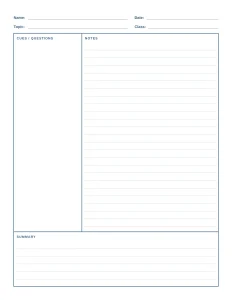 Cornell NotesCue column, notes and summary box