Color by Number Generator
Choose one of 14 pictures or upload your own photo to turn it into a pixel color by number page. Pick the grid size and the number of colors, and print the finished picture as an answer key.
Loading the Color by Number… Pixel color by number pages from 14 built-in pictures or your own photo, with a color key and answer key.
How to Make Your Color by Number
- Choose your options. Change the settings and the preview updates right away.
- Check the preview. The preview shows the page exactly as it will print.
- Download or print. Click Download PDF or Download PNG, or Print to send it straight to your printer. Print at 100% (Actual size) so the measurements stay correct.
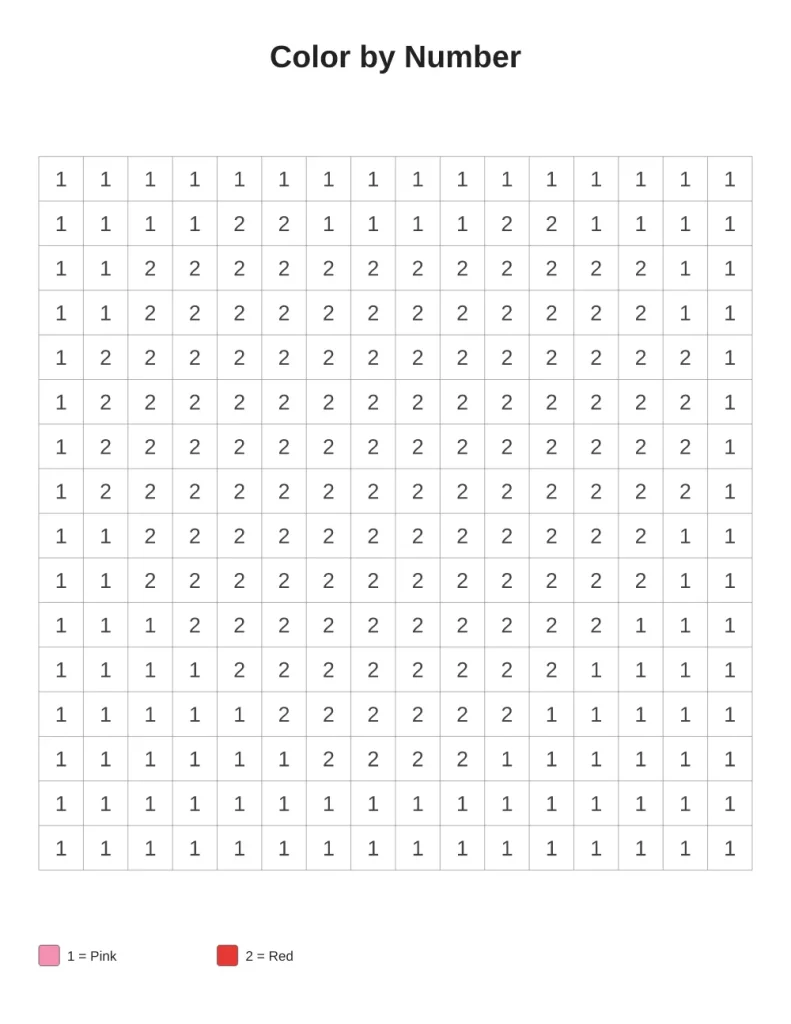
What You Can Change
- Picture: Heart, Star, Apple, Sun, House, Christmas tree and 9 more
- Upload a photo
- Grid size: 12 × 12 (easy), 16 × 16, 20 × 20, 24 × 24, 32 × 32 (hard)
- Grid width: 20 squares, 30 squares, 40 squares, 50 squares
- Number of colors: 4, 6, 8, 10, 12
- Title
- Answer key (second page) (on or off)
- Paper size: US Letter (8.5 × 11 in), A4 (210 × 297 mm), US Legal (8.5 × 14 in), A5 (148 × 210 mm), Tabloid (11 × 17 in)
Good For
- Number recognition for kids
- Turning a family photo into an activity
- Relaxing pixel art
More Free Printable Generators
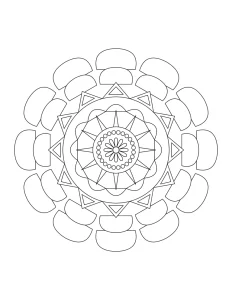 Mandala Coloring PageNew designs, easy to very detailed
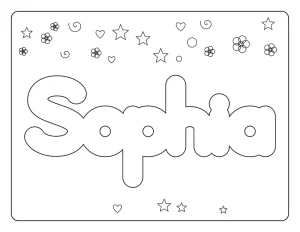 Name Coloring PageAny name in bubble letters
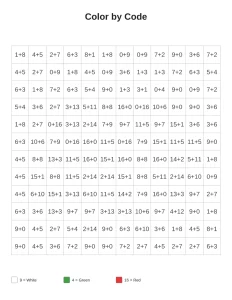 Color by CodeSolve math facts or read words to color
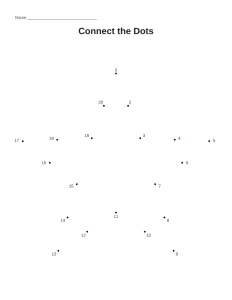 Dot to DotConnect the dots, 10 to 100 dots
 Monthly CalendarAny month and year, with holidays and notes
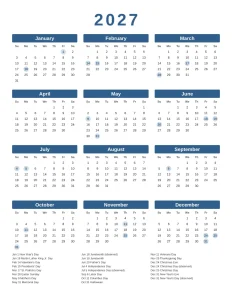 Yearly CalendarAll 12 months on one page
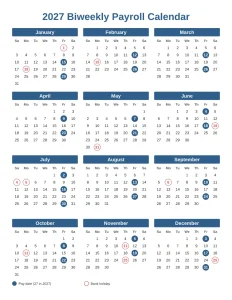 Payroll CalendarWeekly, biweekly, semi-monthly or monthly pay dates
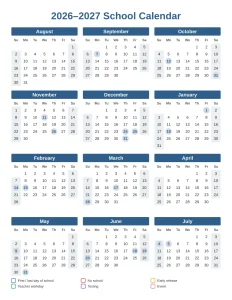 School Year CalendarAcademic year from July, August or September